
Researched Air Jordan guide
Air Jordan Authentication
Learn how Air Jordan authentication checks exact style code, colorway, size, release, shape, materials, labels, logos, soles, and packaging.
Direct answer
Air Jordan authentication is style-code and release specific. Confirm colorway, size, region, and release, then compare both shoes for silhouette, panel geometry, materials, Wings or Jumpman details, stitching, labels, insoles, midsoles, outsoles, packaging, and modifications.
Complete review
How to approach Air Jordan authentication
Silhouette, style code, and colorway
Separate Jordan 1, 3, 4, 11, collaborations, retros, women's and grade-school releases before comparison.
Release-specific shape and tooling
Review toe and heel geometry, panels, collar, tongue, materials, stitching, midsole, outsole, and internal build.
Wings, Jumpman, labels, and box
Compare logo construction, size labels, insoles, box label, barcode context, paper, tags, and expected accessories.
Both shoes, condition, and provenance
Show complete pair views, soles, labels, accessories, unique wear, restoration, sole swaps, and purchase context.
Vereev comparison photos
Real vs fake Air Jordan photos
These photos come from Vereev's own side-by-side comparisons of authentic and replica pieces. Open one to see what each detail shows and what it cannot prove on its own.
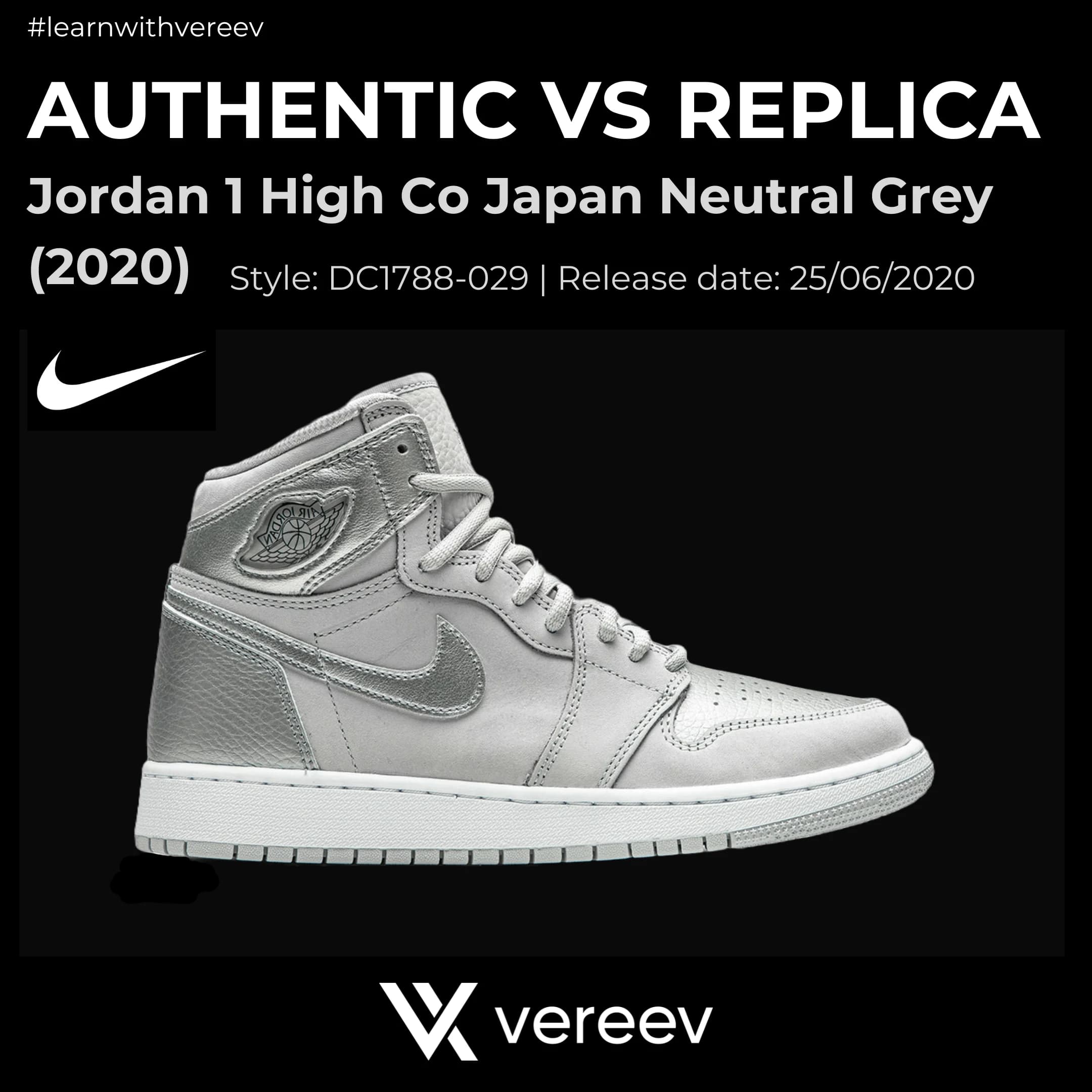
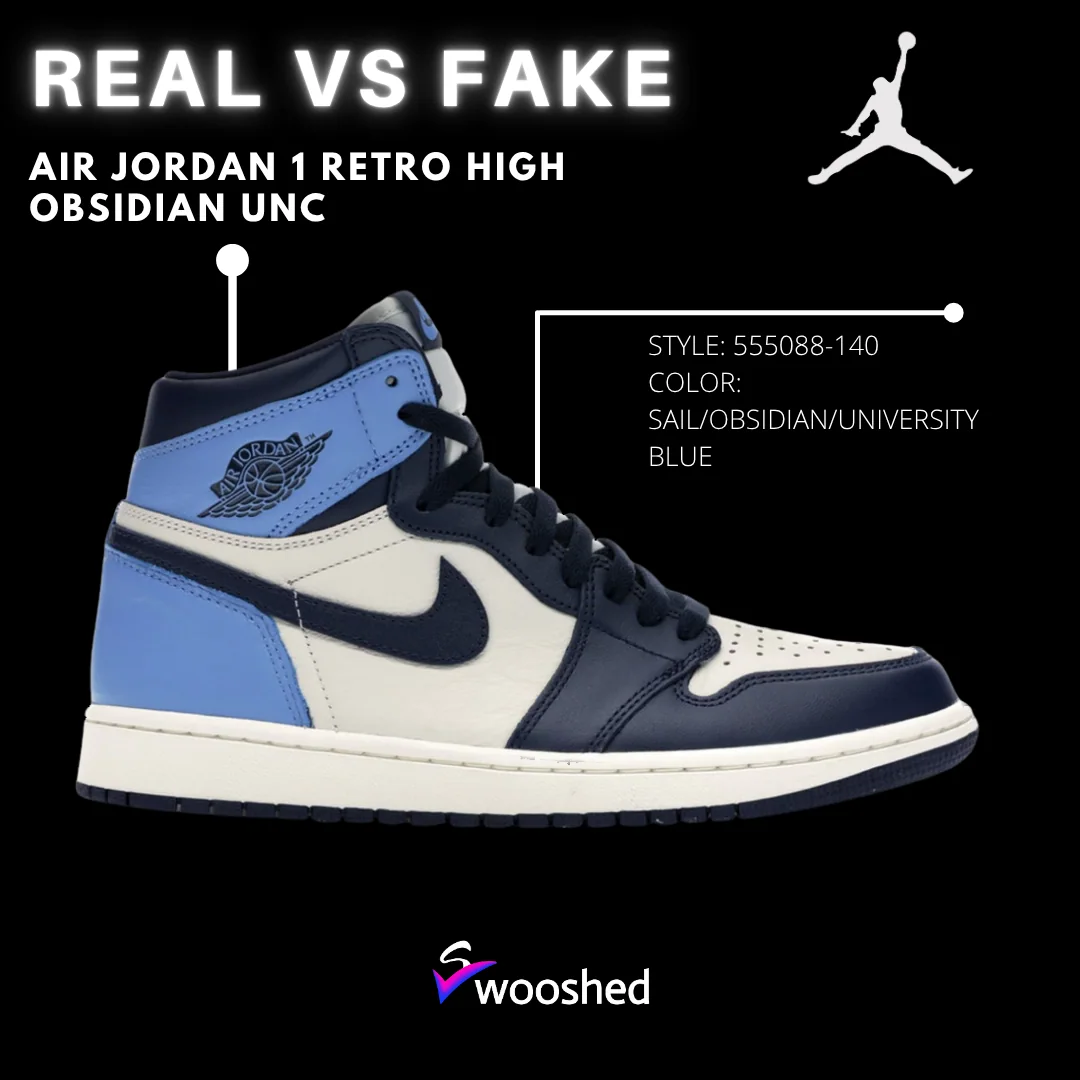
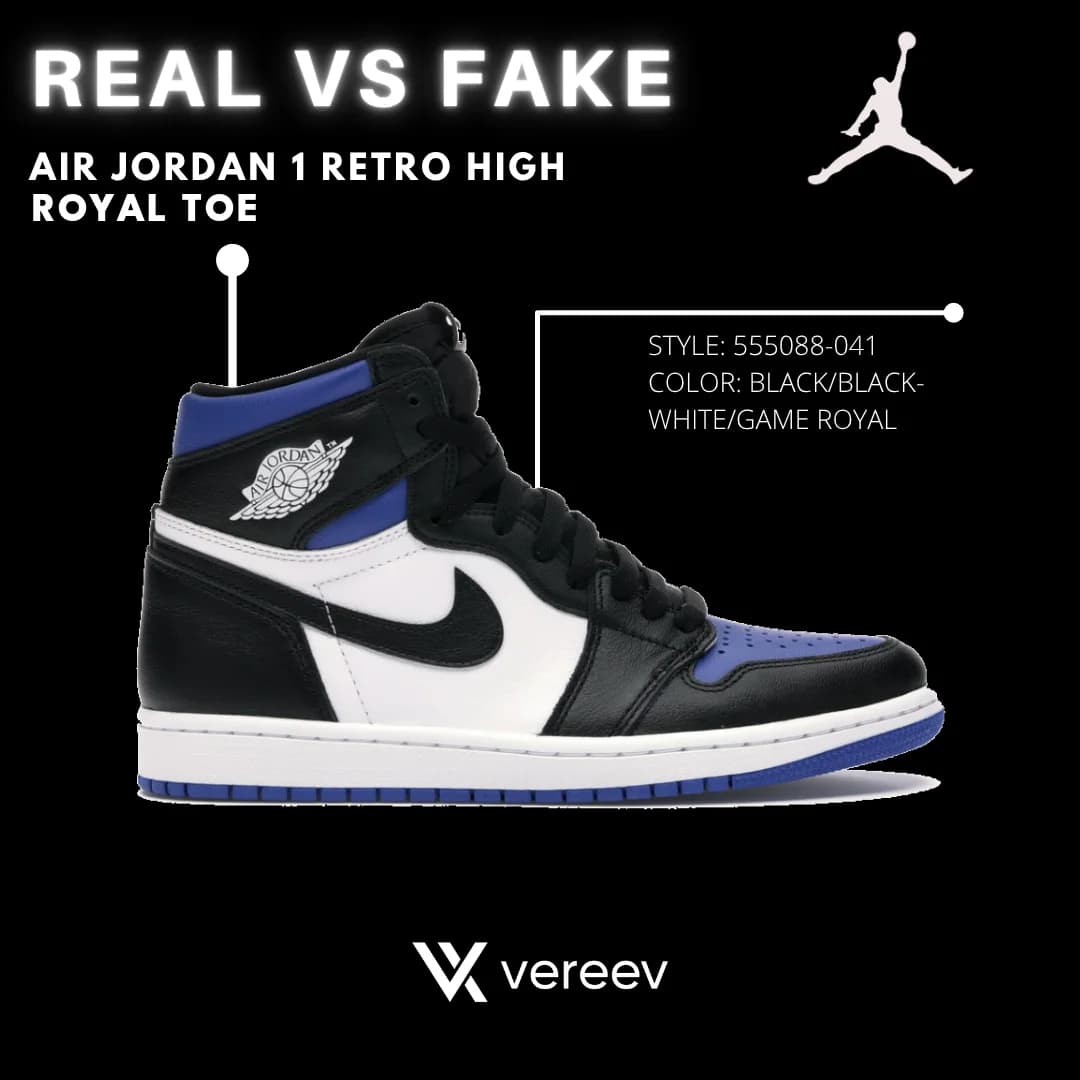
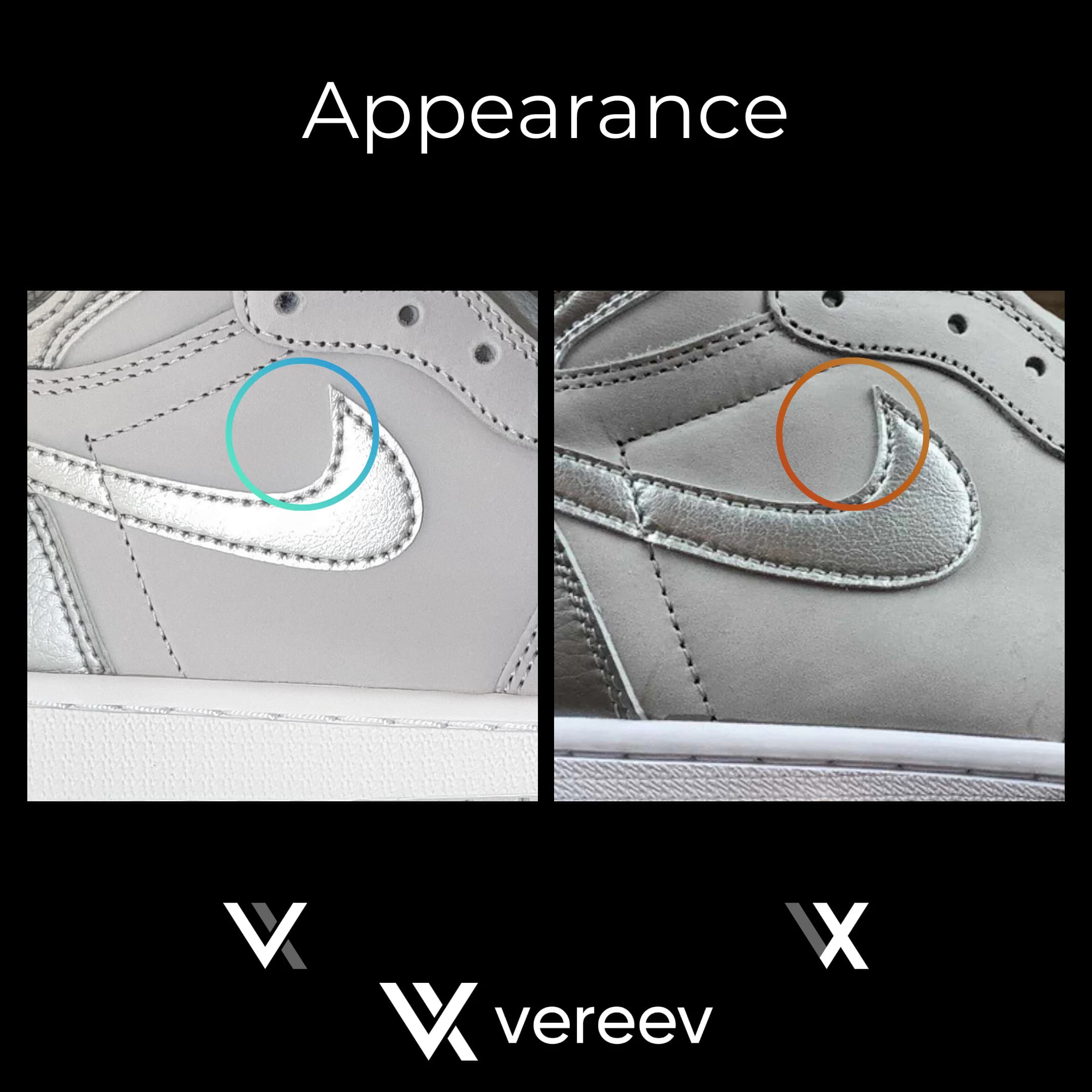
Photo guide
Photos to take of your Air Jordan shoes
The Vereev app's photo guide for shoes lists these 11 angles, with a sample photo for each. The numbers on the photos match the list.
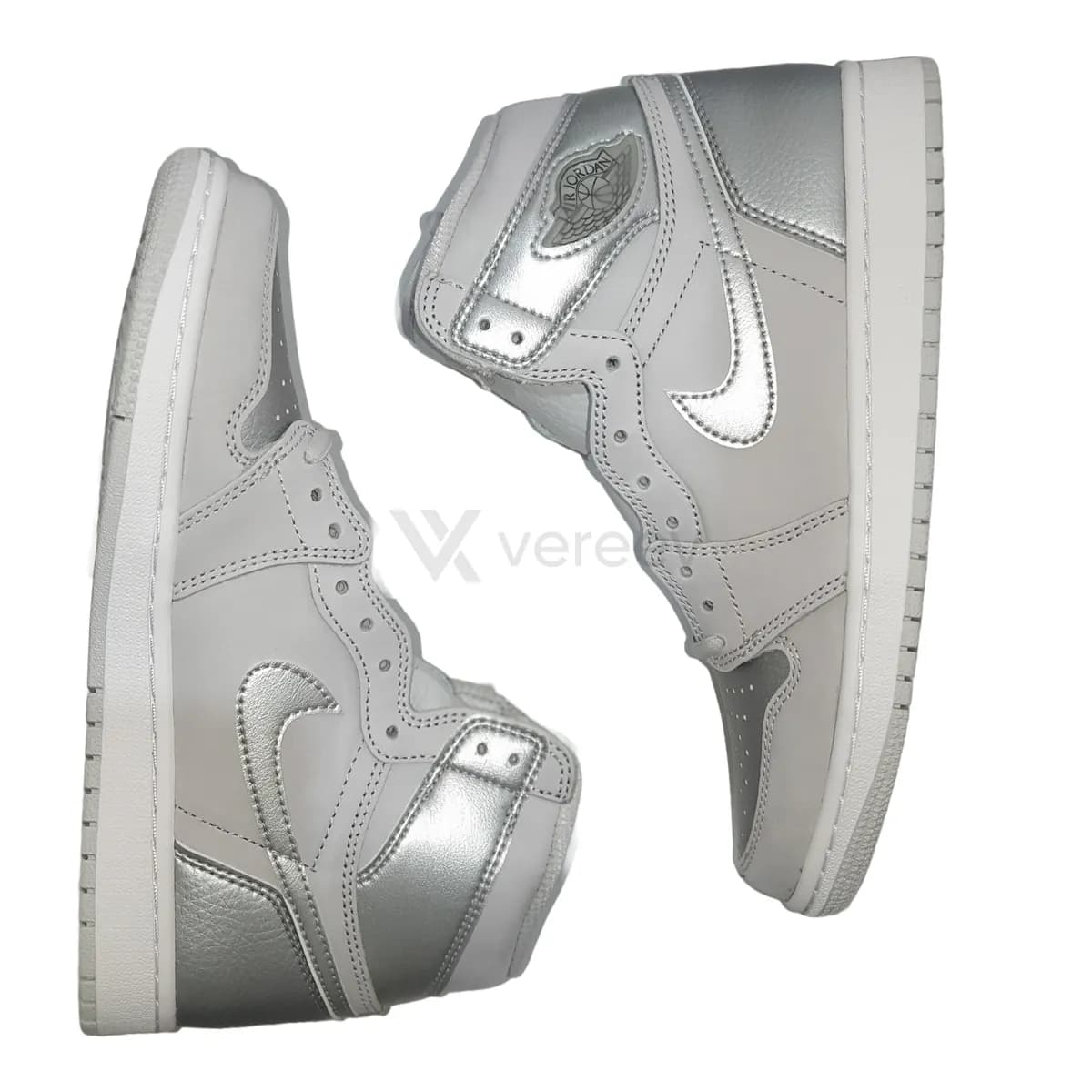
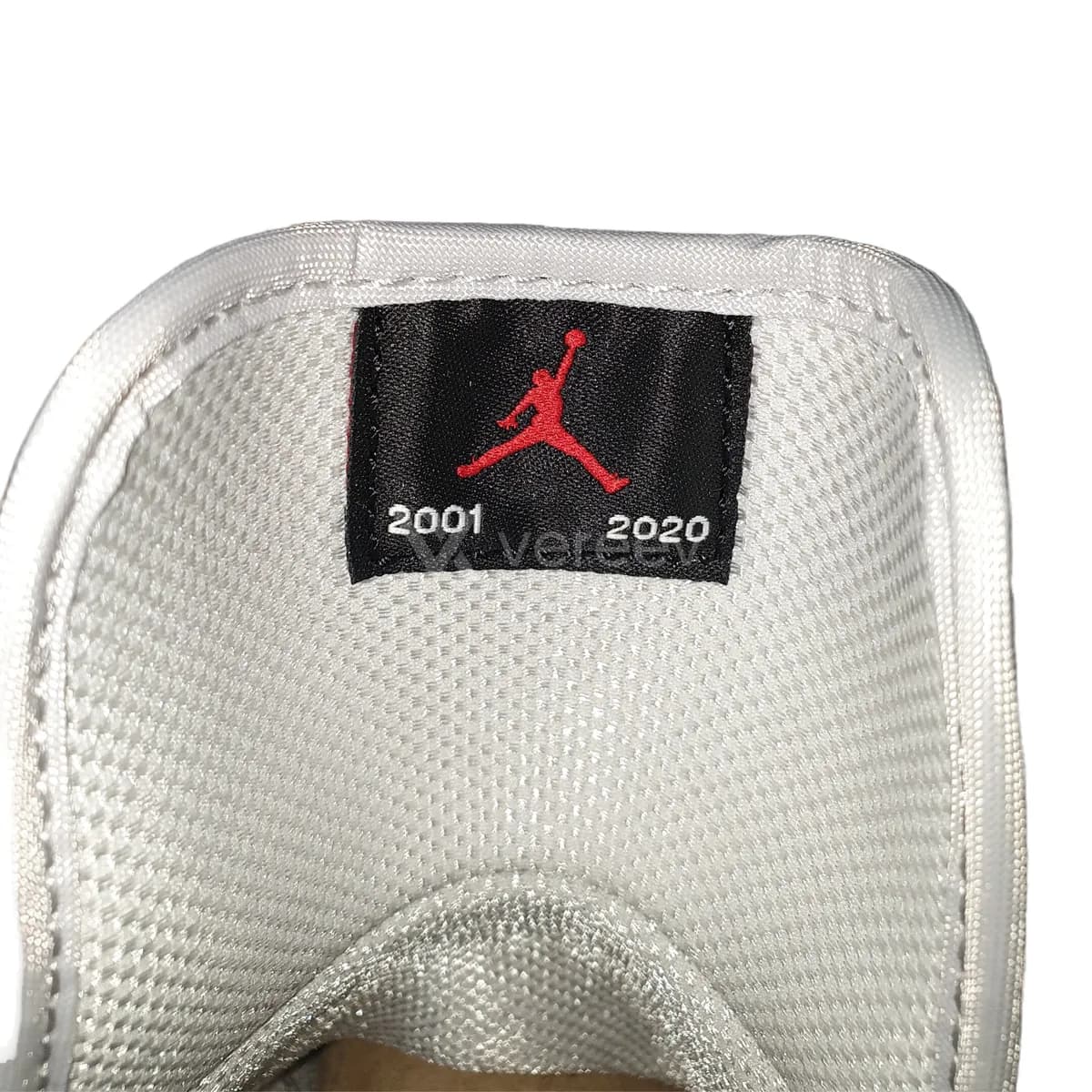
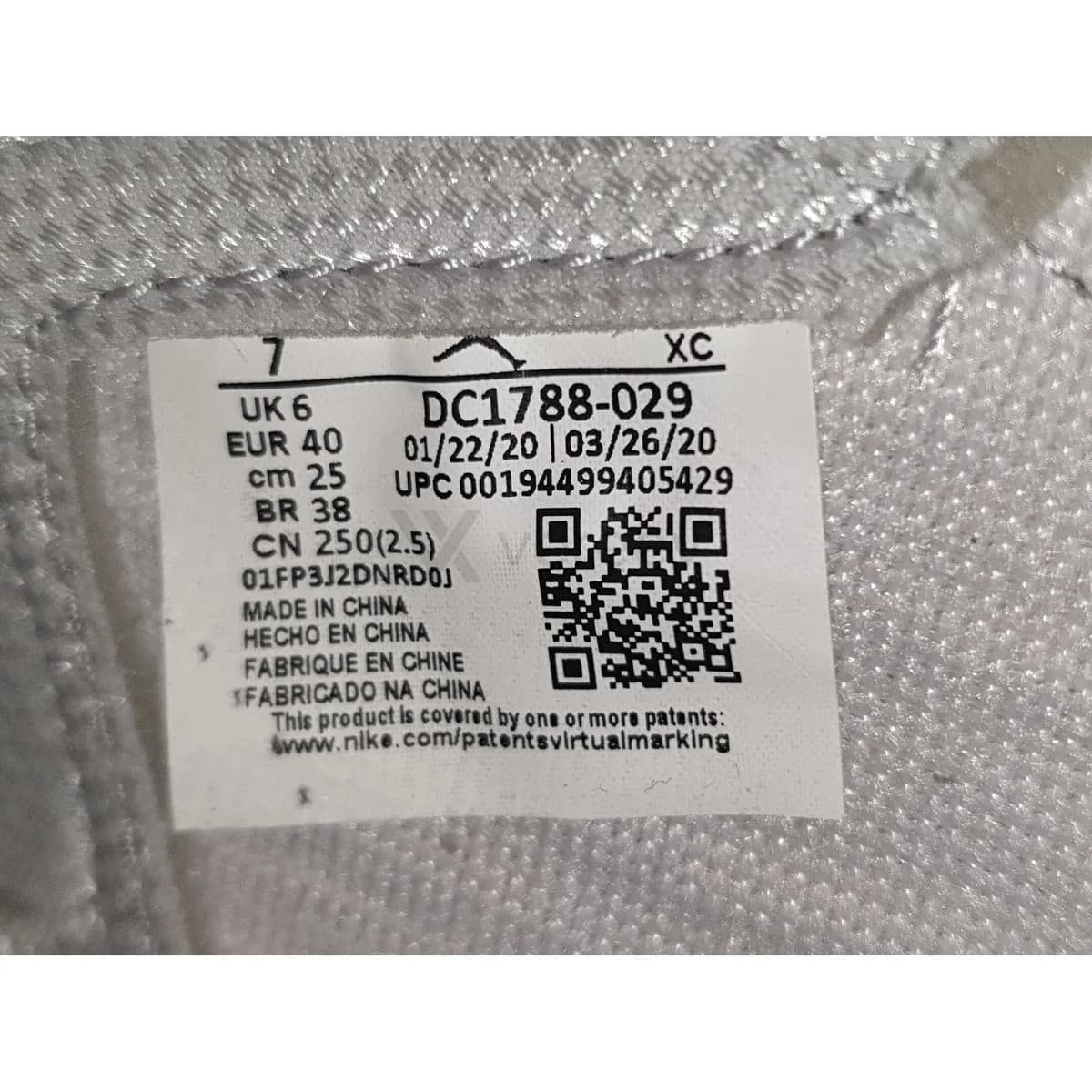
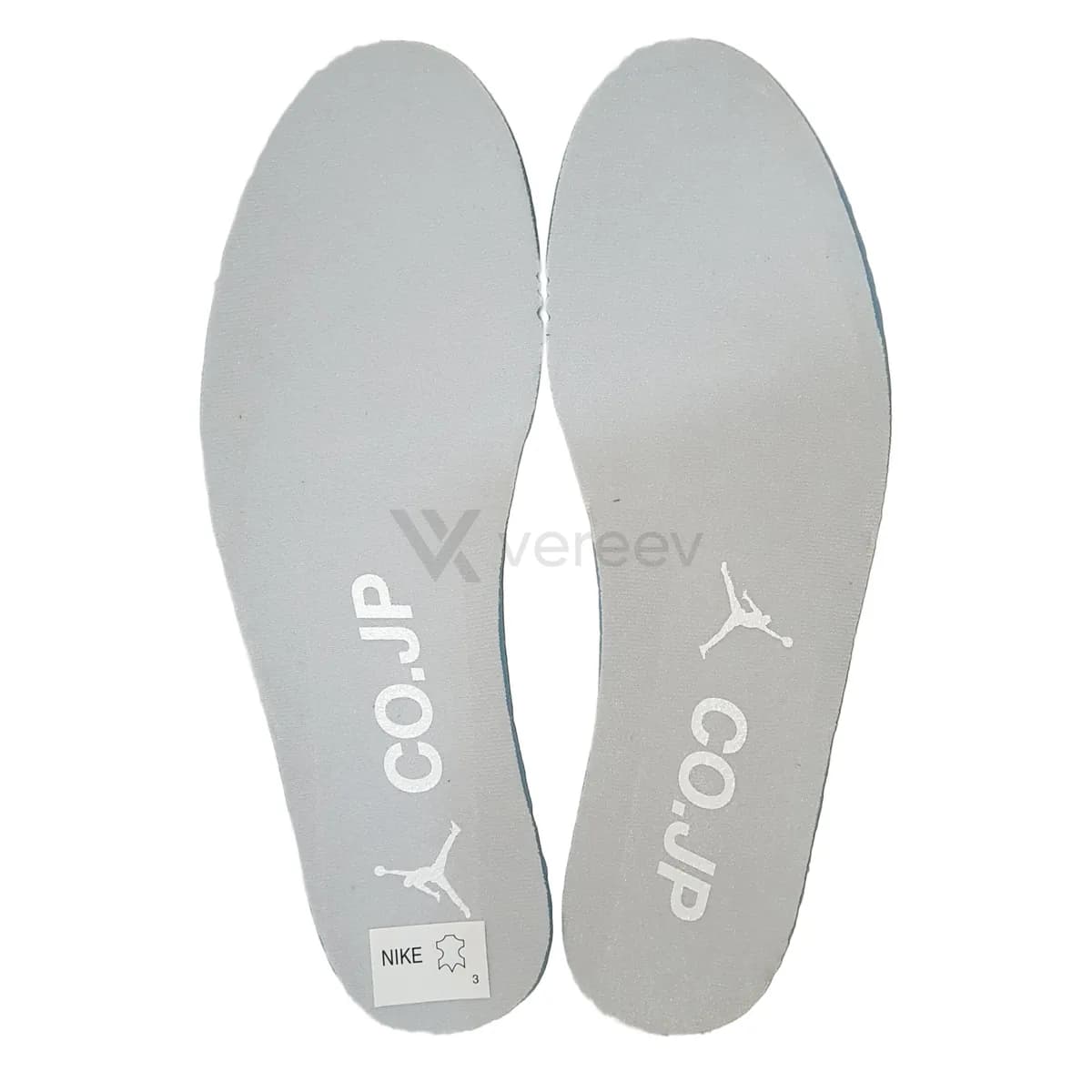
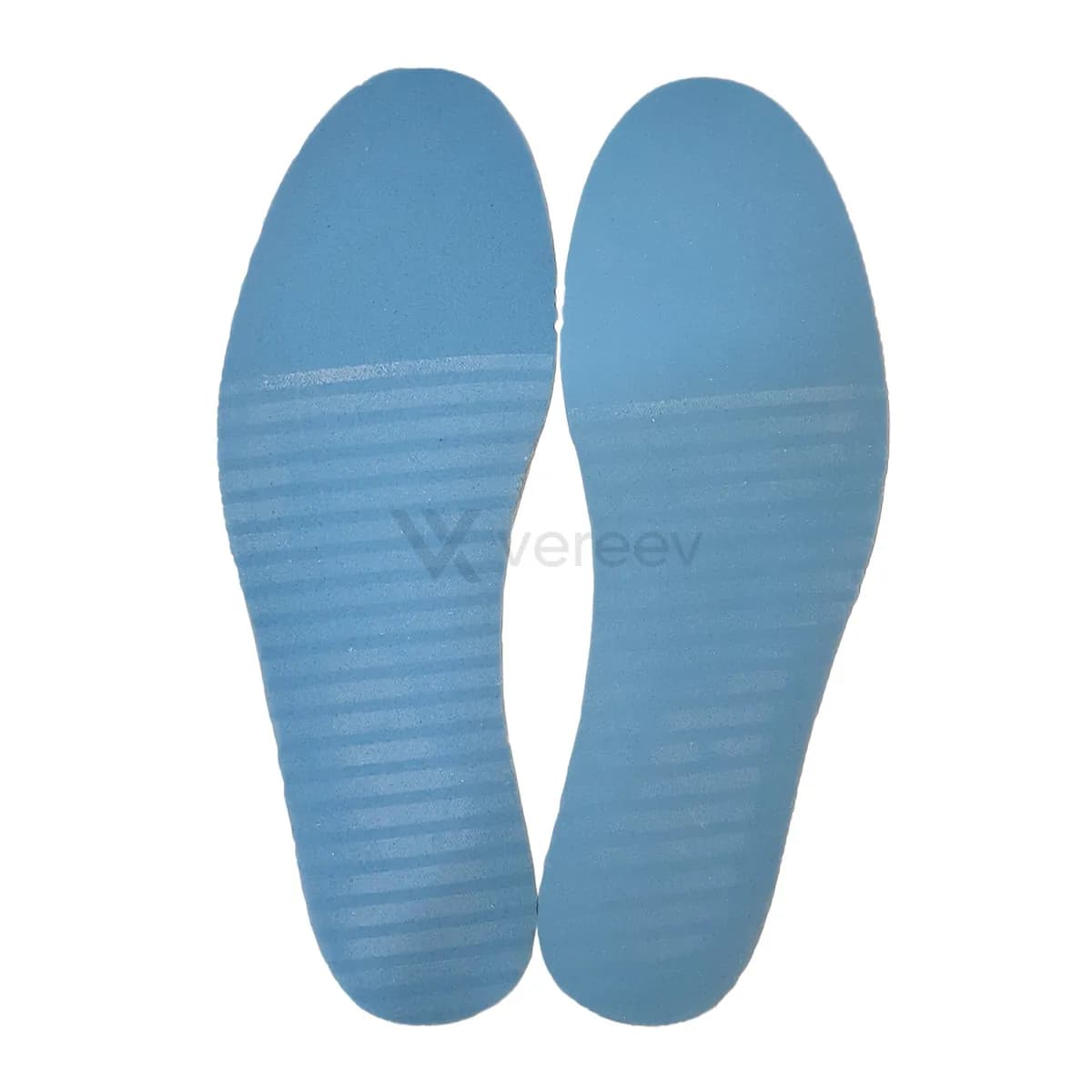
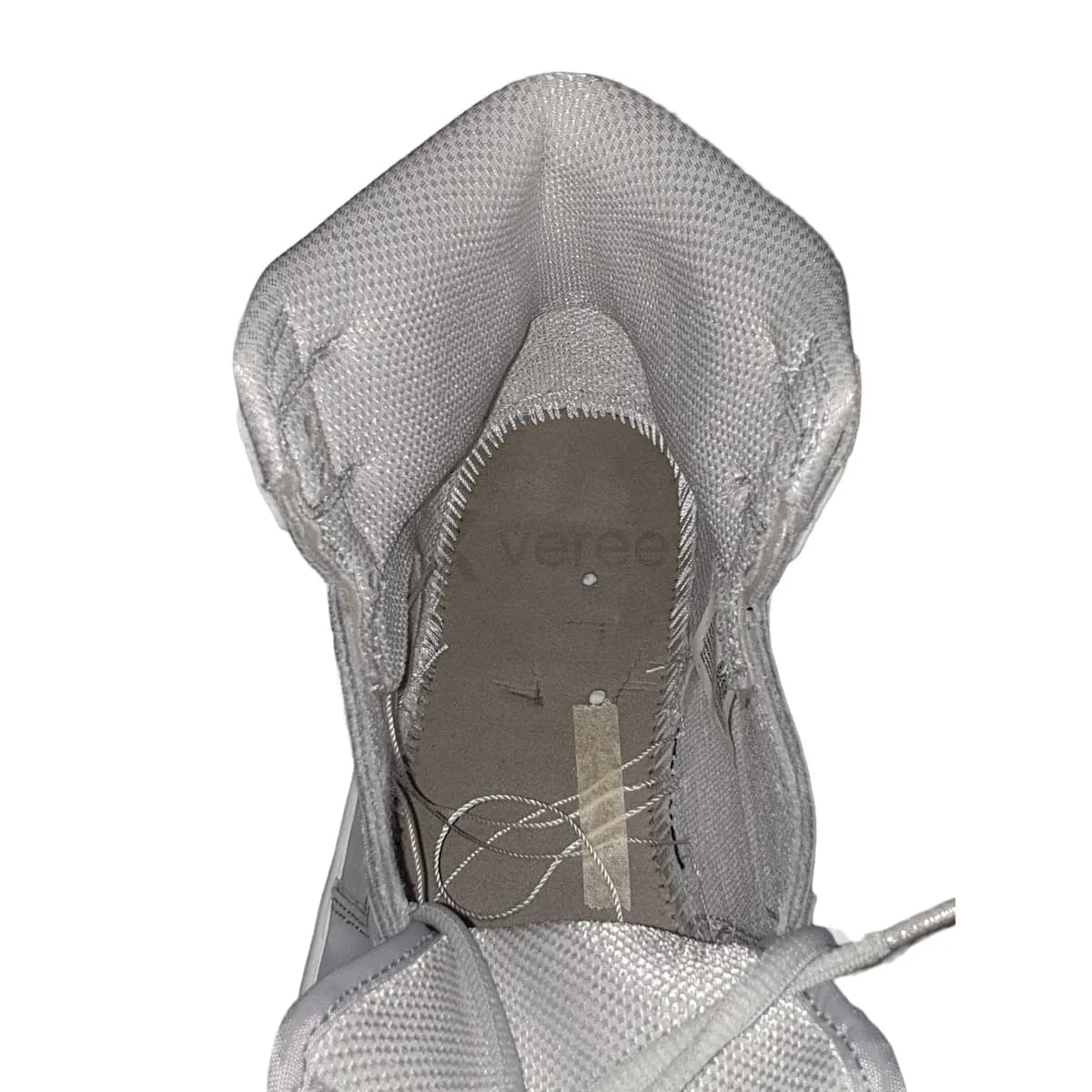
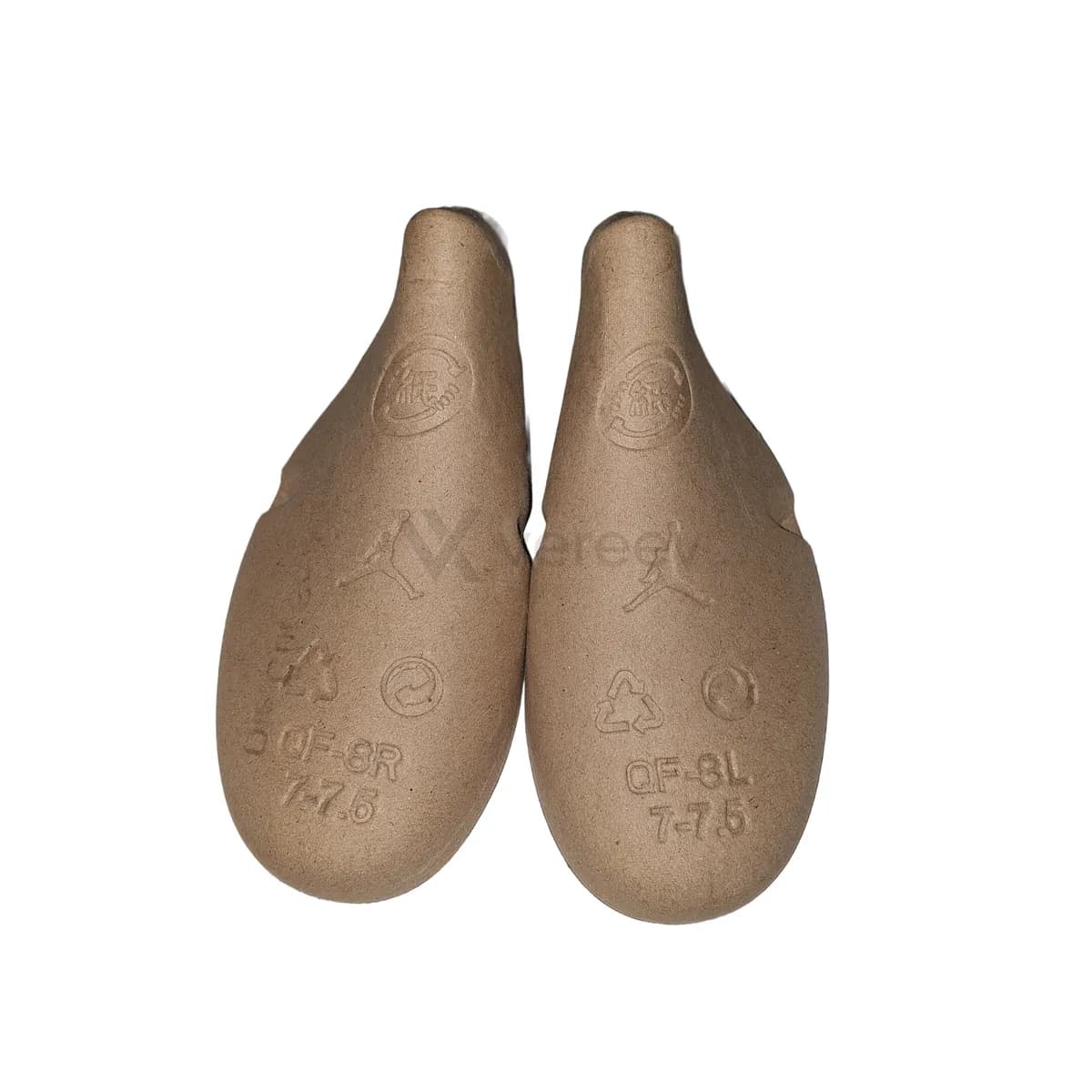
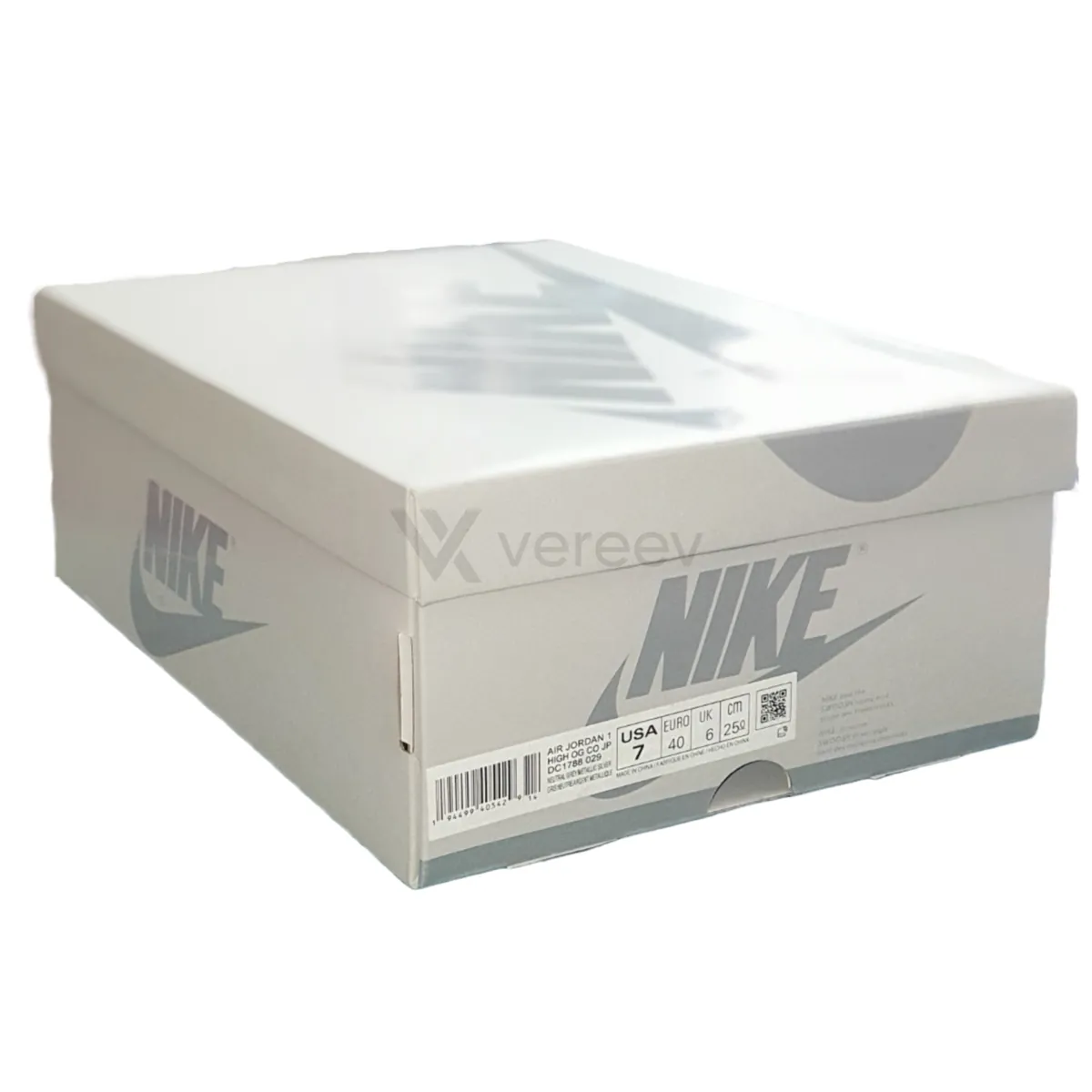
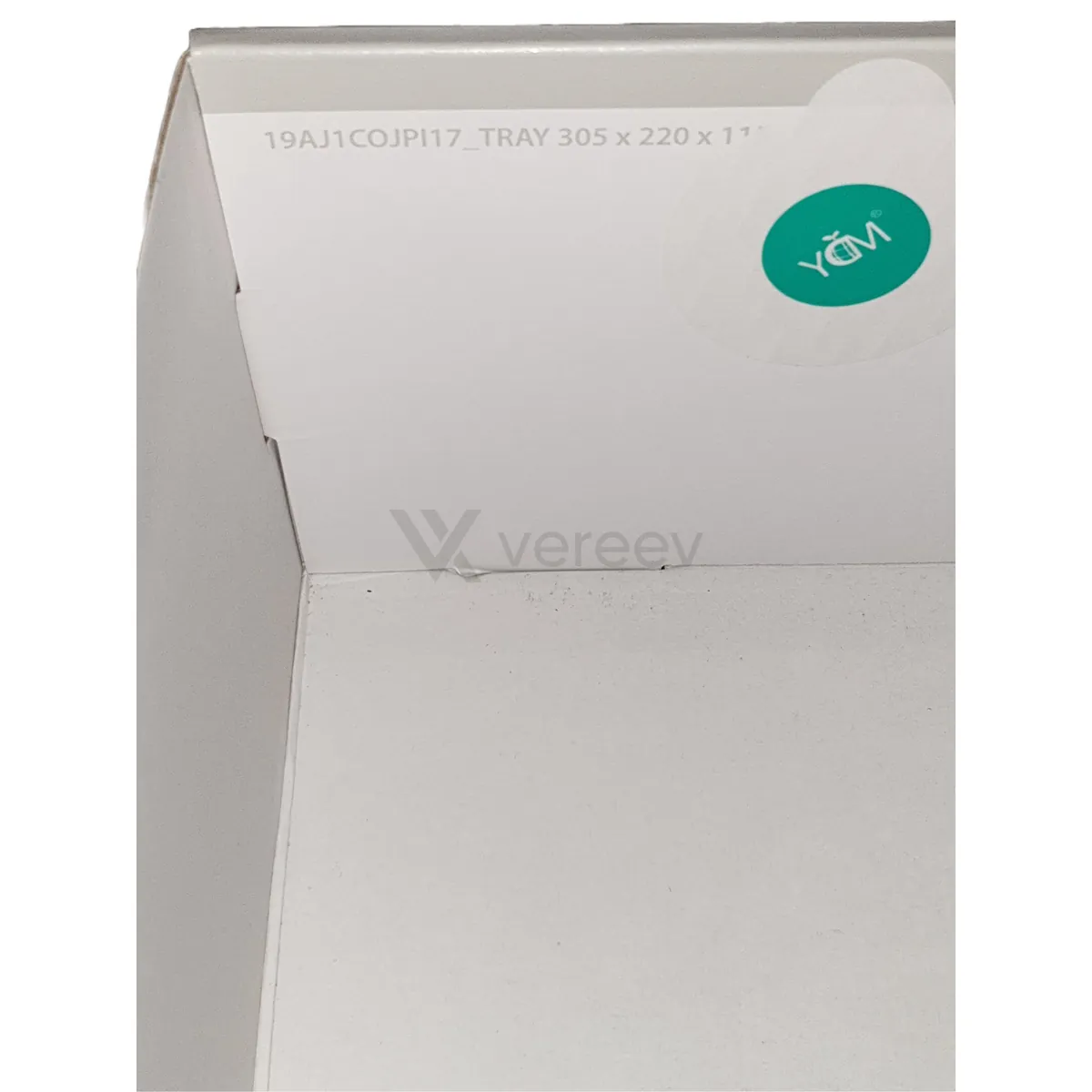
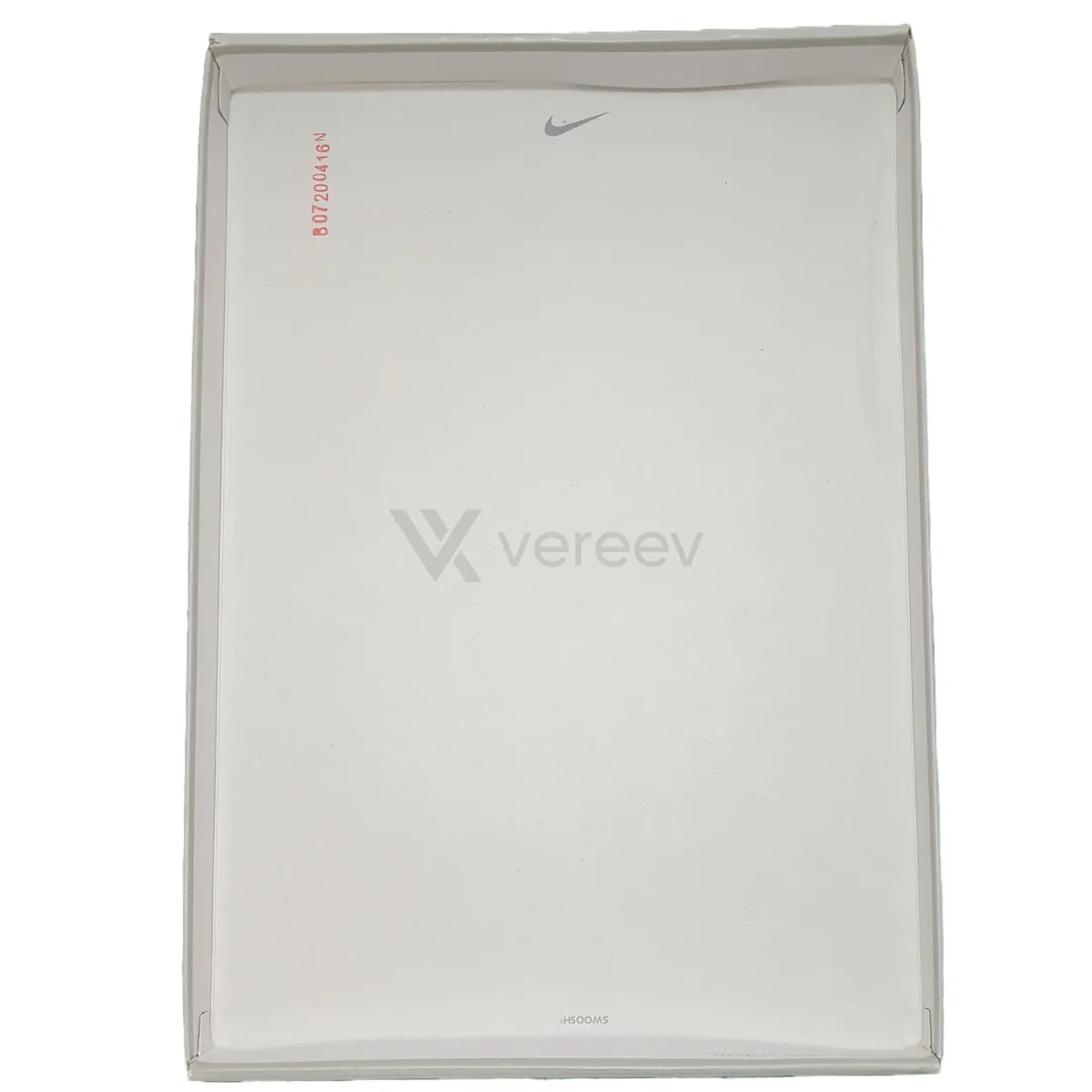
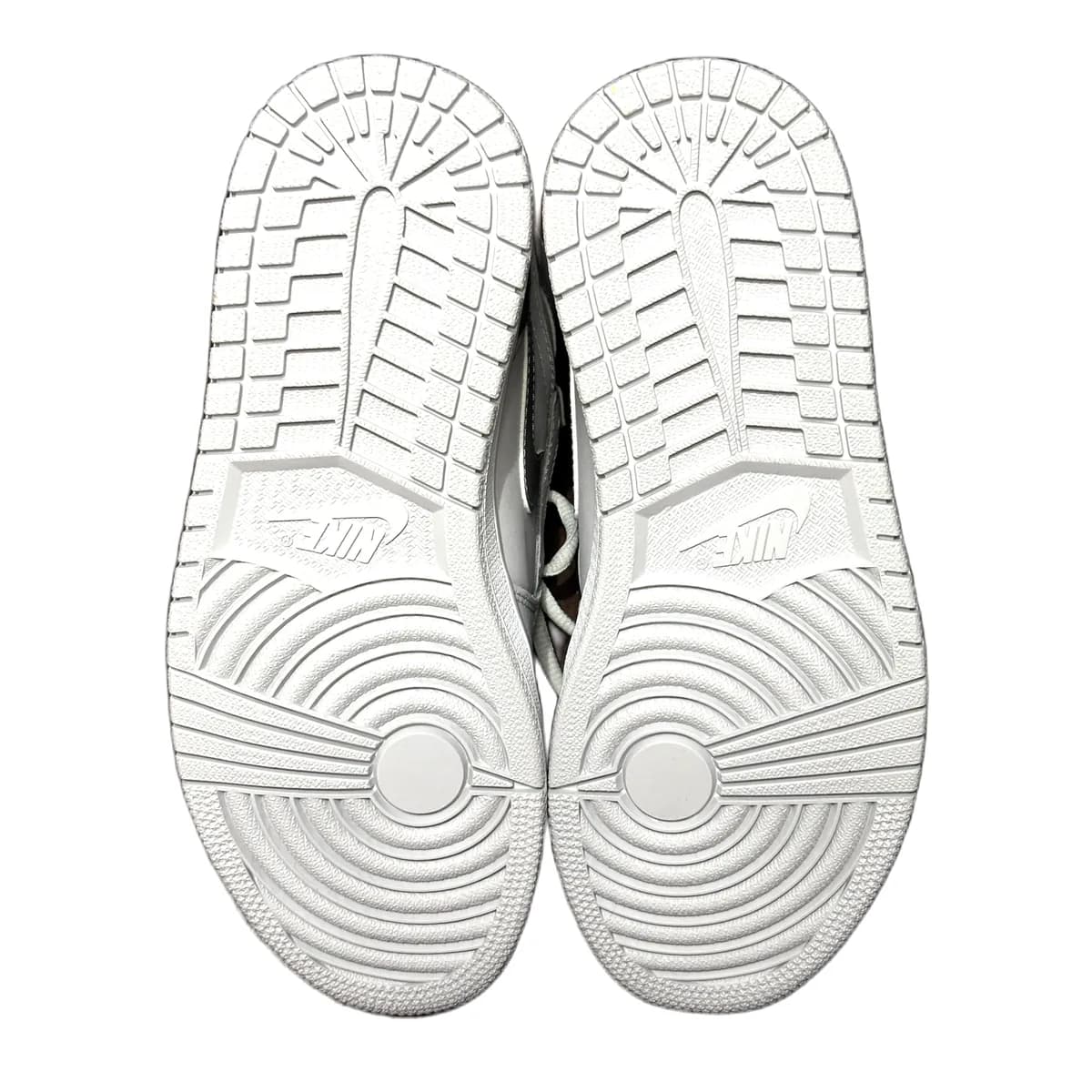
Full Pair
Show both shoes together so a reviewer can see overall shape, symmetry, color, and condition.
Tongue
Capture the tongue shape, label placement, stitching, padding, and material texture.
Size Label
Show the size tag clearly so the SKU, production dates, typography, and spacing can be checked.
Insole Top
Remove the insole if possible and photograph the top print, logo, shape, and wear pattern.
Insole Bottom
Capture the underside of the insole, including foam texture, glue marks, stamps, or cut shape.
Inner Construction
Photograph the inside of the shoe so stitching, strobel board, lining, and inner finish are visible.
Shoe Tree / Inserts
Include shoe trees, paper stuffing, inserts, spare laces, or accessories that came with the shoes.
Box Label
Show the main box label with SKU, size, barcode, product name, and printing quality.
Box Details
Capture extra box angles, stickers, stamps, damage, or production marks.
Packaging Overview
Include the full box, wrapping paper, receipt, tags, or proof of purchase if available.
Outsole
Show the bottom of both shoes side by side, with the full tread pattern, logos, and molded markings clearly visible.
Follow the same angles in the app
The Vereev app shows a sample photo for each angle when you submit Air Jordan shoes. Sharp, same-item photos give the reviewer the evidence this page describes; packaging and documents help when you have them.
Open the full photo guide for sneakersBrand evidence guide
What to review on Air Jordan items
Air Jordan generations and retros must not be mixed
Original releases, retros, reimagined editions, collaborations, and size-specific versions can change shape, materials, branding, labels, and packaging. Use the exact style code and release date.
Comparing a current retro with an older release creates false conclusions even when the colorway name is similar.
Shape and construction reveal pair-wide consistency
Review toe box, collar, heel, tongue, panel cuts, logo placement, leather or textile behavior, seam paths, midsole, outsole mold, and internal finishing on both shoes.
A single clean Wings logo is weak evidence. Agreement across geometry, tooling, materials, and labels is more difficult to imitate together.
Build a resale record tied to the actual pair
Use current photos of both shoes, labels, unique wear, flaws, and accessories rather than stock images. Disclose repainting, regluing, sole swaps, and replacement boxes.
A verifiable result should match the delivered pair; packaging alone should never decide the conclusion.
Research library
Air Jordan tools and guides
Category guide
Sneaker Authentication
See how release-specific evidence should be collected and compared.
Open resourceOriginal comparison
Air Jordan 1 Real vs Fake Research
Study an evidence-led same-model comparison from Vereev's research library.
Open resourceOriginal comparison
Air Jordan 1 Royal Toe Research
Compare the box stamp, inner stitching, and insole foam on an authentic and replica Royal Toe.
Open resourcePhoto preparation
Authentication Image Guidelines
Prepare complete same-item views and sharp category-specific close-ups before submitting.
Open resourceEvidence standard
Vereev Authentication Methodology
See how Vereev weighs multiple signals, records limits, and avoids treating one code or logo as a verdict.
Open resourceCommon questions
Air Jordan authentication FAQ
Can a Jordan style code prove authenticity?
No. It identifies the release but can be copied.
Do Jordan shapes vary by size?
Yes. Compare the correct size range and release.
Can restored Jordans be authenticated?
Often, if restoration and replacement parts are disclosed and original evidence remains.
Sources and further reading
Evidence behind this guide
Related brand research
Authentication guides for related brands
Evidence standard
Codes and tags are context, not verdicts
Air Jordan is a Nike brand. Vereev is independent of Nike and Jordan Brand and does not issue manufacturer certification.
Vereev is an independent authentication service and is not affiliated with, endorsed by, or sponsored by Air Jordan.
Read our research methodology