
13 item types with sample photos
Authentication Photo Guidelines
Every Vereev submission follows a photo guide for its item type. Start with the whole item, then add close-ups of labels, stamps, codes, hardware and construction, and include packaging or documents when you have them. Pick your item type below to see each angle the app asks for, with the sample photo it shows.
Updated October 5, 2026
Choose your item type
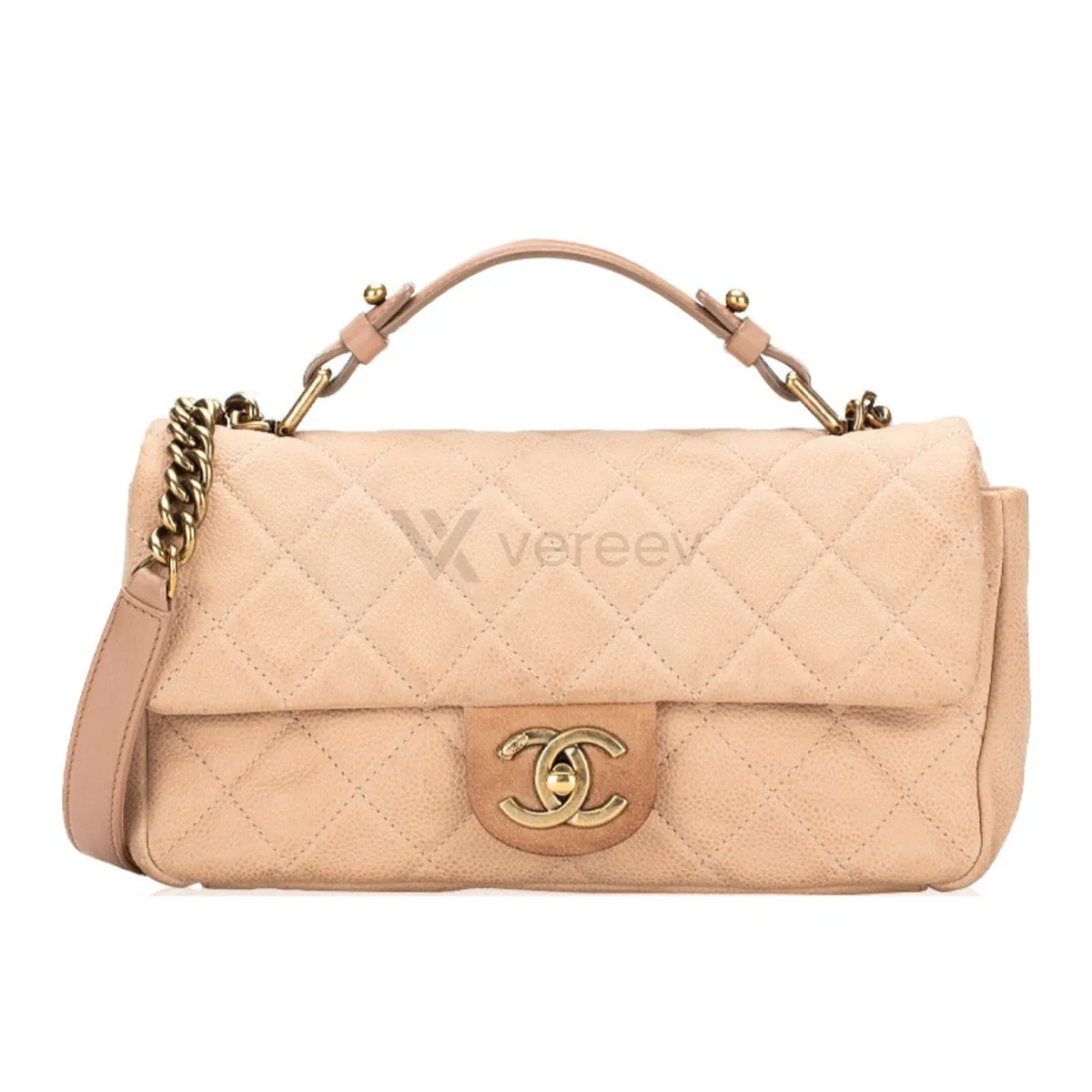
Bags
13 sample photos
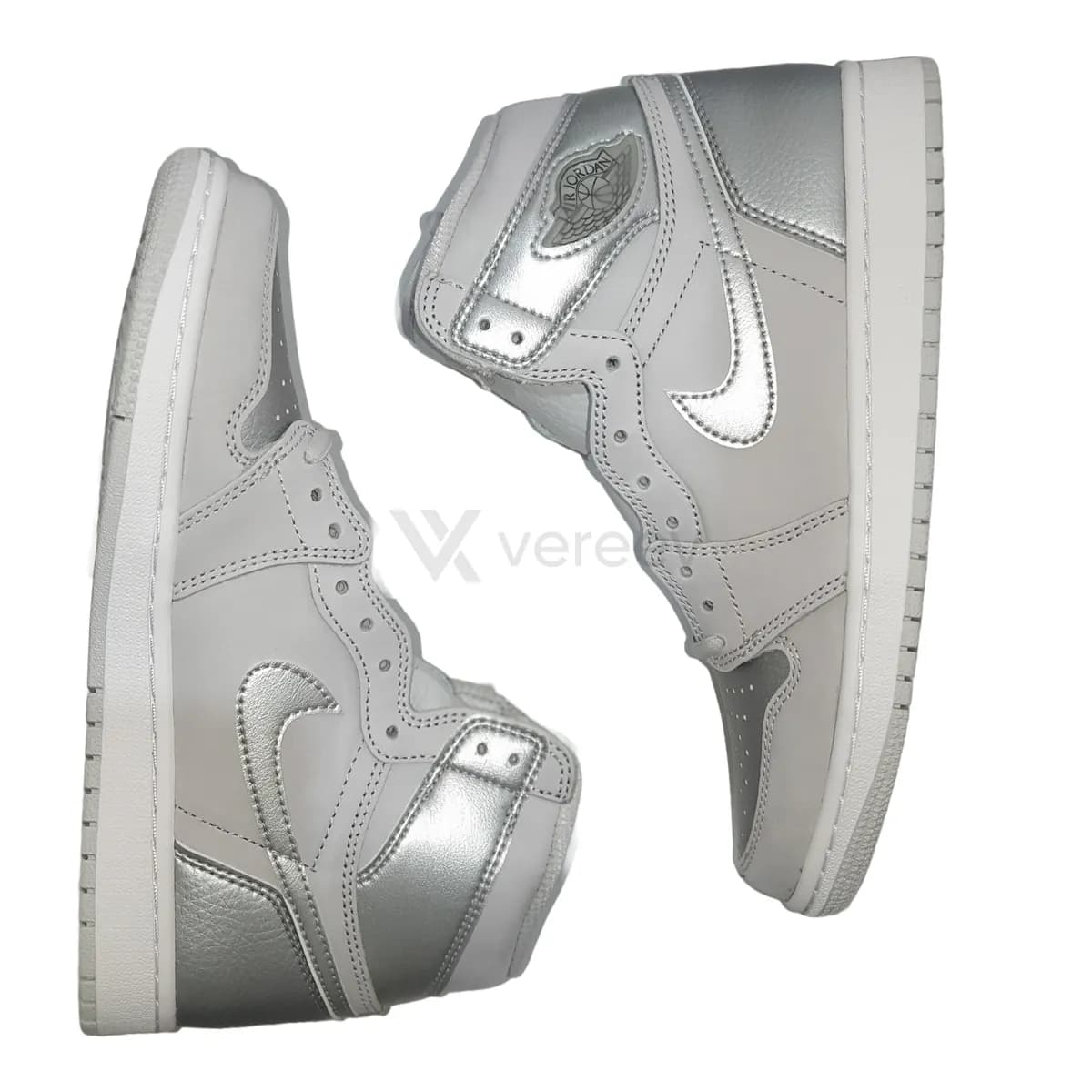
Sneakers and shoes
11 sample photos
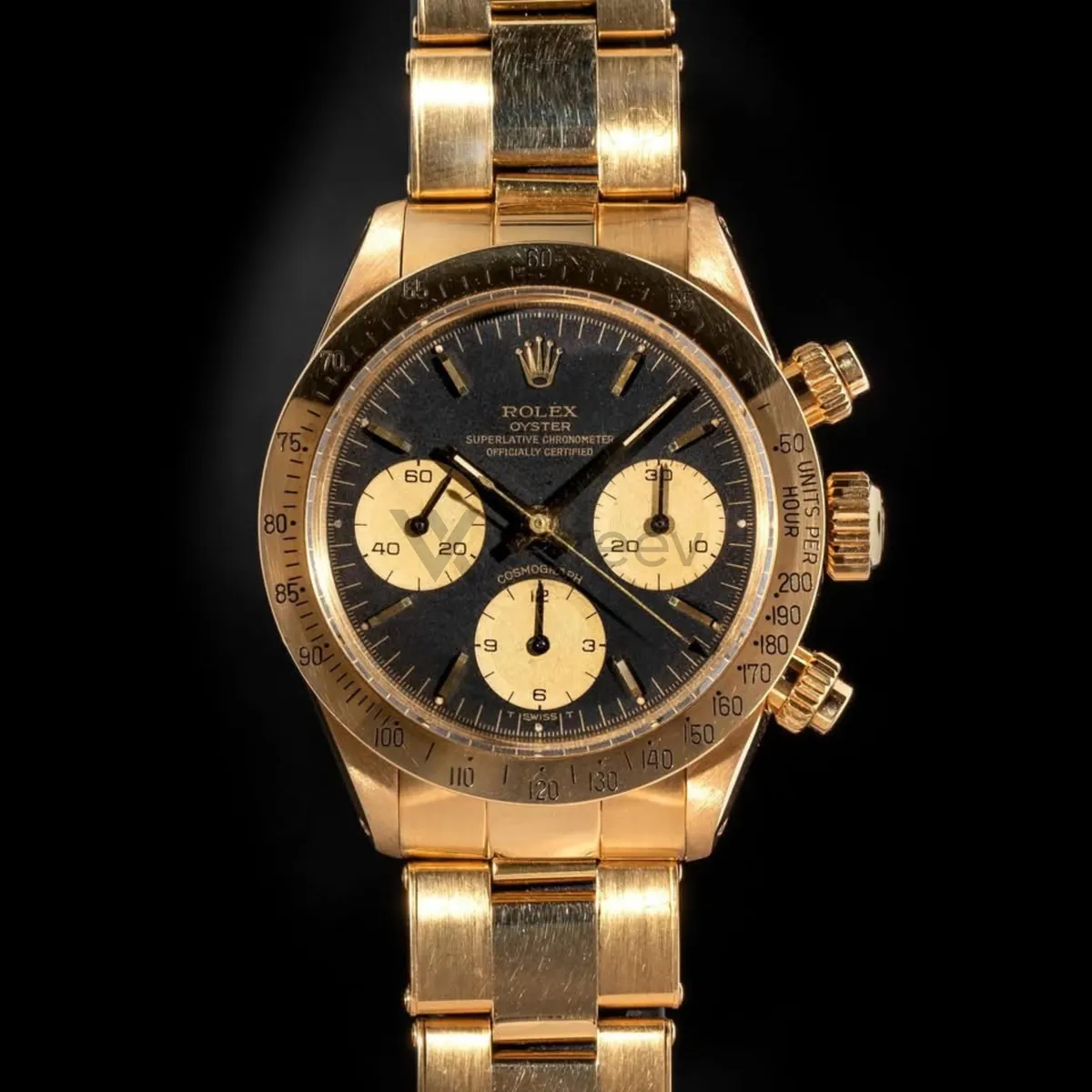
Watches
10 sample photos
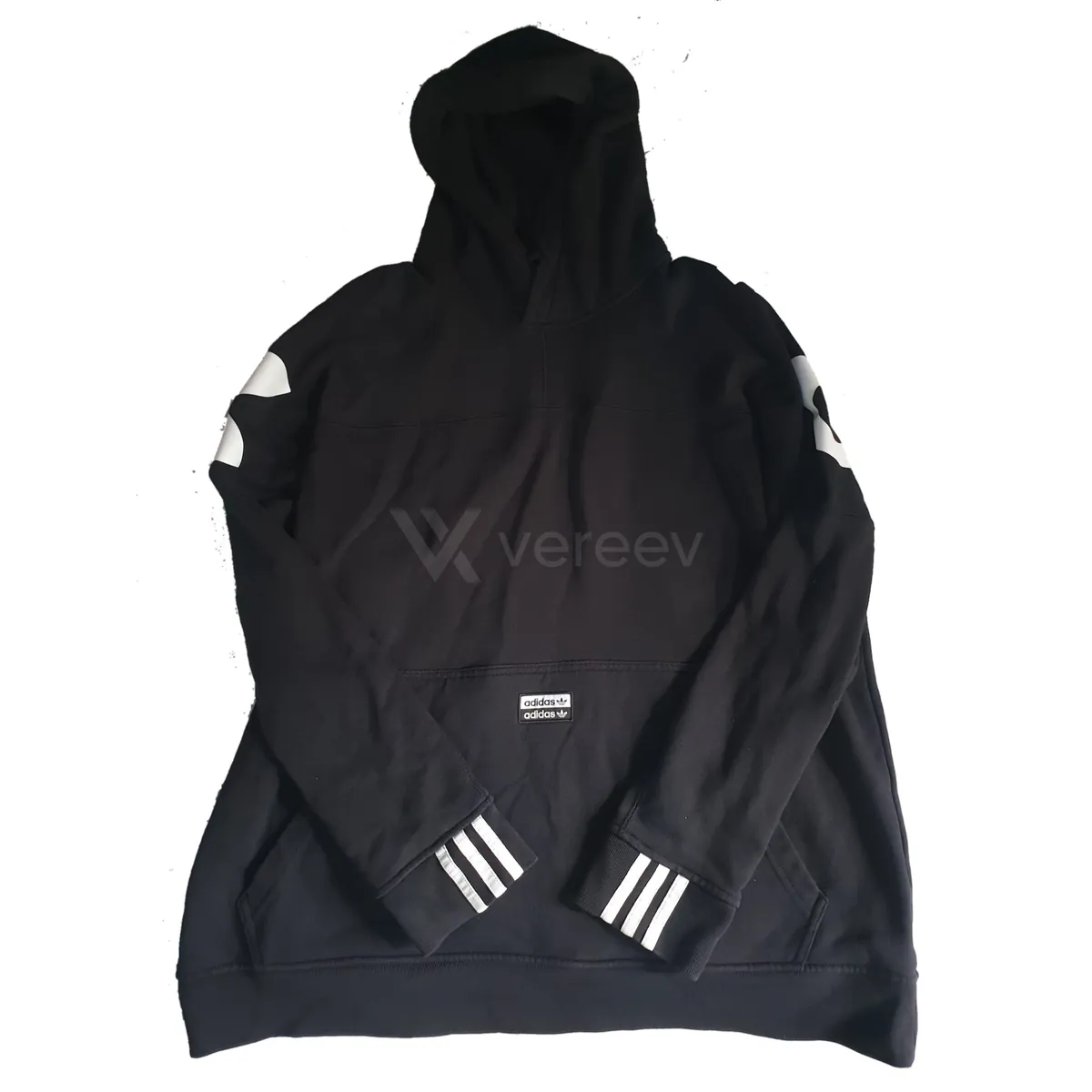
Clothing
6 sample photos
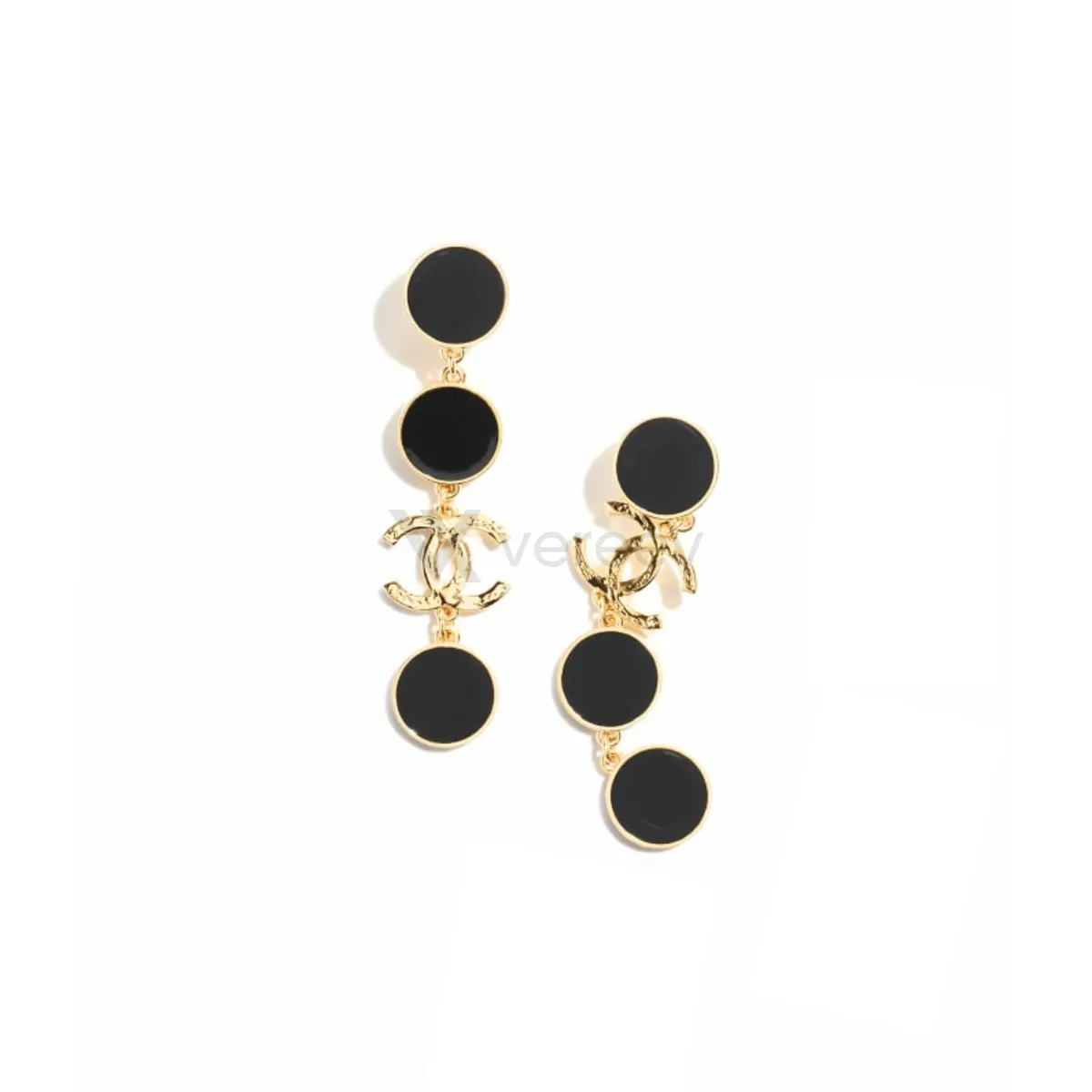
Jewelry
4 sample photos
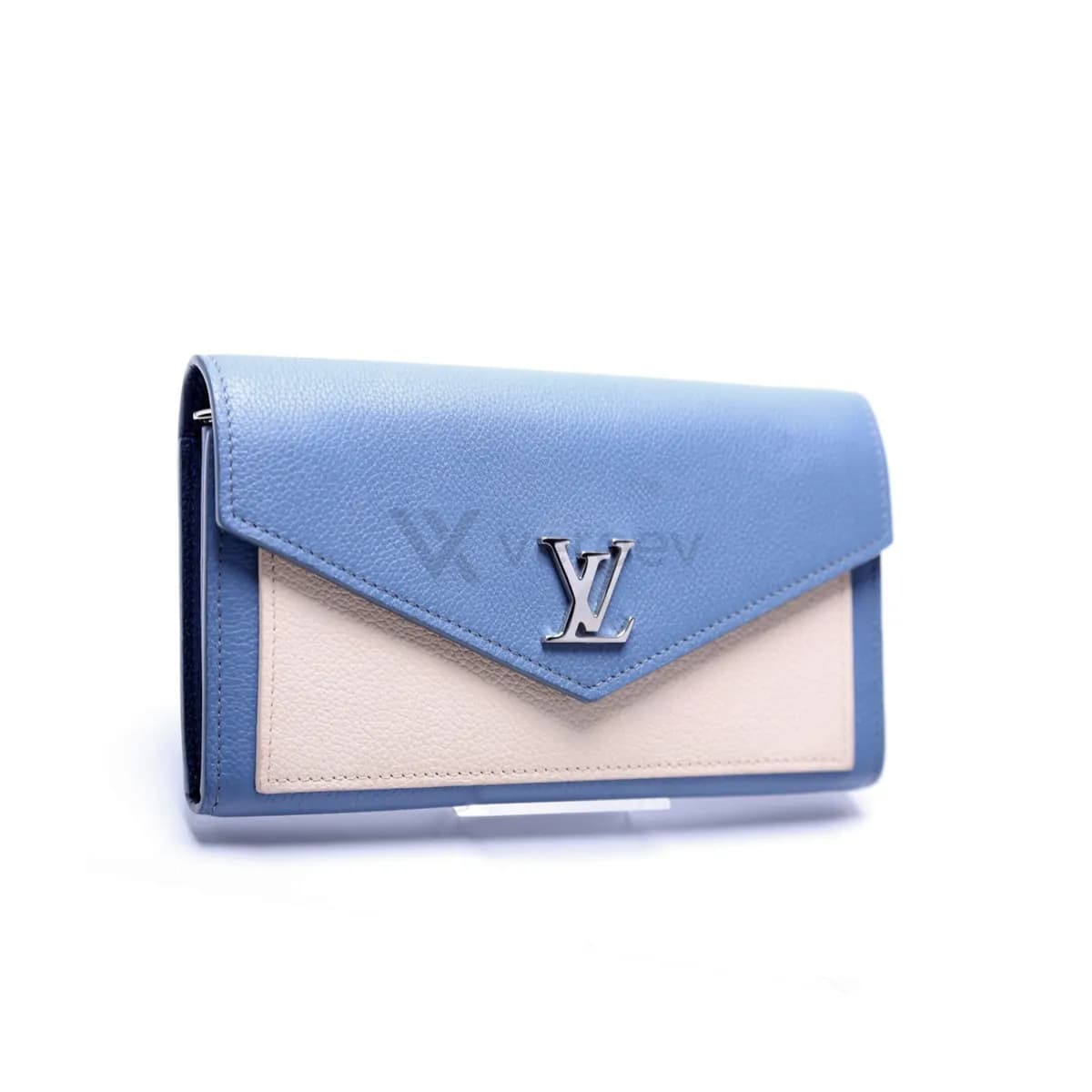
Wallets
7 sample photos
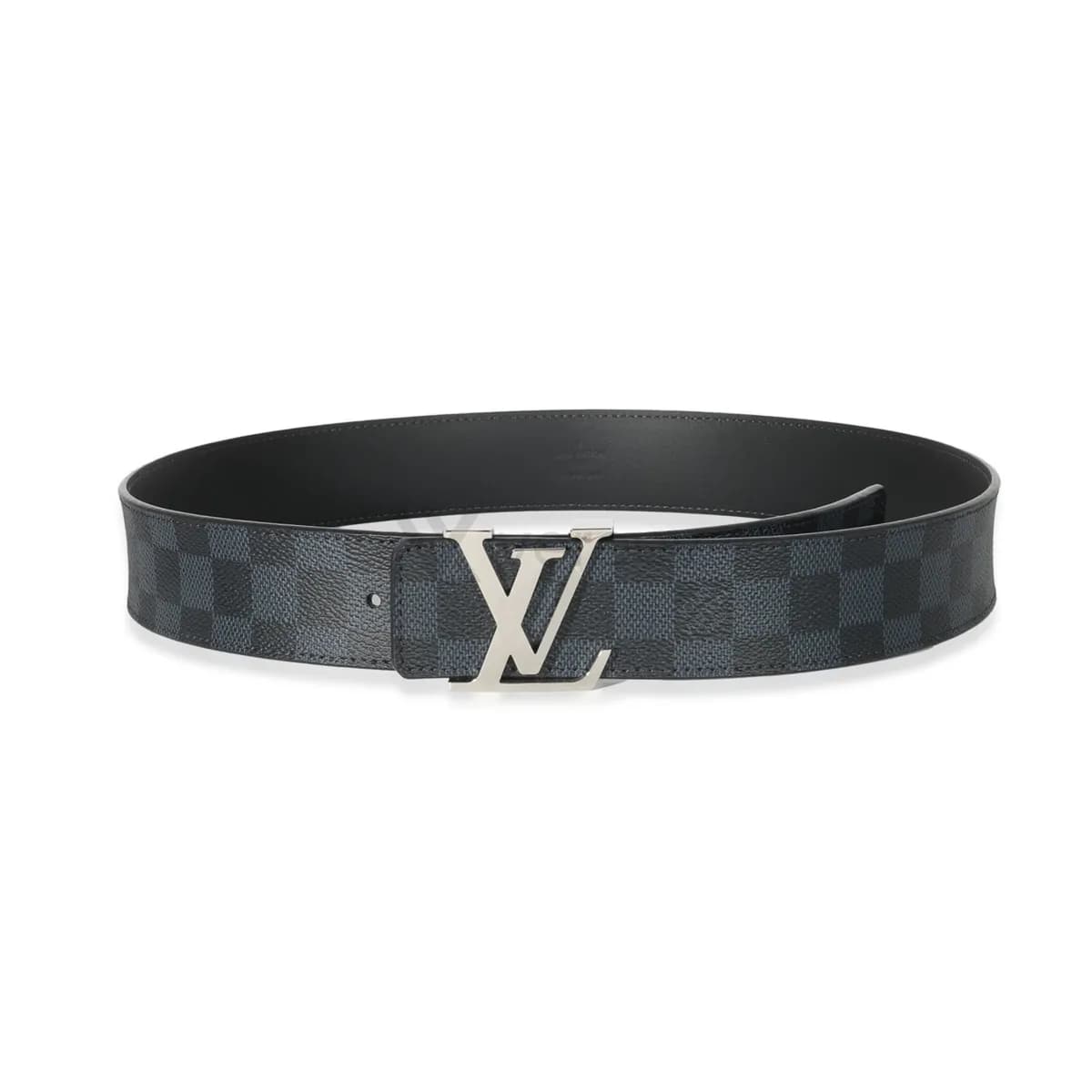
Belts
7 sample photos
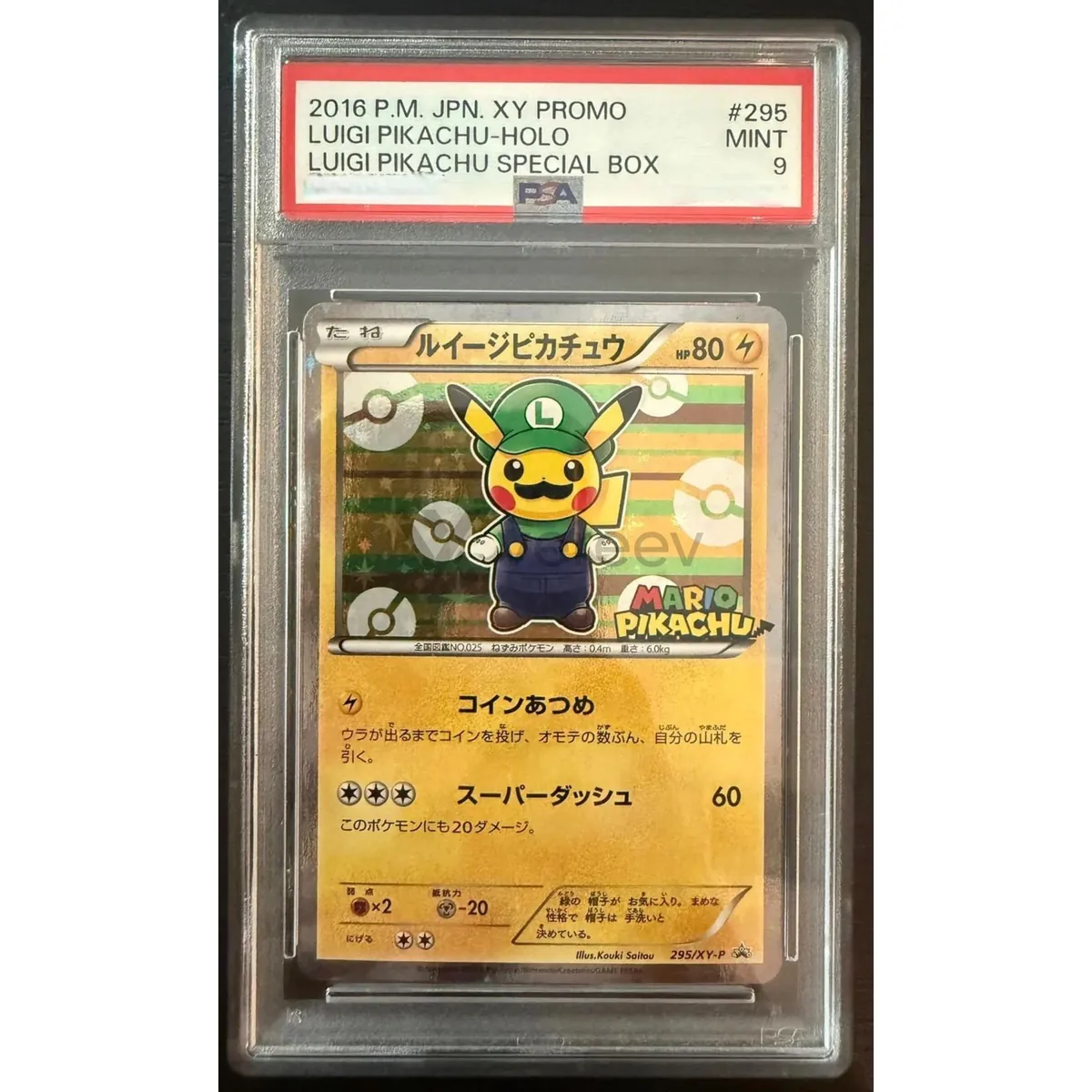
Trading cards
4 sample photos
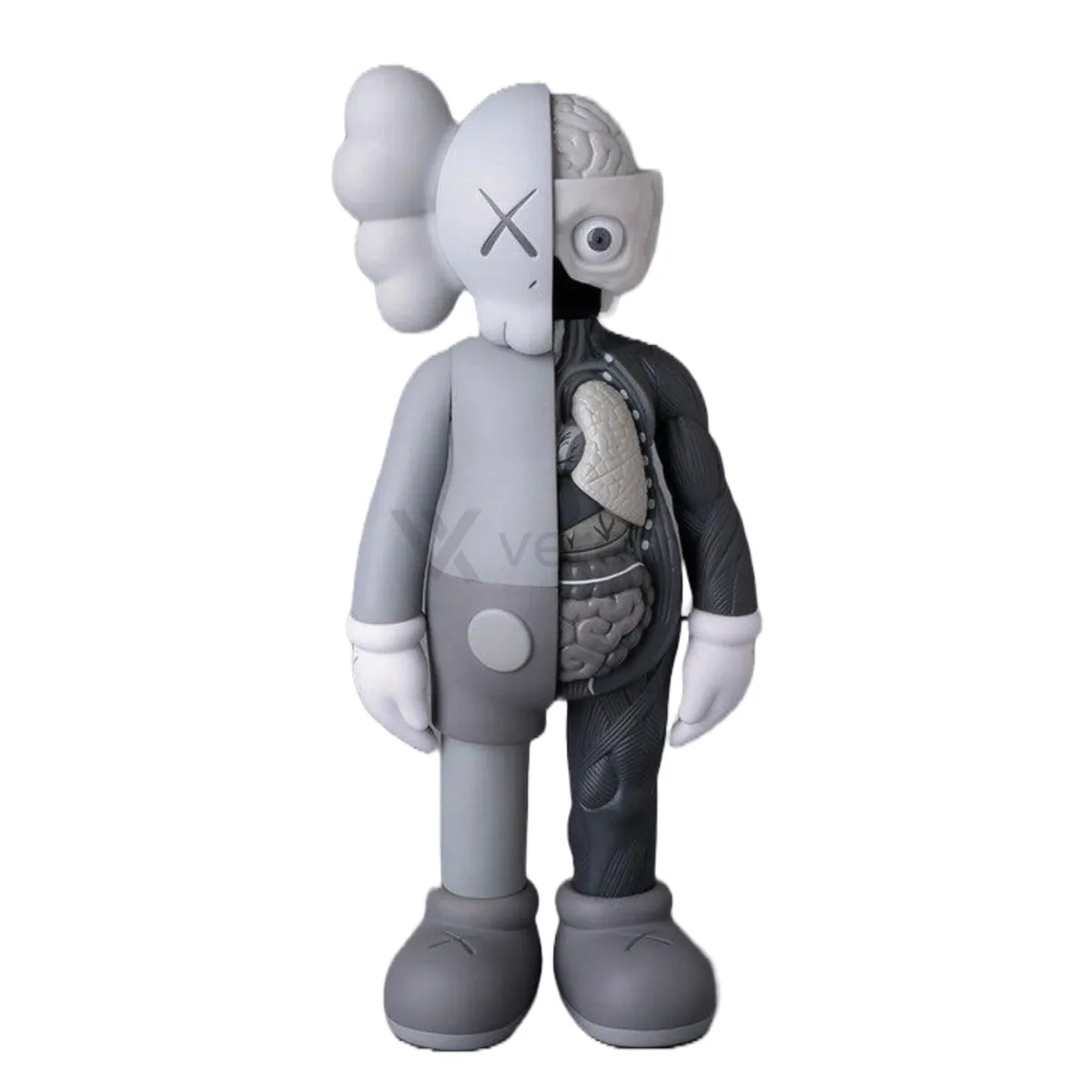
Collectibles
3 sample photos
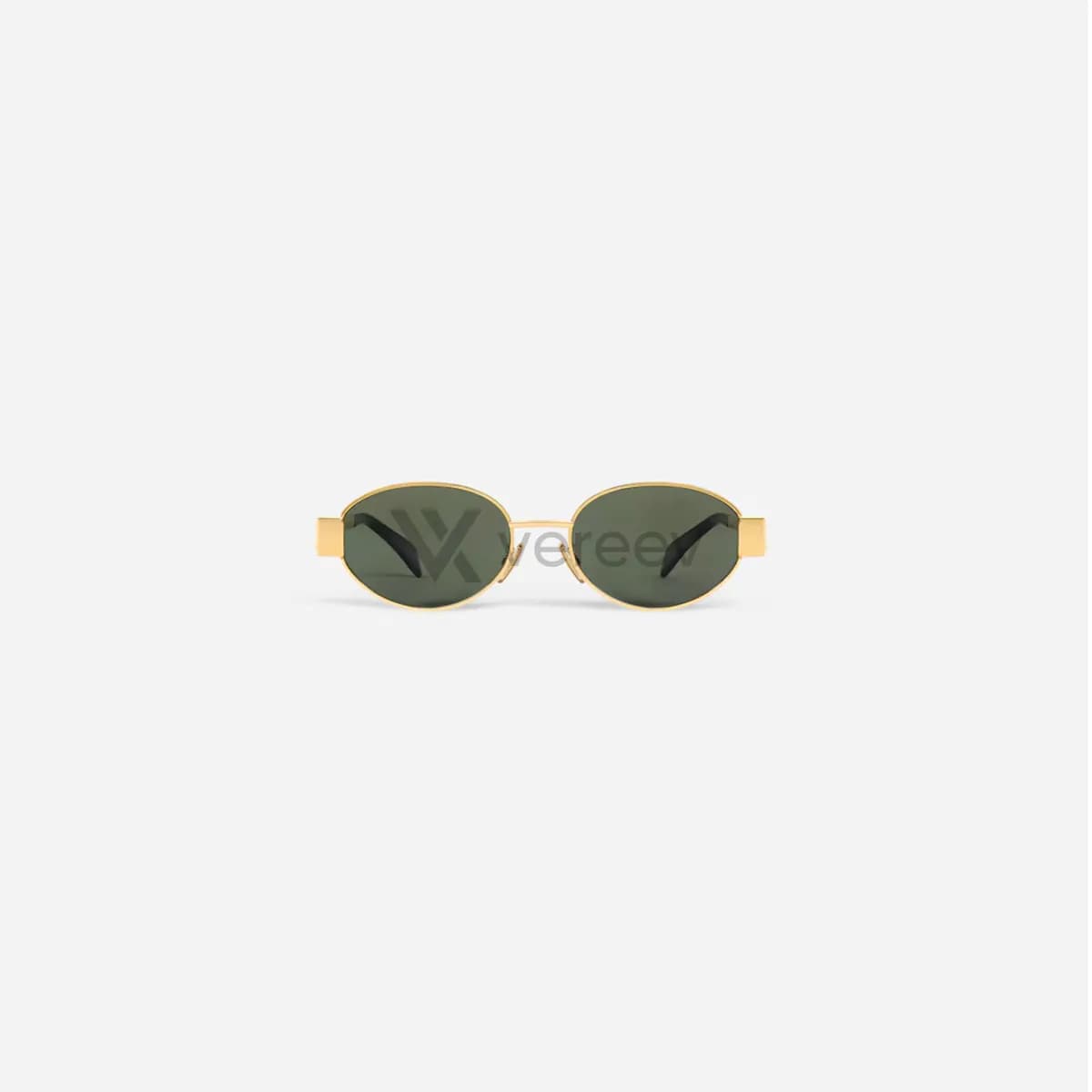
Sunglasses and eyewear
7 sample photos
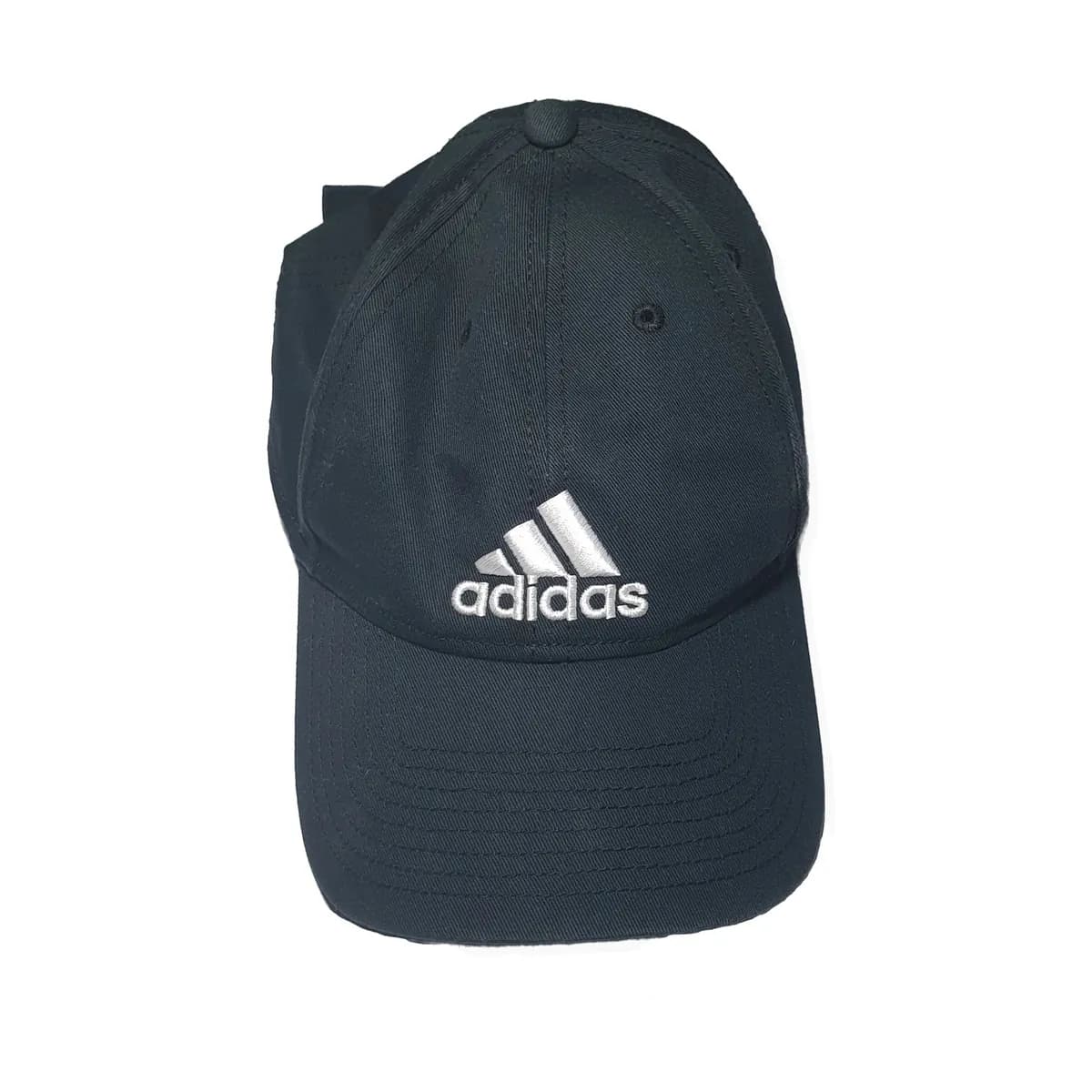
Hats and caps
6 sample photos

Cosmetics
3 sample photos
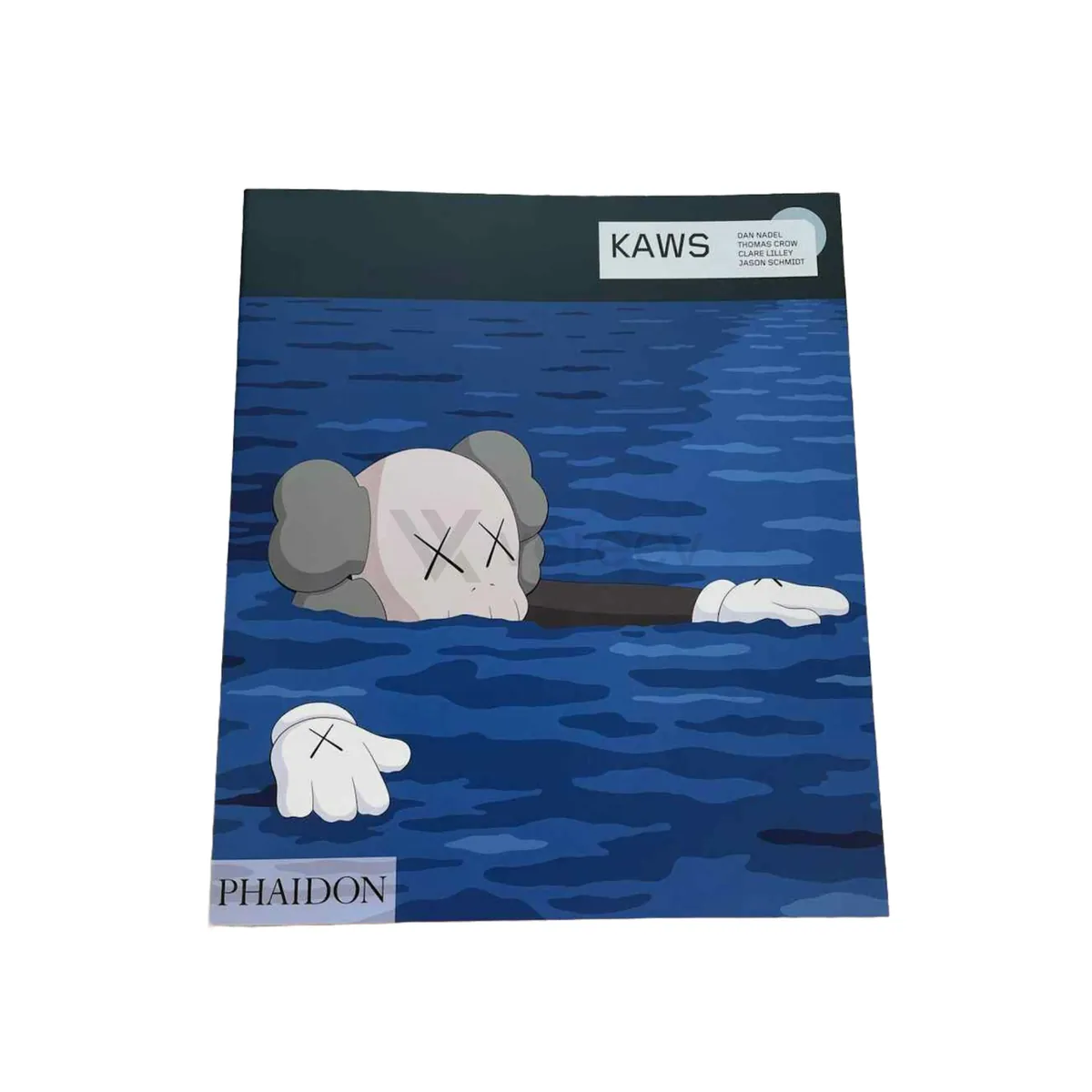
Books
5 sample photos
Every item
Rules that apply to all photos
- Photograph the same item in every shot.
- Start with the whole item, then move to close-ups of labels, stamps, codes, hardware and construction.
- Keep codes, stamps and labels sharp enough to read.
- Add packaging, receipts and documents when you have them. They support the photos of the item rather than replace them.
- Cover card numbers, addresses and phone numbers on receipts before you photograph them.
Take the photos in the Vereev app
Choose the item type and brand, follow the photo guide, and submit the photos for review. You receive your result and digital certificate in Vereev.