
How to Photograph Jewelry for Authentication
Photograph the whole piece against a plain background, then take a sharp close-up of the hallmarks, metal stamps, serial marks, engraving or logo. Add the box, pouch, card or receipt and the packaging and accessories if you have them. The Vereev app shows a sample photo for each of these 4 angles. Stamps need the most care, because they are small and the metal around them reflects light.
Step by step
The 4 photos to take
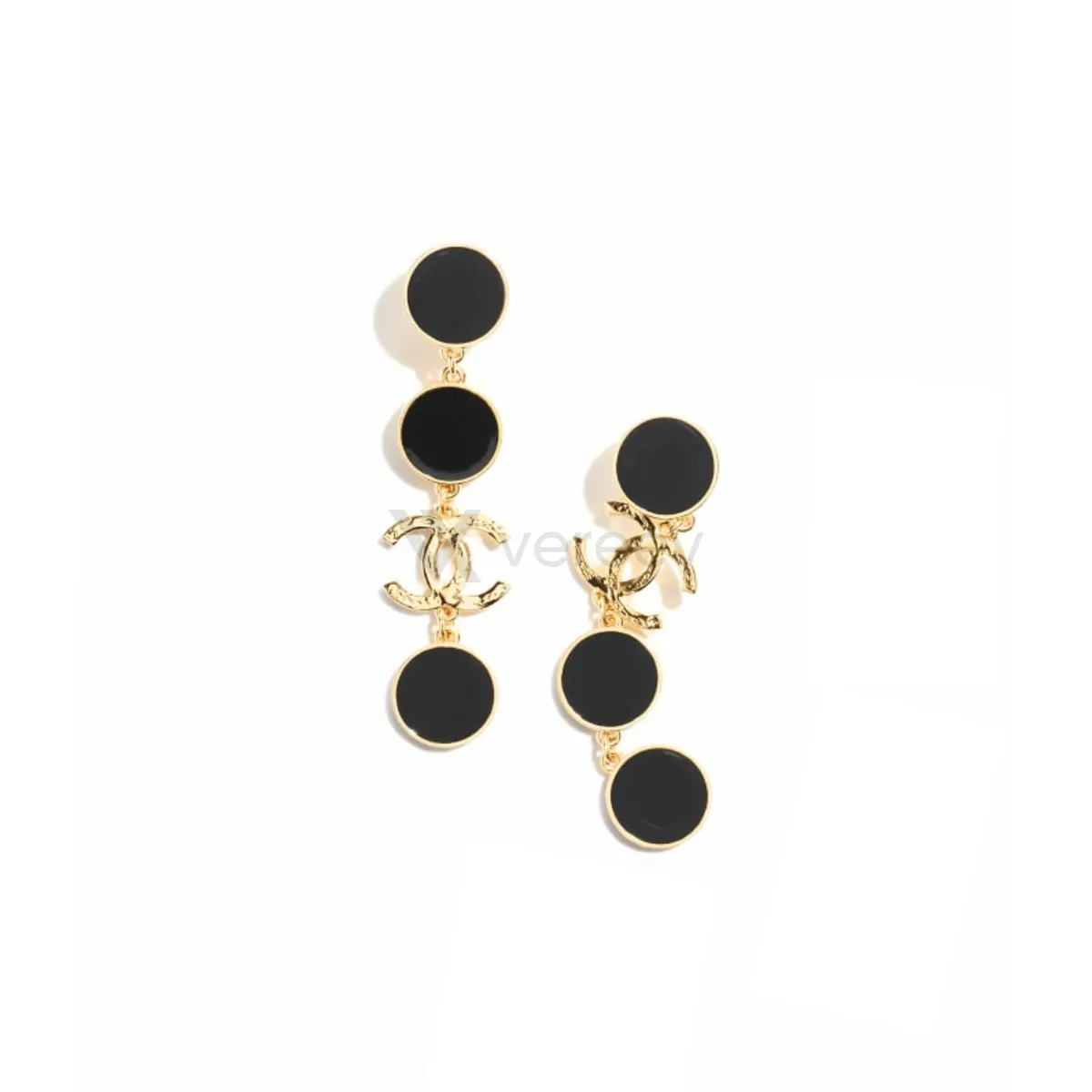
The app uses this guide for rings, bracelets, necklaces, charms, boxes and stamped metals. Its sample photos show a pair of Chanel CC drop earrings. Use the same angles for any brand, and keep the same item in every photo.
Main Item
Capture the whole piece clearly against a plain background.
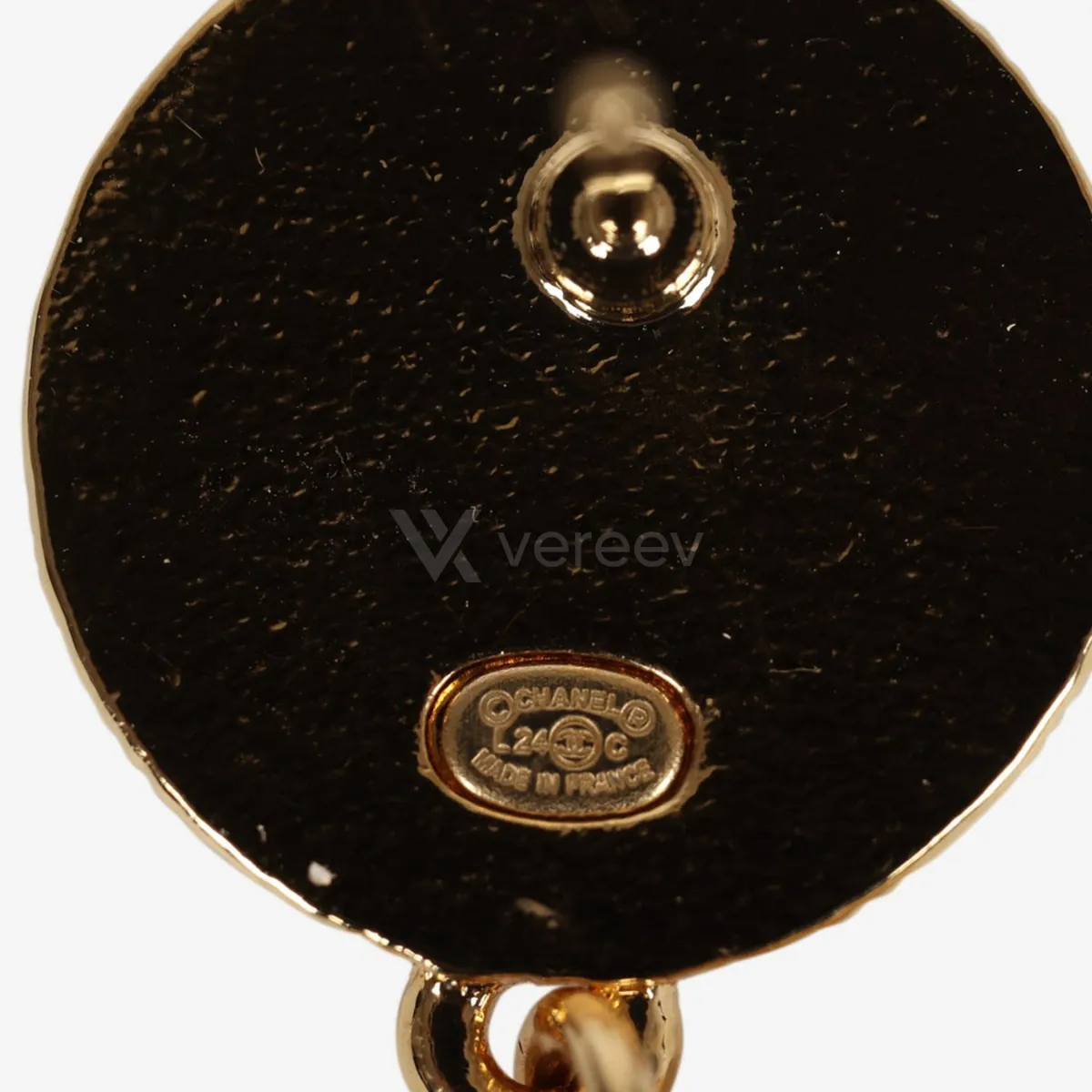
Stamp
Show hallmarks, metal stamps, serial marks, engraving, or logo details in sharp focus.
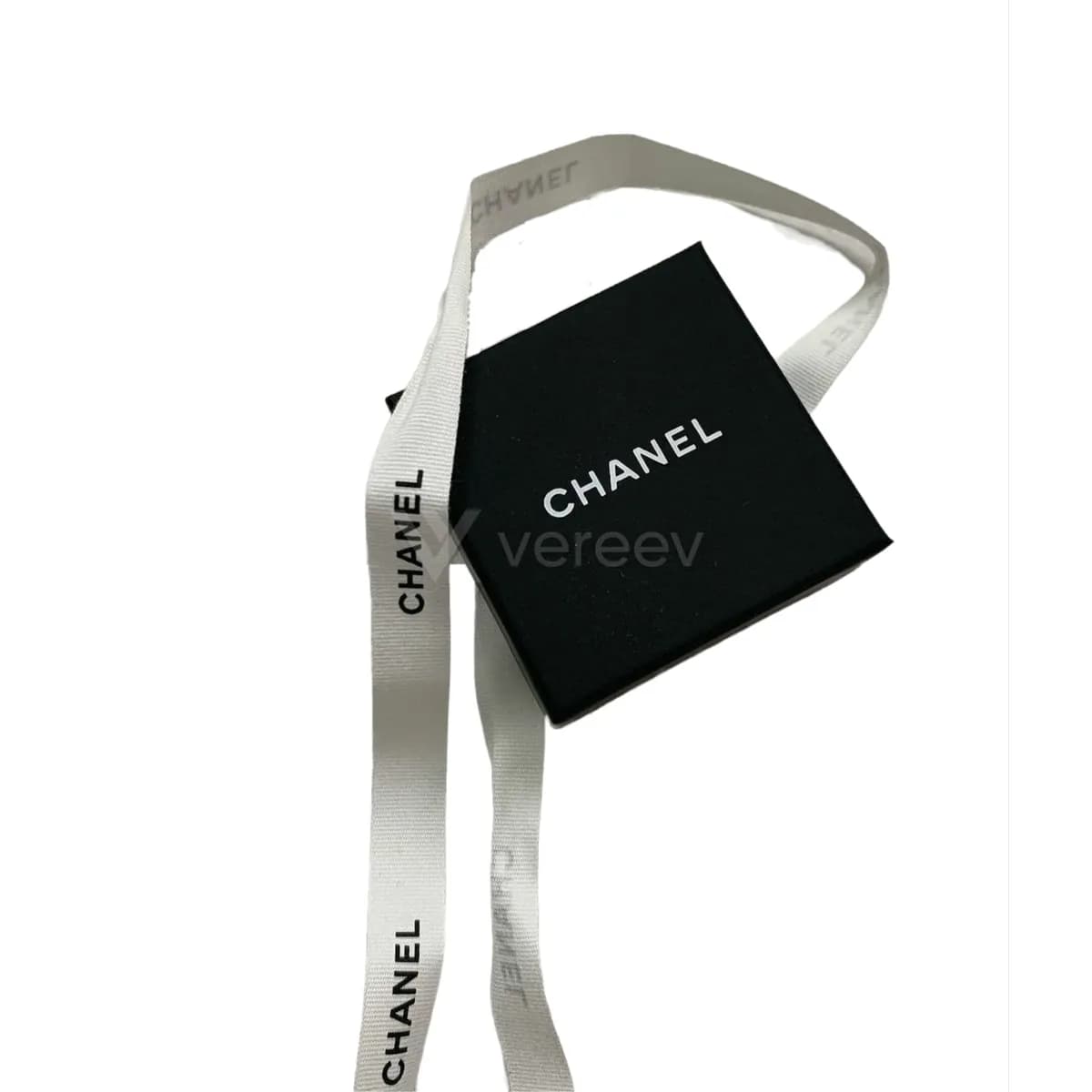
Box
Include the box, pouch, card, or receipt if available.
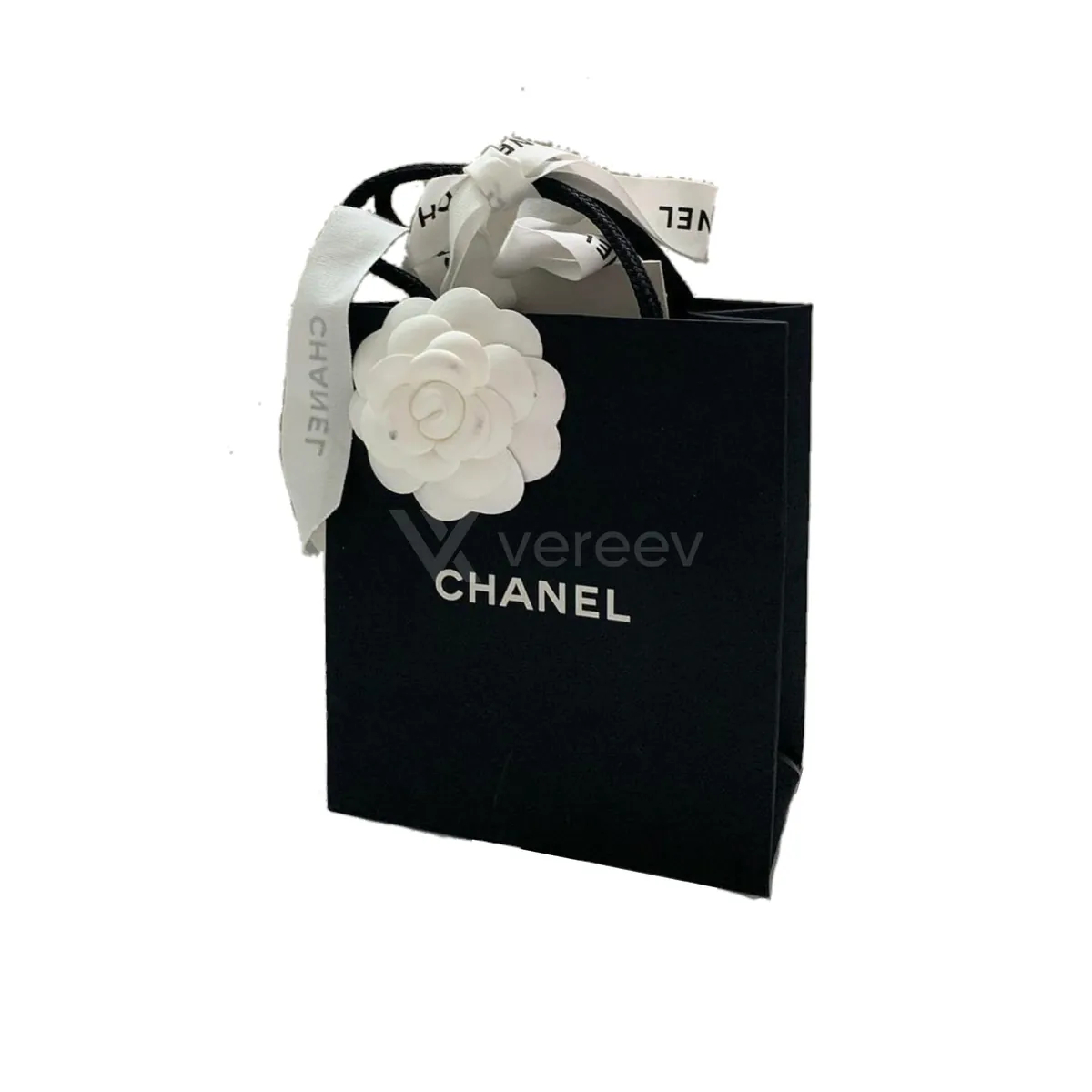
Packaging
Photograph packaging materials, labels, and included accessories.
Better evidence
Tips for jewelry
- Use soft, diffused light, such as a window on a cloudy day, so polished metal does not hide engravings with glare.
- Photograph every stamp you can find, including those on clasps and earring backs.
- Step back and crop rather than shooting a stamp too close to focus.
Take these photos in the Vereev app
The Vereev app shows a sample photo for each angle when you submit jewelry. Follow the guide, submit the photos for review, and receive your result and digital certificate in Vereev.
FAQ
How many photos do I need to authenticate jewelry?
The Vereev app's jewelry guide lists 4 angles: the whole piece, the stamp or hallmark, the box, and the packaging. If a piece has several stamps, photograph each one.
Do I need the box?
No. The guide asks for the box, pouch, card or receipt if they are available. They support the photos of the piece, but boxes and cards can be bought separately.
How do I photograph a tiny hallmark?
Clean the area, light it softly from one side, hold the phone steady and tap to focus. A sharp photo of a small area is more useful than a blurry zoomed one.
Continue your research