
How to Photograph a Wallet for Authentication
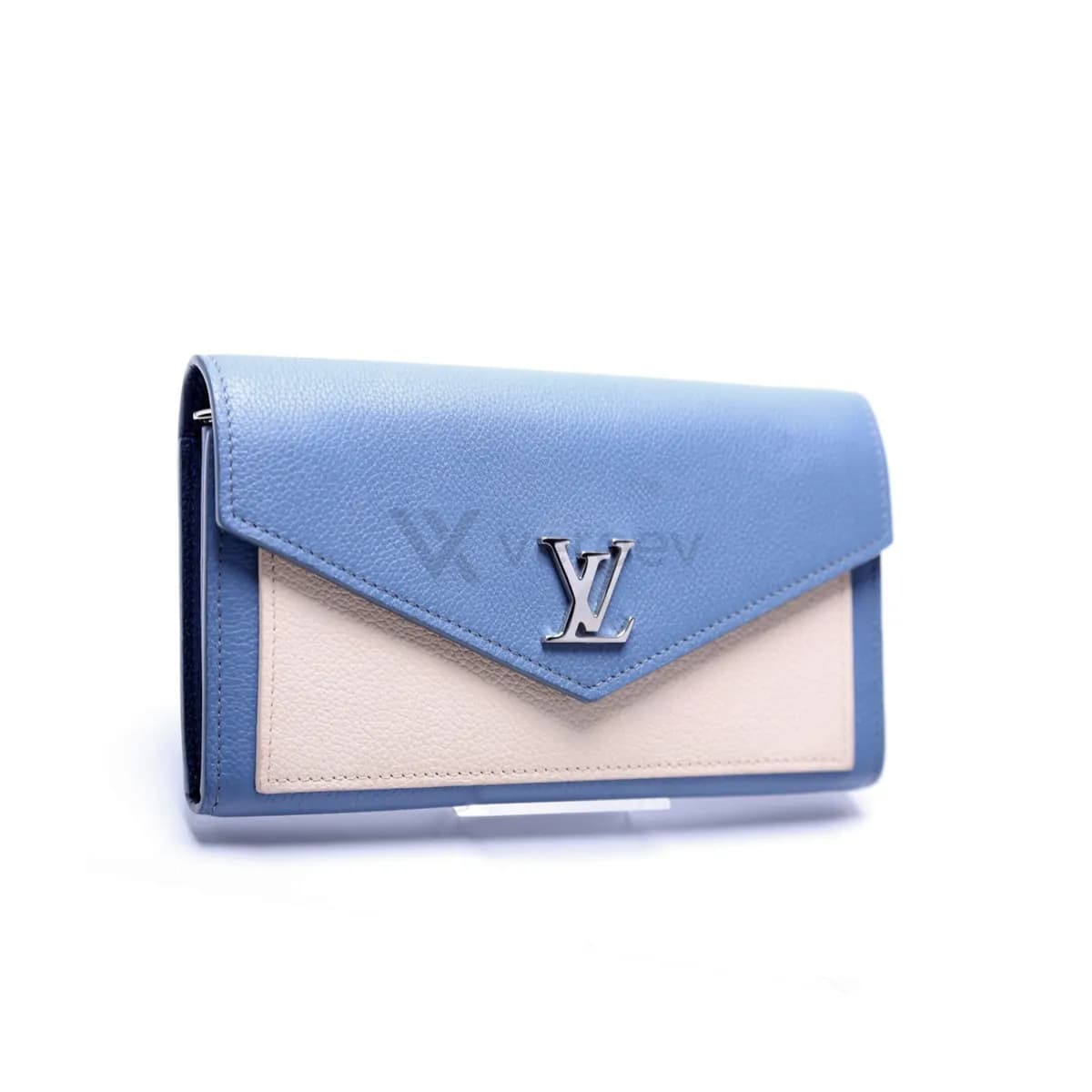
Photograph the full exterior so the shape, material and pattern alignment show, then the logo, a close-up of the stitching, edges and corners, and any zipper, snap or clasp. Add the interior stamp or code, any second stamp or hidden label, and the dust bag, card, box or receipt if you have them. The Vereev app shows a sample photo for each of these 7 angles.
Step by step
The 7 photos to take
The app uses this guide for wallets, card holders, stamps, hardware and packaging. Its sample photos show a blue and cream leather Louis Vuitton wallet. Use the same angles for any brand, and keep the same item in every photo.
Full Wallet
Show the full exterior shape, material, pattern alignment, and condition.
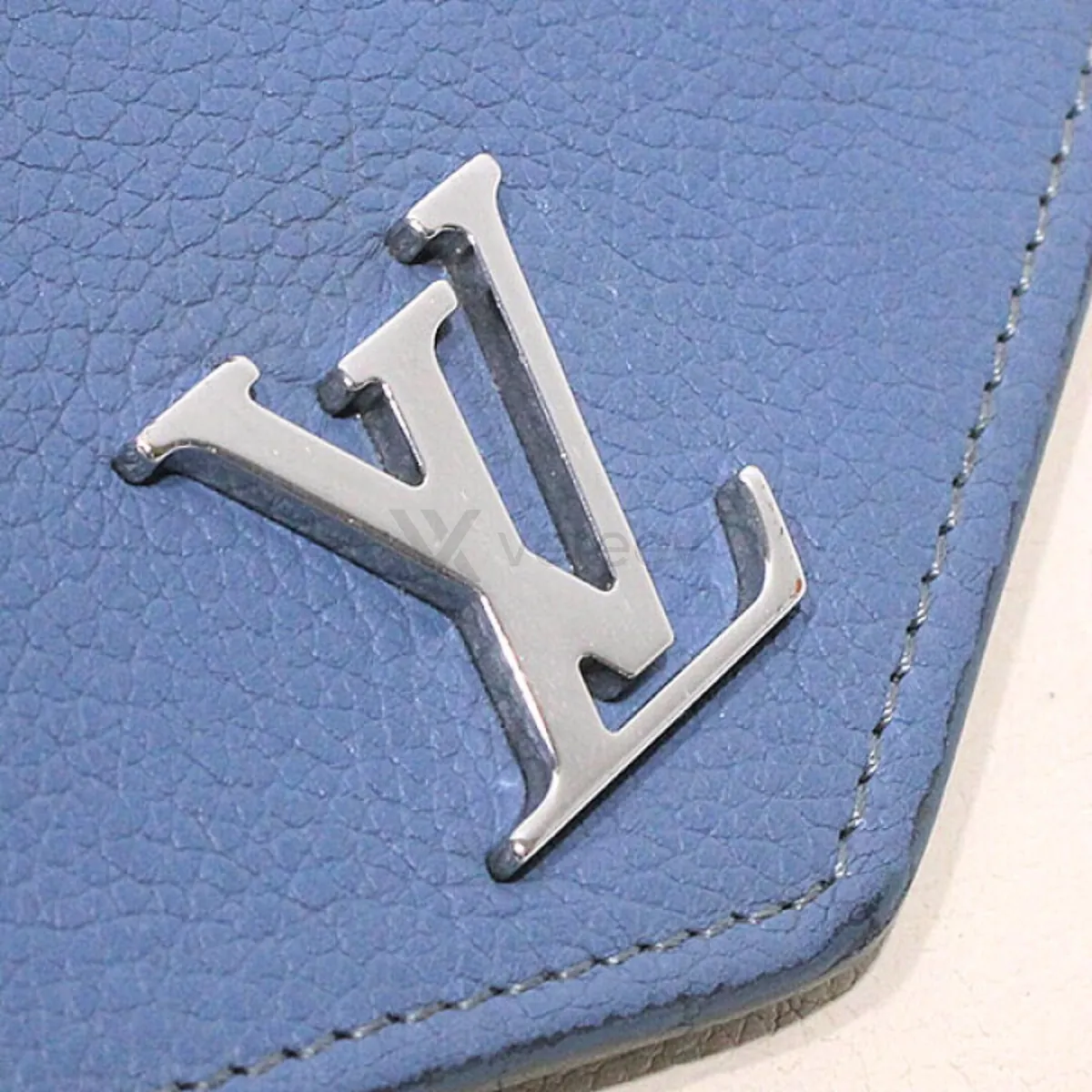
Logo
Capture logo placement, typography, embossing, or print clarity.
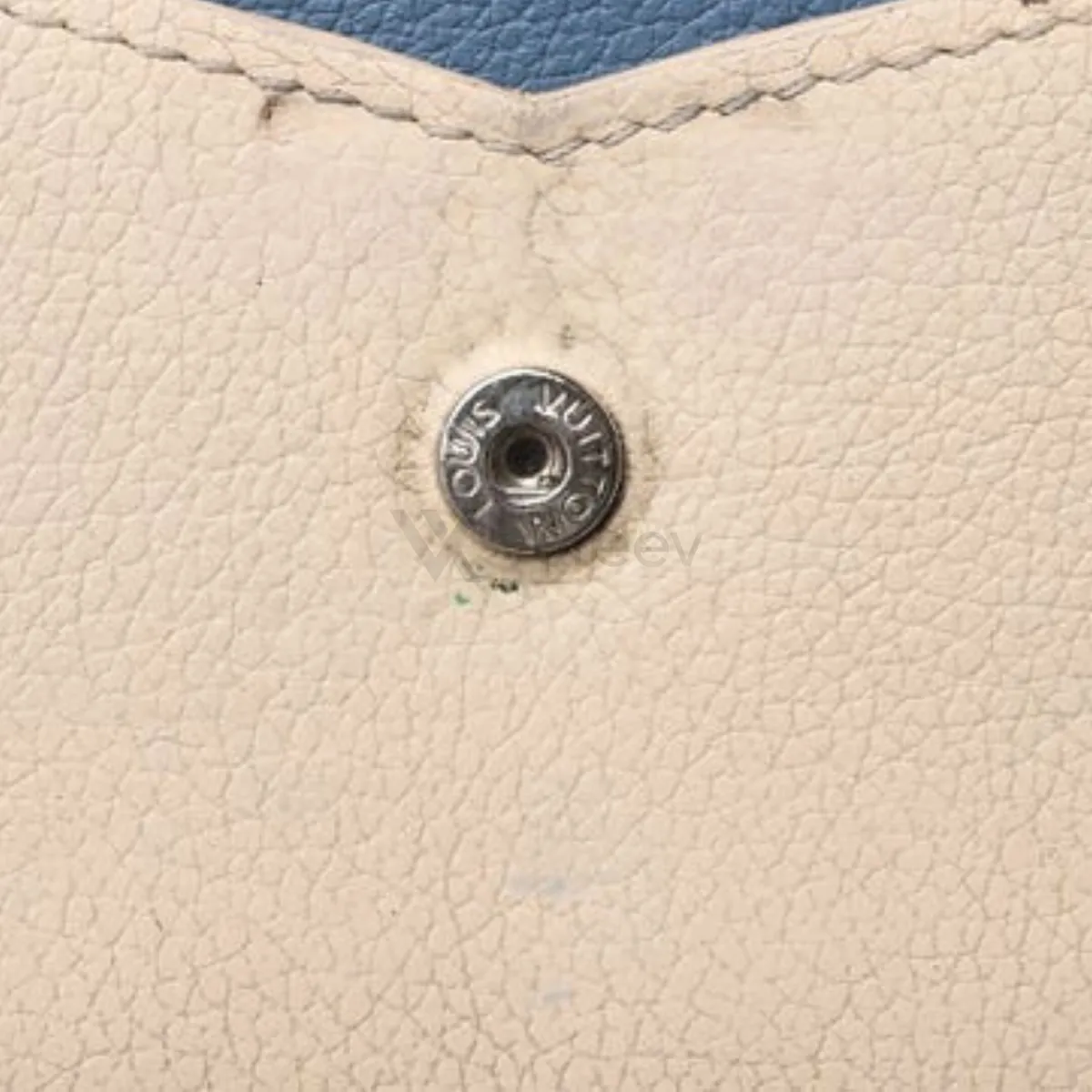
Detail
Show stitching, edges, glazing, corners, and texture close up.
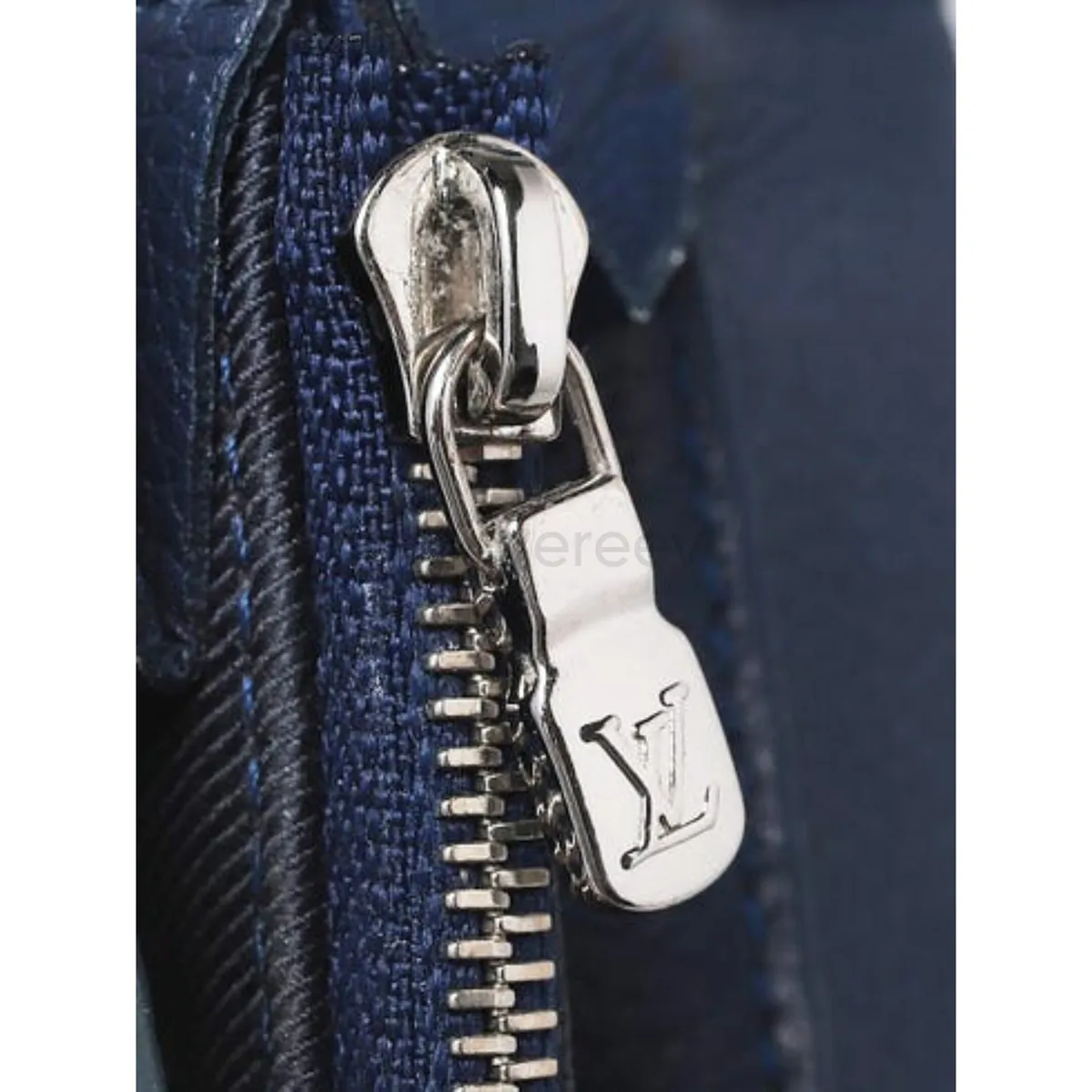
Hardware
Photograph zippers, snaps, clasps, engraving, or metal finish if present.
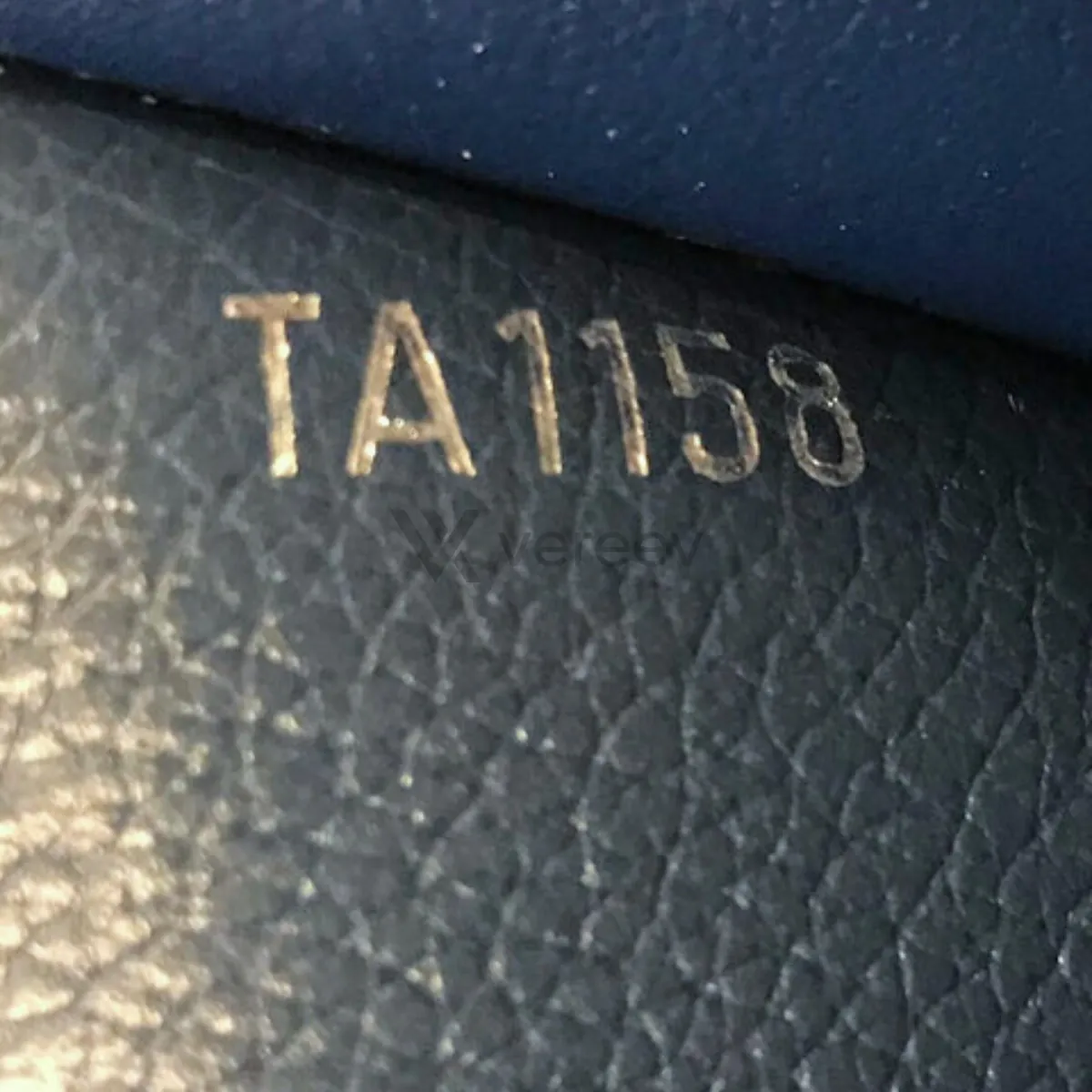
Stamp
Capture the interior stamp, serial code, production code, or hot stamp clearly.
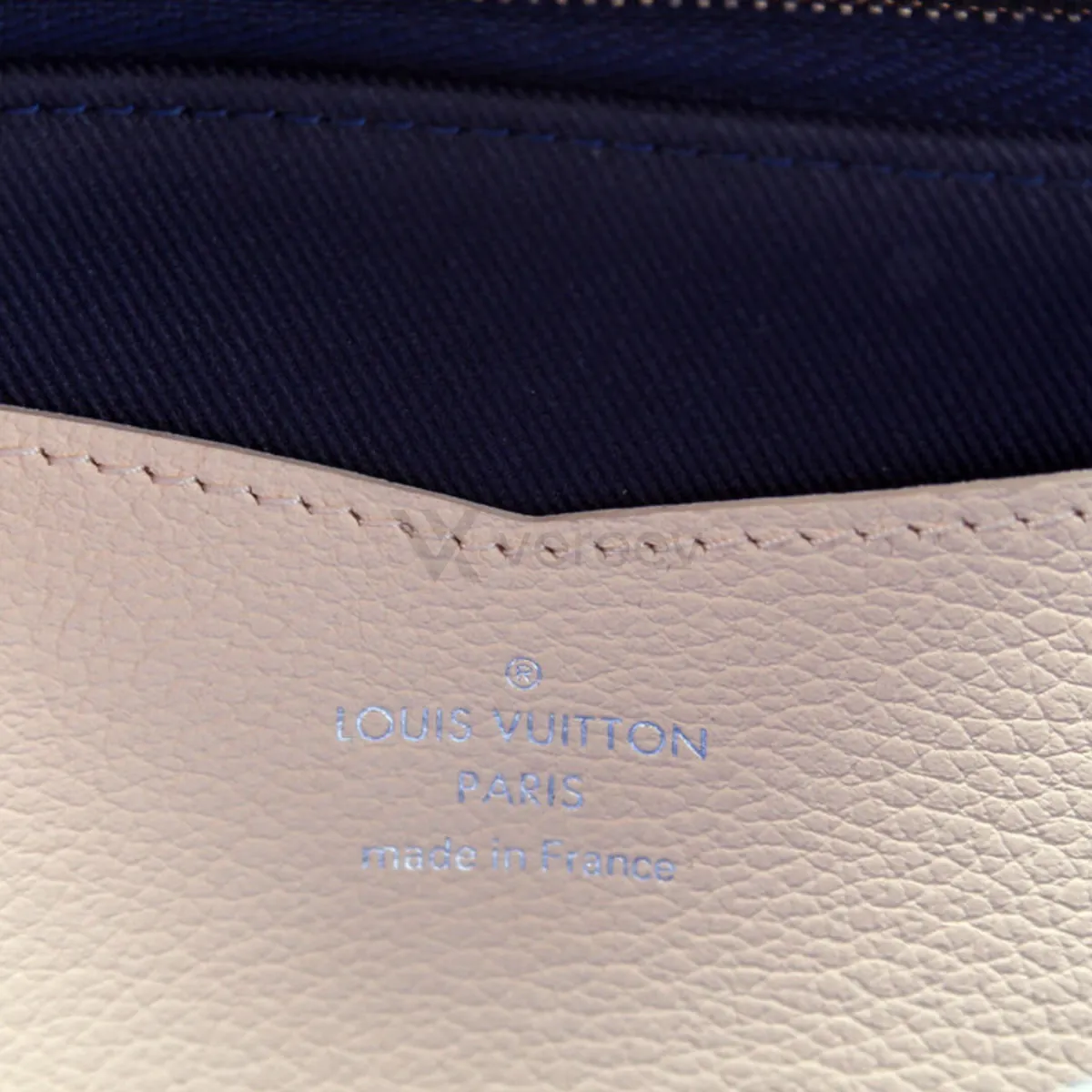
Second Stamp
Include any additional stamp, hidden code, or internal label.
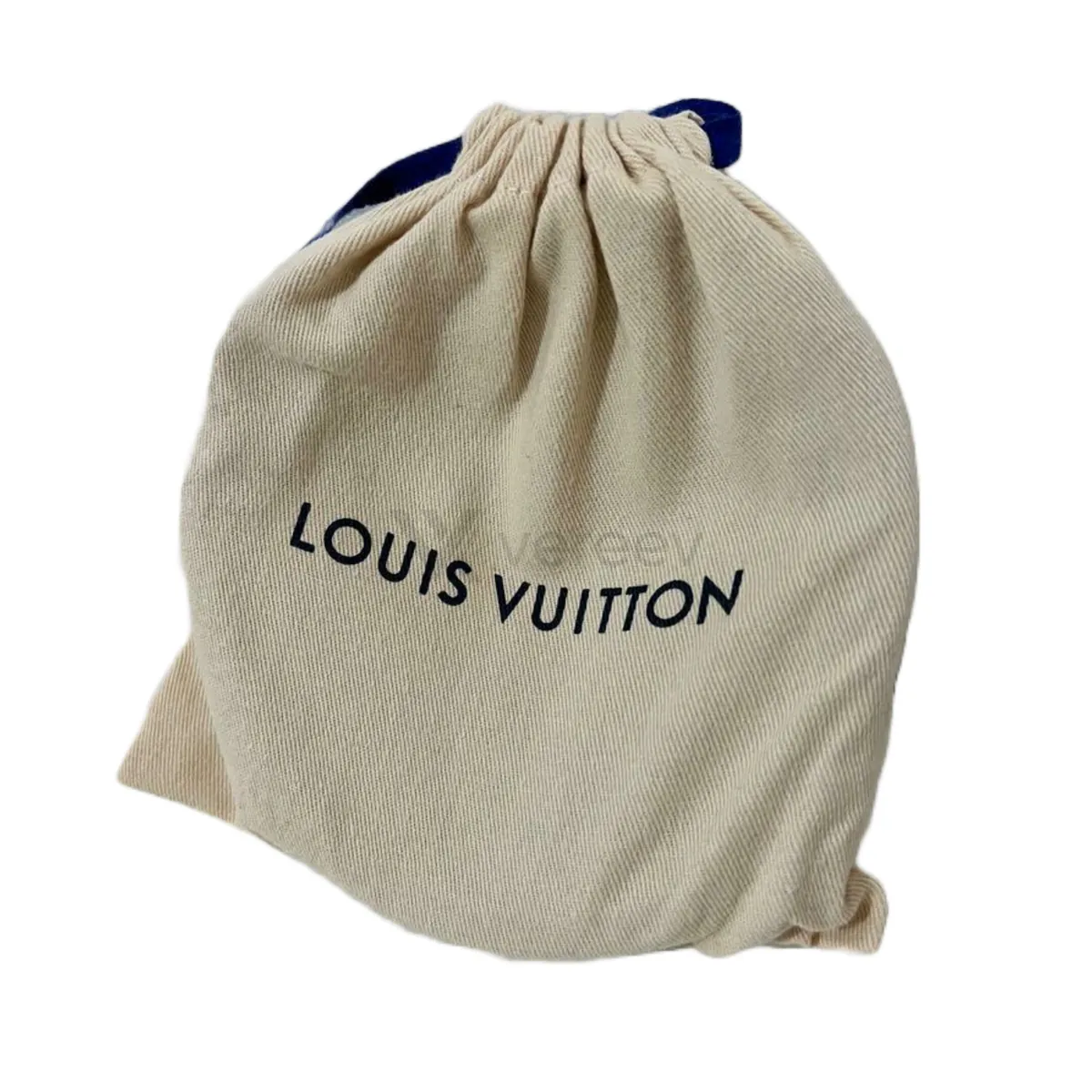
Dust Bag
Add the dust bag, card, box, receipt, or packaging if available.
Better evidence
Tips for wallets
- Open the wallet fully and photograph each stamp straight on.
- Photograph the corners and edges close up, where edge paint and stitching show how the wallet was made.
- Use even light for the outside, so leather grain or canvas pattern is easy to compare.
Take these photos in the Vereev app
The Vereev app shows a sample photo for each angle when you submit wallets. Follow the guide, submit the photos for review, and receive your result and digital certificate in Vereev.
FAQ
How many photos do I need to authenticate a wallet?
The Vereev app's wallet guide lists 7 angles: the full wallet, the logo, a detail close-up, the hardware, the stamp, any second stamp, and the dust bag or packaging if available.
What if I cannot find a stamp?
Photograph the inside pockets and folds anyway, so a reviewer can see where a stamp or label would be. Codes vary by brand and era, so a missing code is not a verdict on its own.
Do I need the box or dust bag?
No. The guide asks for them if they are available. Packaging can be bought separately, so it supports the photos of the wallet rather than replaces them.
Continue your research