
How to Photograph Trading Cards for Authentication
Photograph the front straight on so the centering, corners and edges show, then again under controlled light to reveal foil, gloss and surface defects. Tilt the card for a third photo so reflections show the holo pattern and coating, and finish with the full back. The Vereev app shows a sample photo for each of these 4 angles, using a graded card in its slab.
Step by step
The 4 photos to take
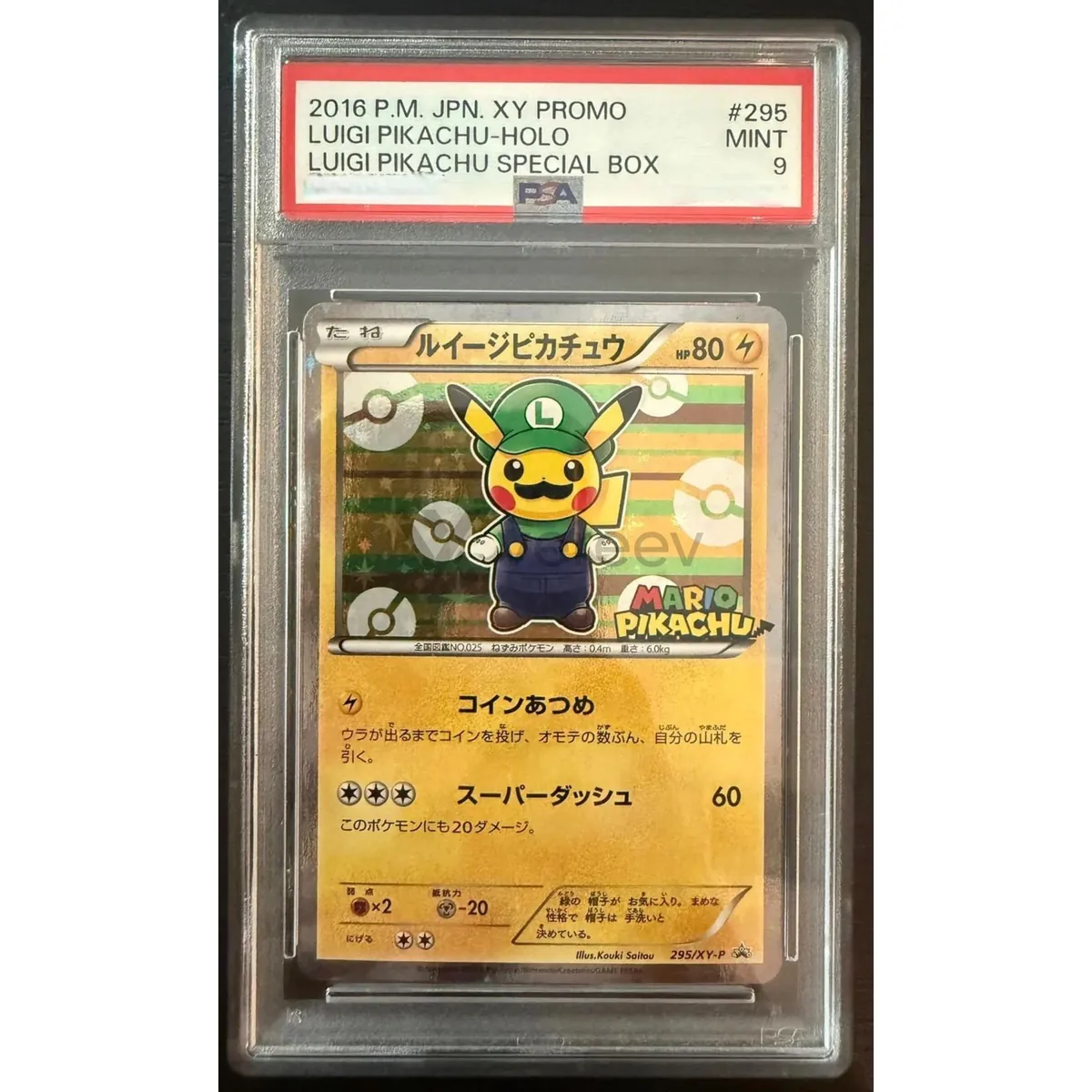
The app uses this guide for sports cards, trading card game cards, graded cards and other collectible cards. Its sample photos show a PSA-graded 2016 Japanese Luigi Pikachu promo card. Use the same angles for any brand, and keep the same item in every photo.
Front View
Capture the card front straight on so centering, print quality, corners, edges, and surface condition are visible.
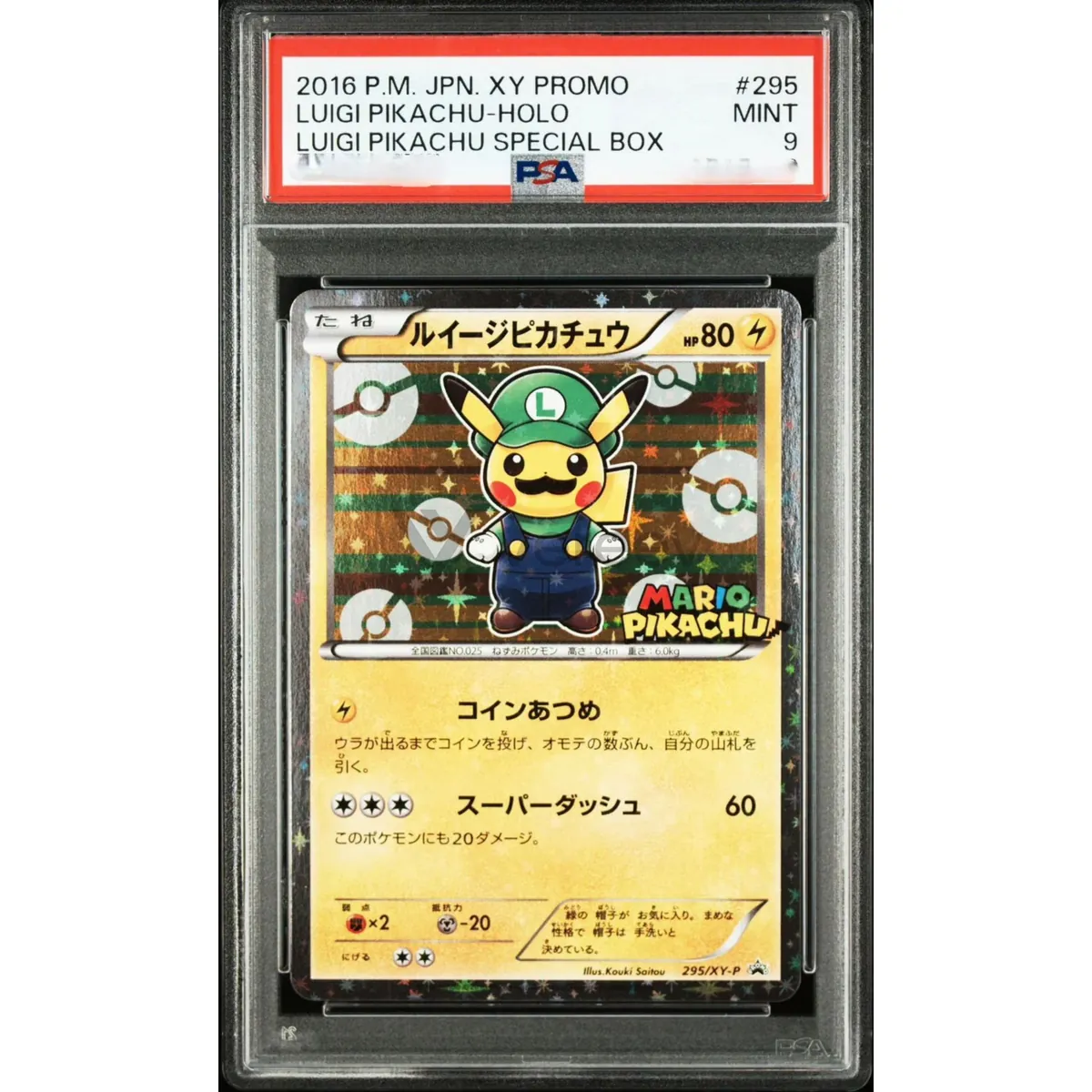
Front Under Light
Use controlled light to show foil, gloss, texture, scratches, whitening, print dots, and surface defects clearly.
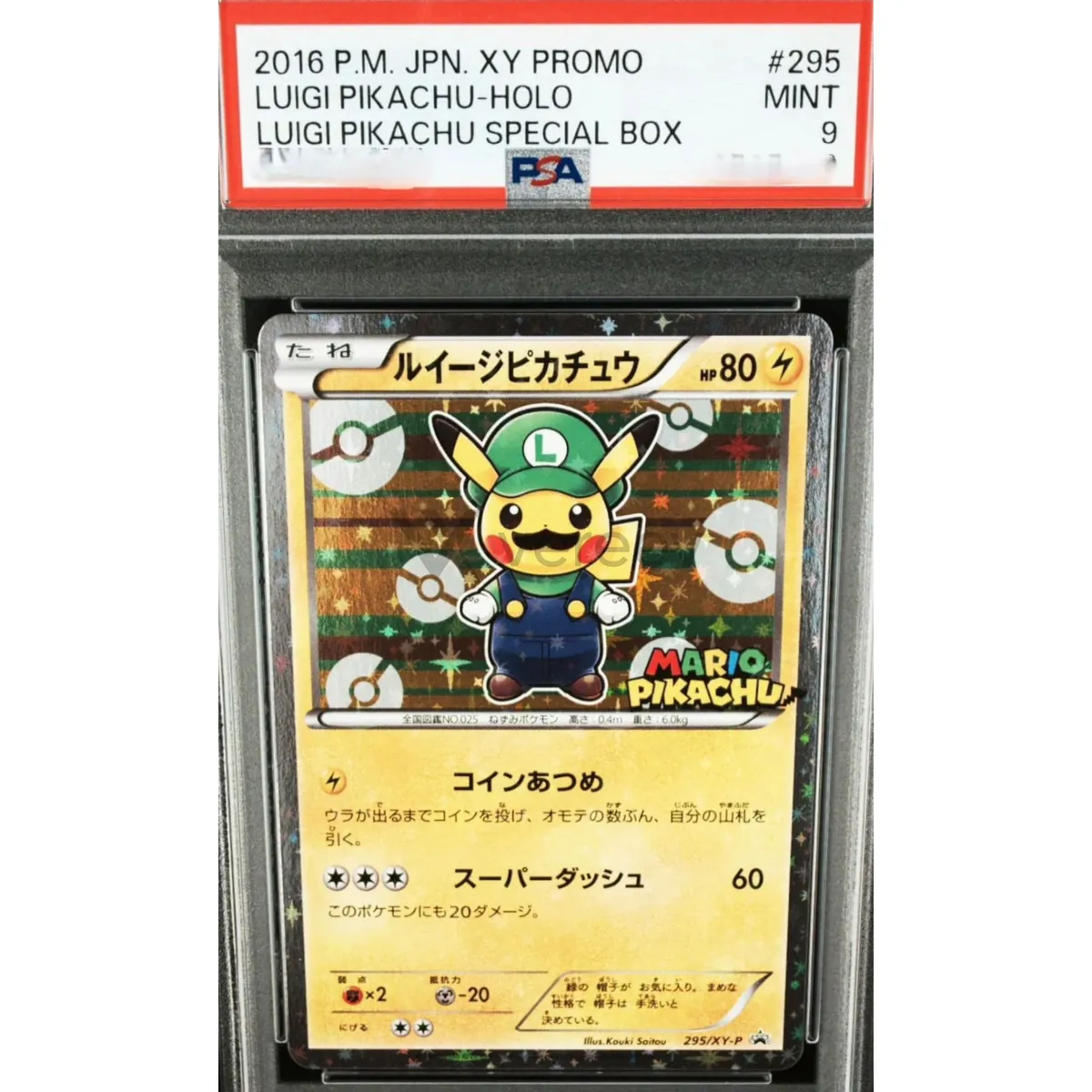
Angled Front
Tilt the card slightly so reflections reveal holo patterns, coating, surface waves, bends, or hidden damage.
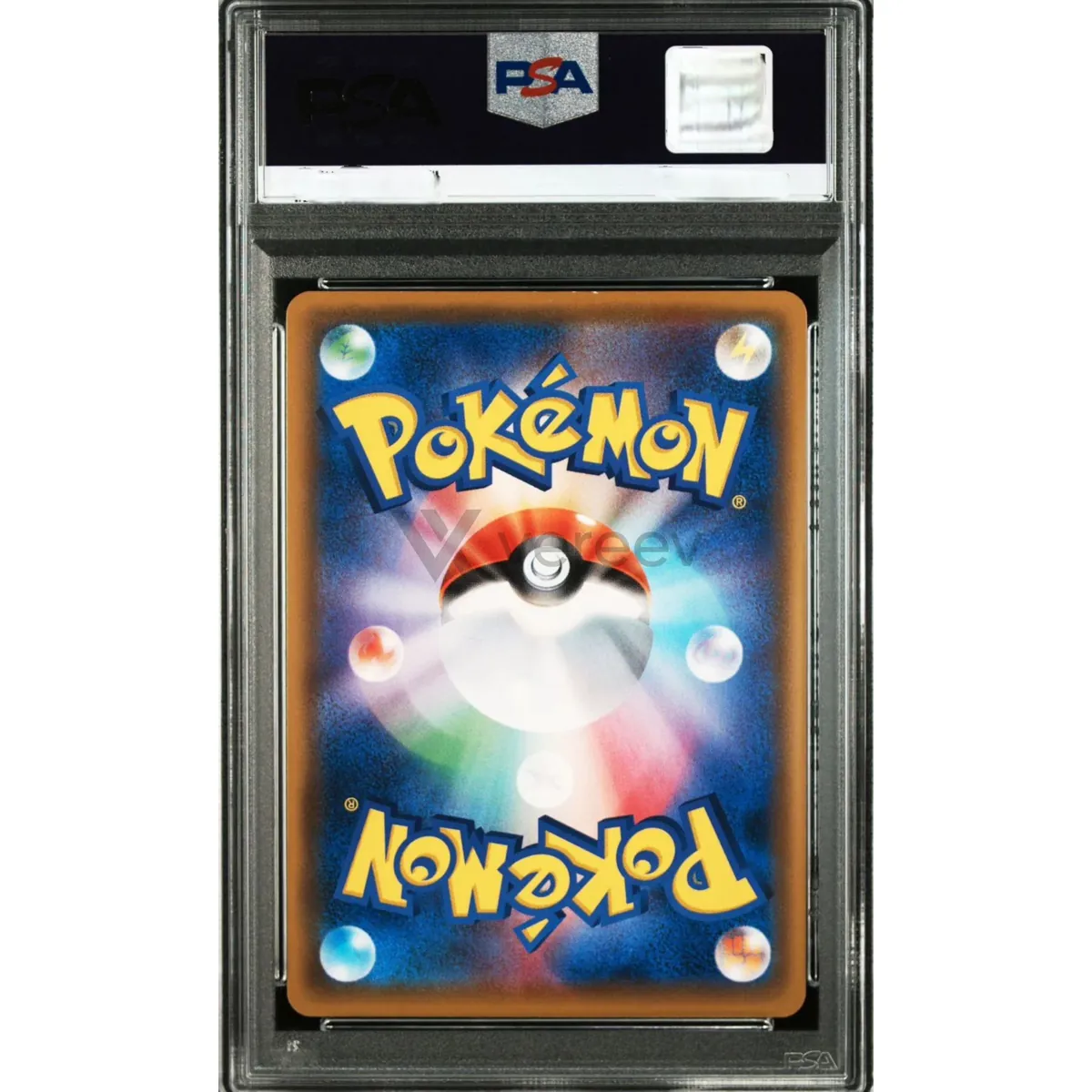
Back View
Show the full back of the card, including borders, copyright text, logos, card number, corners, and edge condition.
Better evidence
Tips for trading cards
- For a graded card, include the slab label in the front photos so the certification number can be read.
- Use one light source for the angled photo, so the holo pattern and surface texture show clearly.
- For a raw card, photograph it out of its sleeve if that is safe, because plastic adds glare.
Take these photos in the Vereev app
The Vereev app shows a sample photo for each angle when you submit trading cards. Follow the guide, submit the photos for review, and receive your result and digital certificate in Vereev.
FAQ
How many photos do I need to authenticate a trading card?
The Vereev app's trading card guide lists 4 angles: the front, the front under light, an angled front and the back.
Can I photograph a card inside its graded slab?
Yes. The app's own sample photos show a card in a PSA slab. Include the label so the certification number is readable, and check that number with the grading company as well.
Does this guide work for sports cards?
Yes. The app uses it for sports cards, trading card game cards, graded cards and other collectible cards.
Continue your research