
How to Photograph a Hat or Cap for Authentication
Photograph the whole hat so the crown, brim and logo show, then the back with its closure and stitching. Turn it over for the inside sweatband, seams and taping, and add close-ups of the brand, size and care labels, the hang tag, and any second label or code. The Vereev app shows a sample photo for each of these 6 angles.
Step by step
The 6 photos to take
The app uses this guide for caps, hats and beanies, including stitched panels, inner construction, hang tags and labels. Its sample photos show a black adidas cap and its hang tag. Use the same angles for any brand, and keep the same item in every photo.
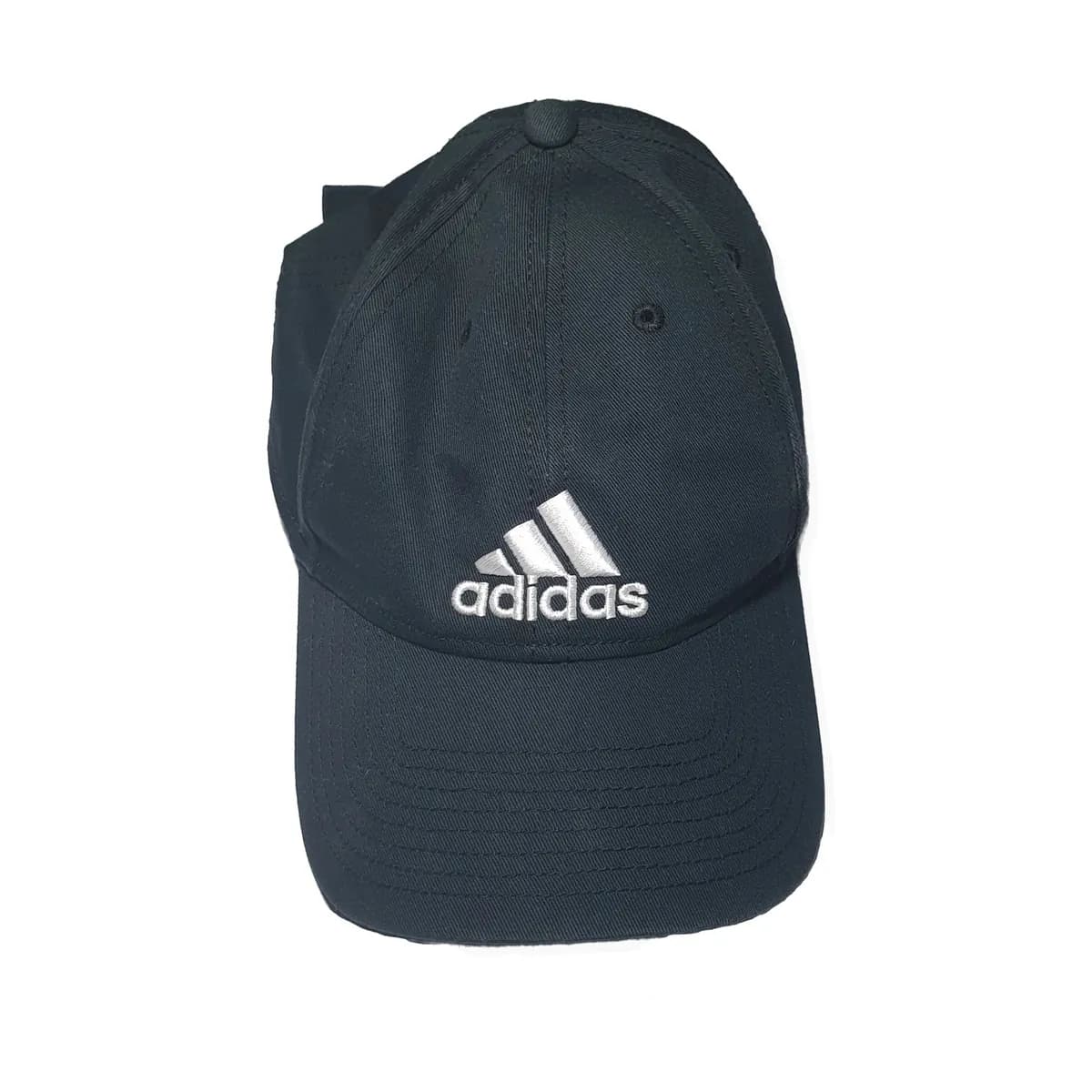
Full View
Capture the full hat or cap clearly so crown shape, brim, logo placement, color, and condition are visible.
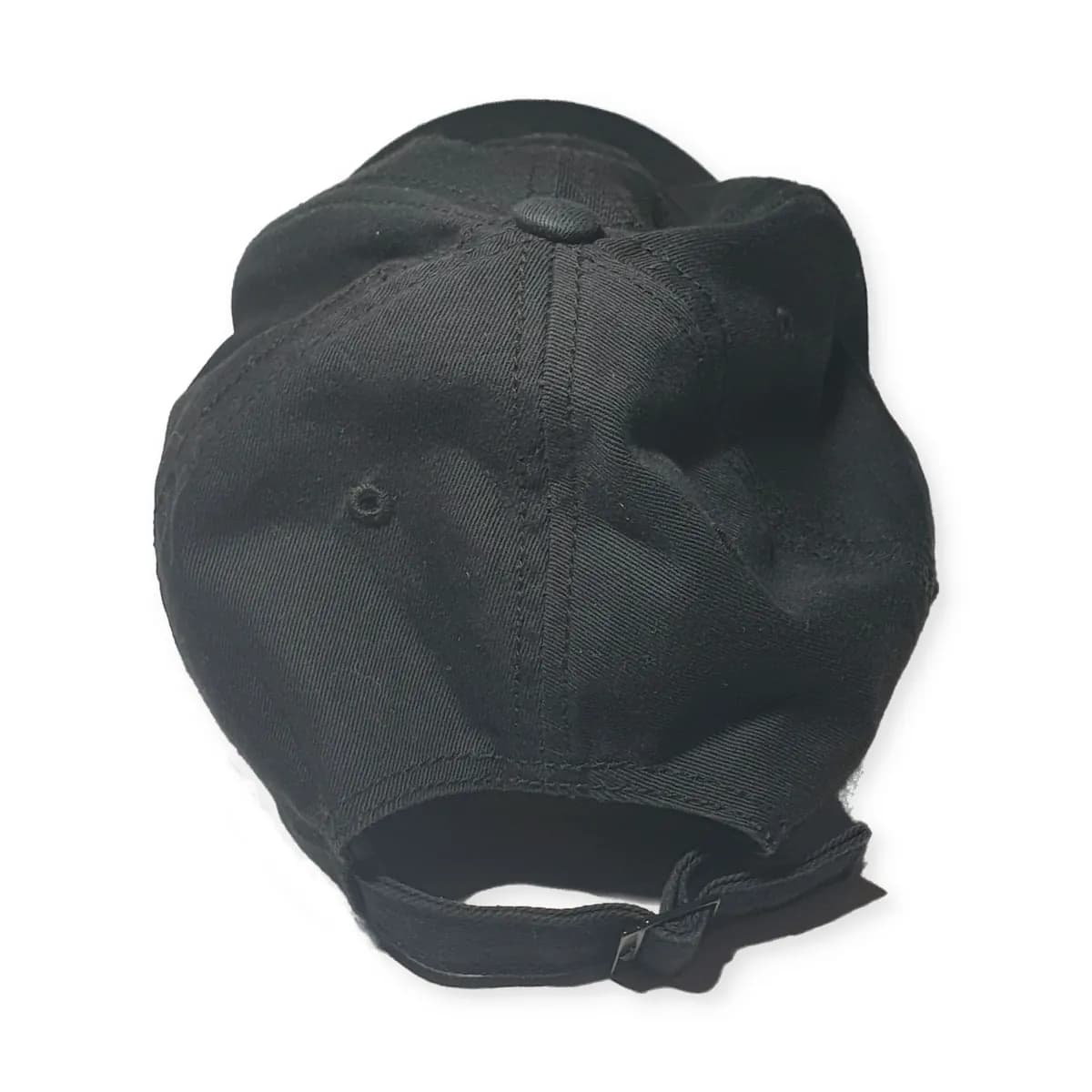
Back View
Show the back closure, stitching, rear panels, logo placement, and overall back-side construction.
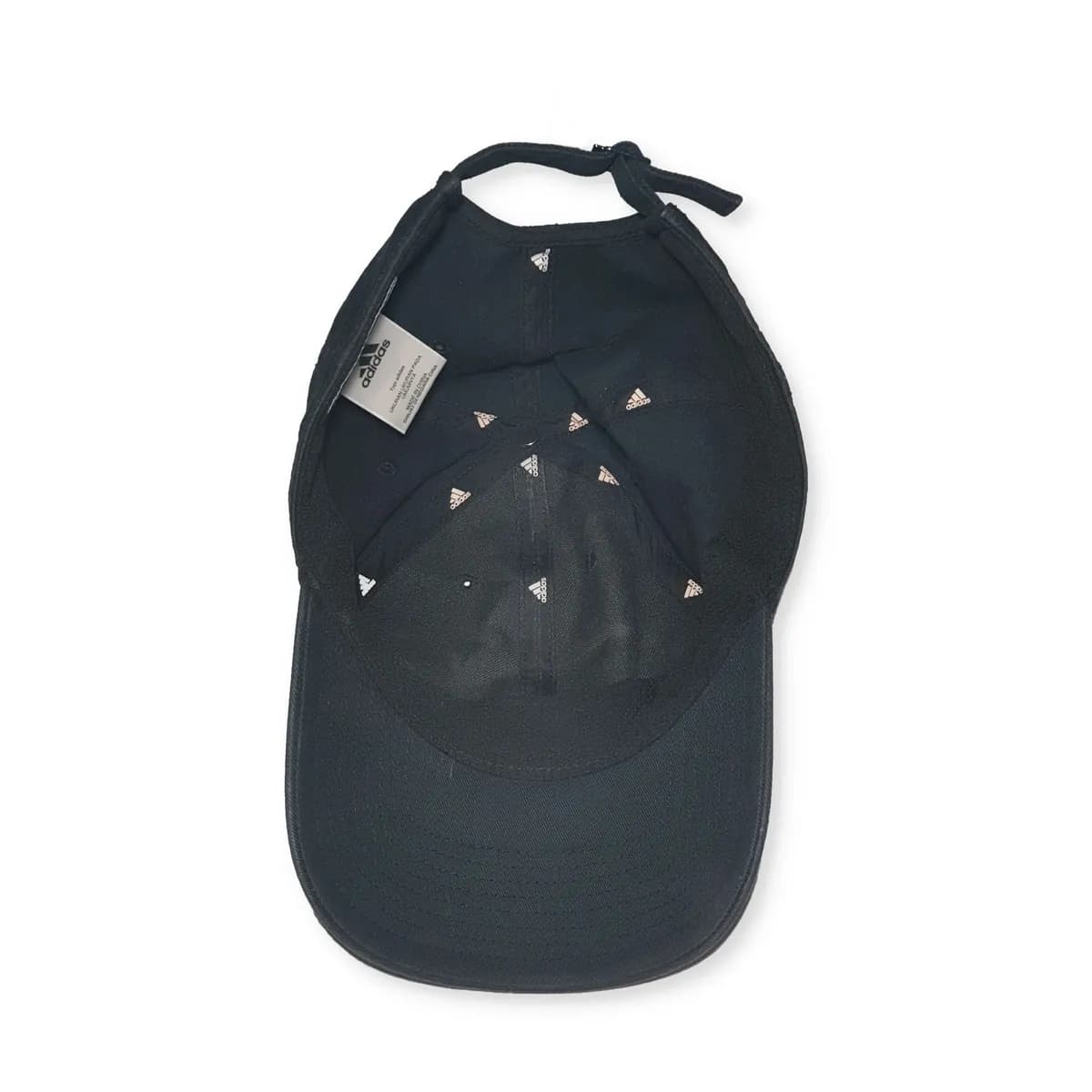
Interior
Photograph the inside sweatband, seams, lining, panel stitching, and inner construction clearly.
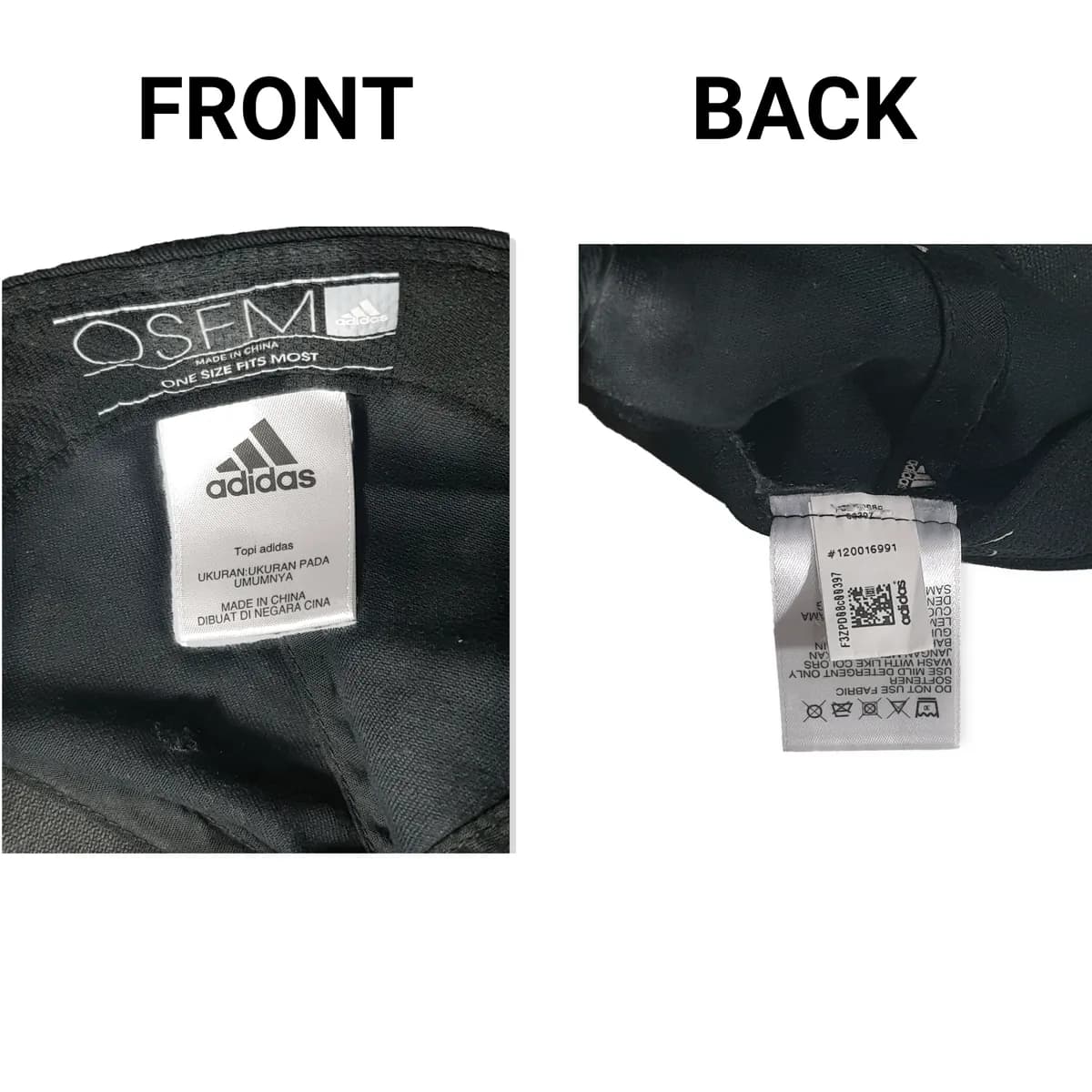
Label / Tag
Capture brand tags, size labels, care labels, origin marks, product codes, or serial details.
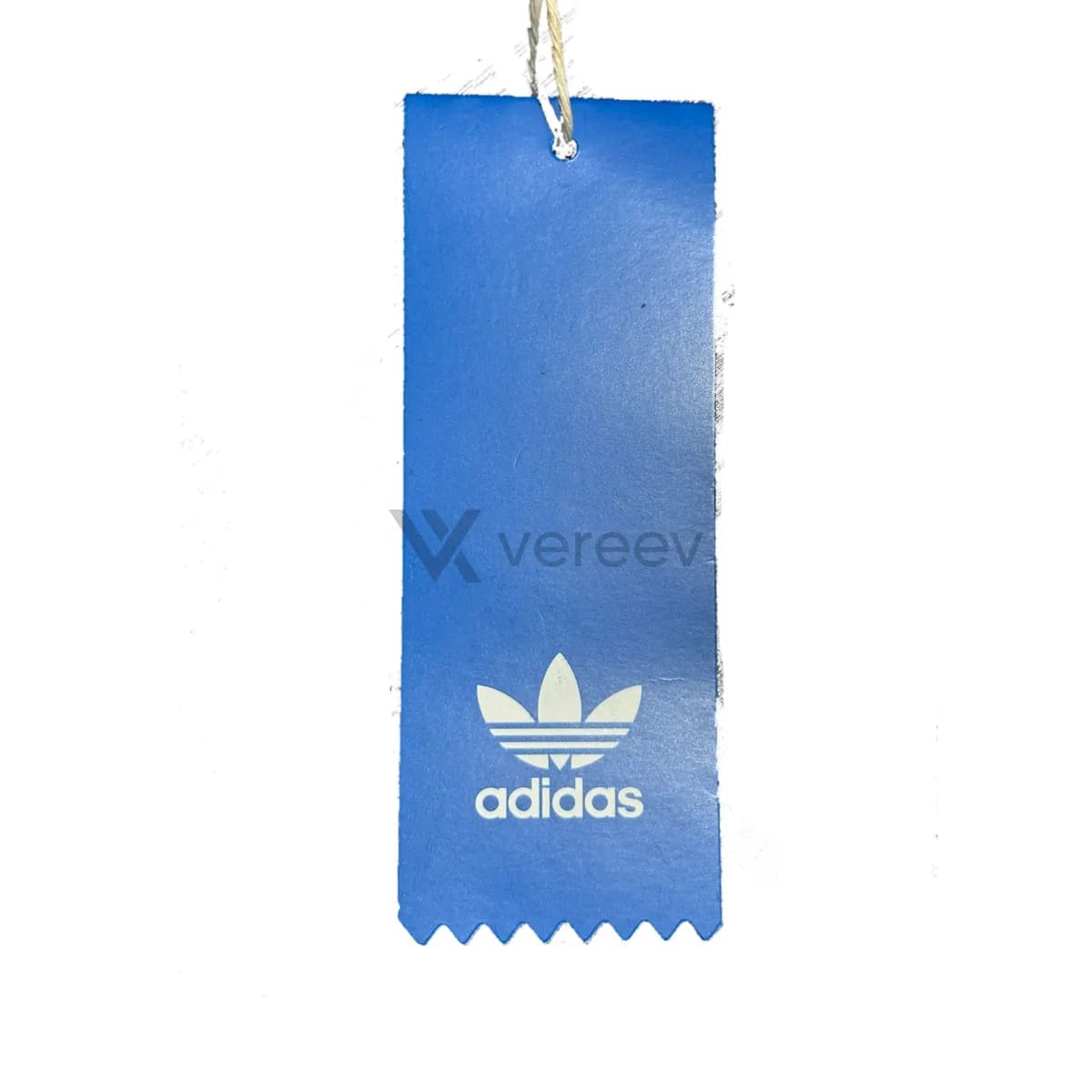
Hang Tag
Show the attached hang tag clearly, including logo, barcode, product code, price sticker, and printing quality.
Other Label
Include any secondary care label, size tag, origin label, authenticity sticker, or hidden product code.
Better evidence
Tips for headwear
- Stuff the crown lightly with paper, so the shape shows without creases.
- Photograph both sides of each inside label, because codes are often printed on the back.
- If the hang tag is still attached, keep it on the hat for the full view as well as its own close-up.
Take these photos in the Vereev app
The Vereev app shows a sample photo for each angle when you submit headwear. Follow the guide, submit the photos for review, and receive your result and digital certificate in Vereev.
FAQ
How many photos do I need to authenticate a cap?
The Vereev app's headwear guide lists 6 angles: the full view, the back, the inside, the label or tag, the hang tag and any other label.
Does this guide work for beanies and bucket hats?
Yes. The app uses it for caps, hats and beanies.
What if the hang tag is missing?
Photograph everything else. The guide includes the hang tag when it is attached, and many worn hats no longer have one.
Continue your research