
How to Photograph Sunglasses for Authentication
Photograph the frame straight on, then each side, so both hinges and temple arms can be compared. Add the text printed inside the temple arm, the back of the frame with the nose pads and lens seating, and close-ups of the metal, acetate, screws or engraving. Finish with the case, cloth, papers or box if you have them. The Vereev app shows a sample photo for each of these 7 angles.
Step by step
The 7 photos to take
The app uses this guide for sunglasses and optical frames, including side profiles, inner temple codes, frame materials and cases. Its sample photos show gold metal Celine sunglasses with the Triomphe logo on the temples. Use the same angles for any brand, and keep the same item in every photo.
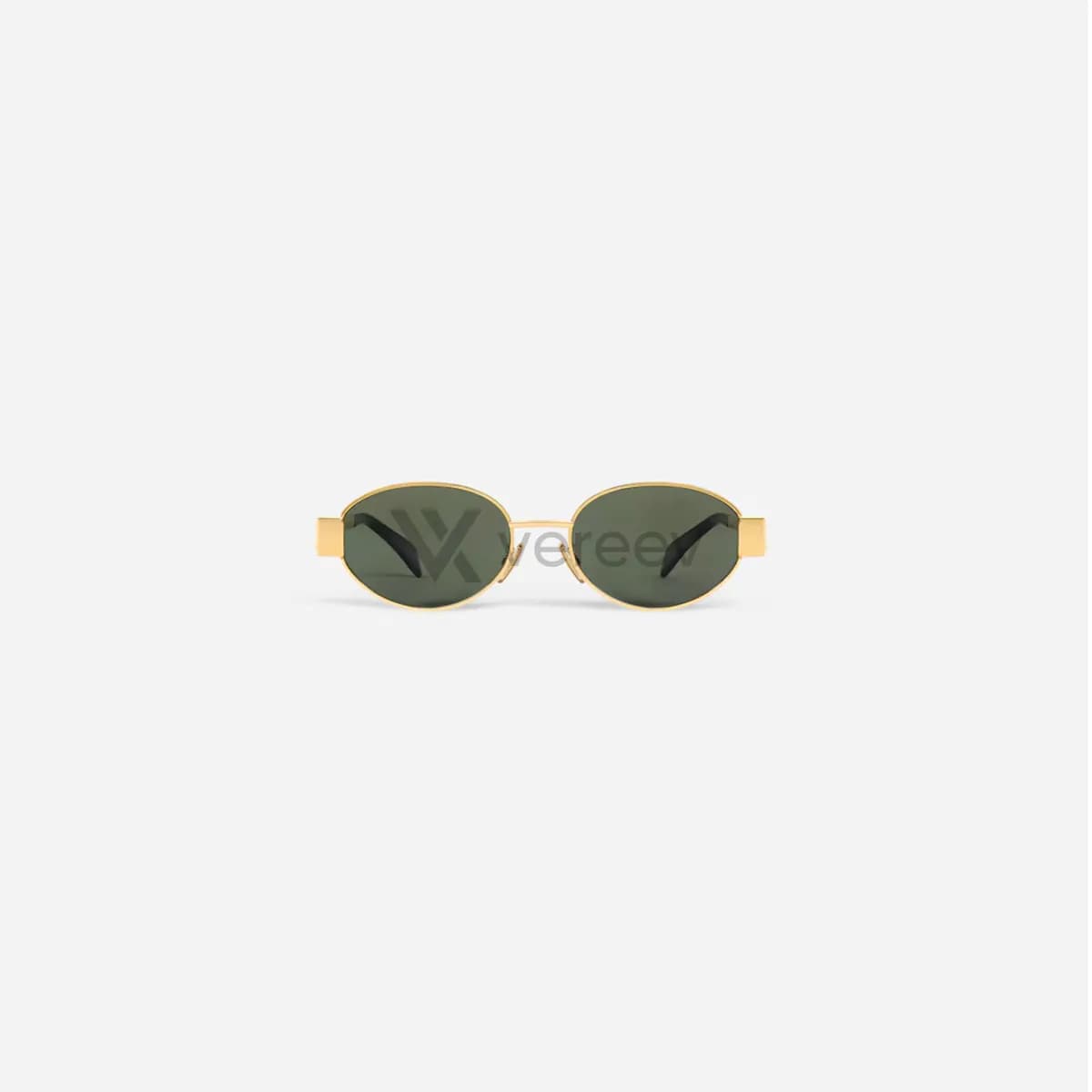
Front View
Capture the full frame straight on so lens shape, bridge, logo placement, symmetry, and frame condition are visible.
Side View
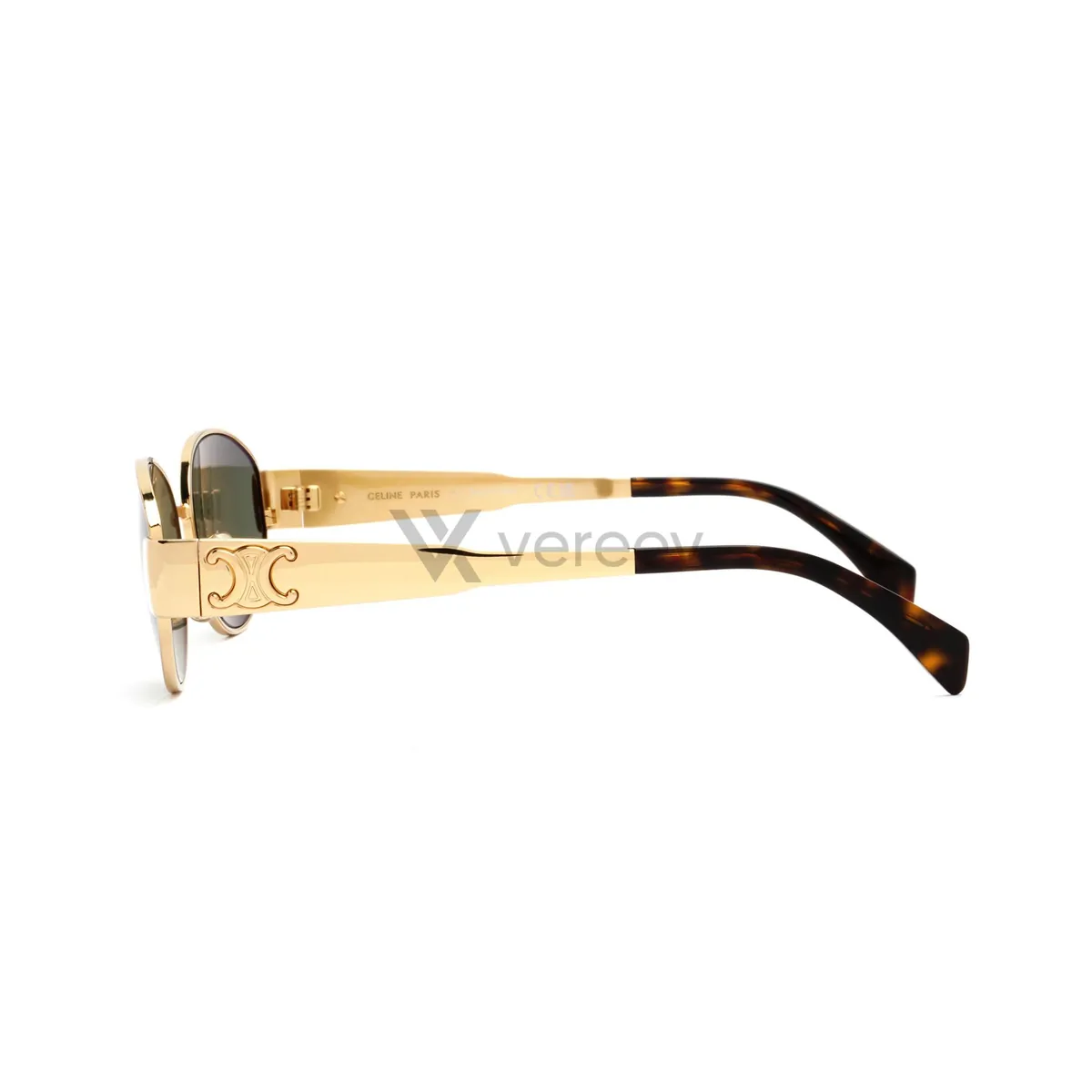
Show the temple arm, hinge shape, frame thickness, profile, and side construction in sharp focus.
Opposite Side
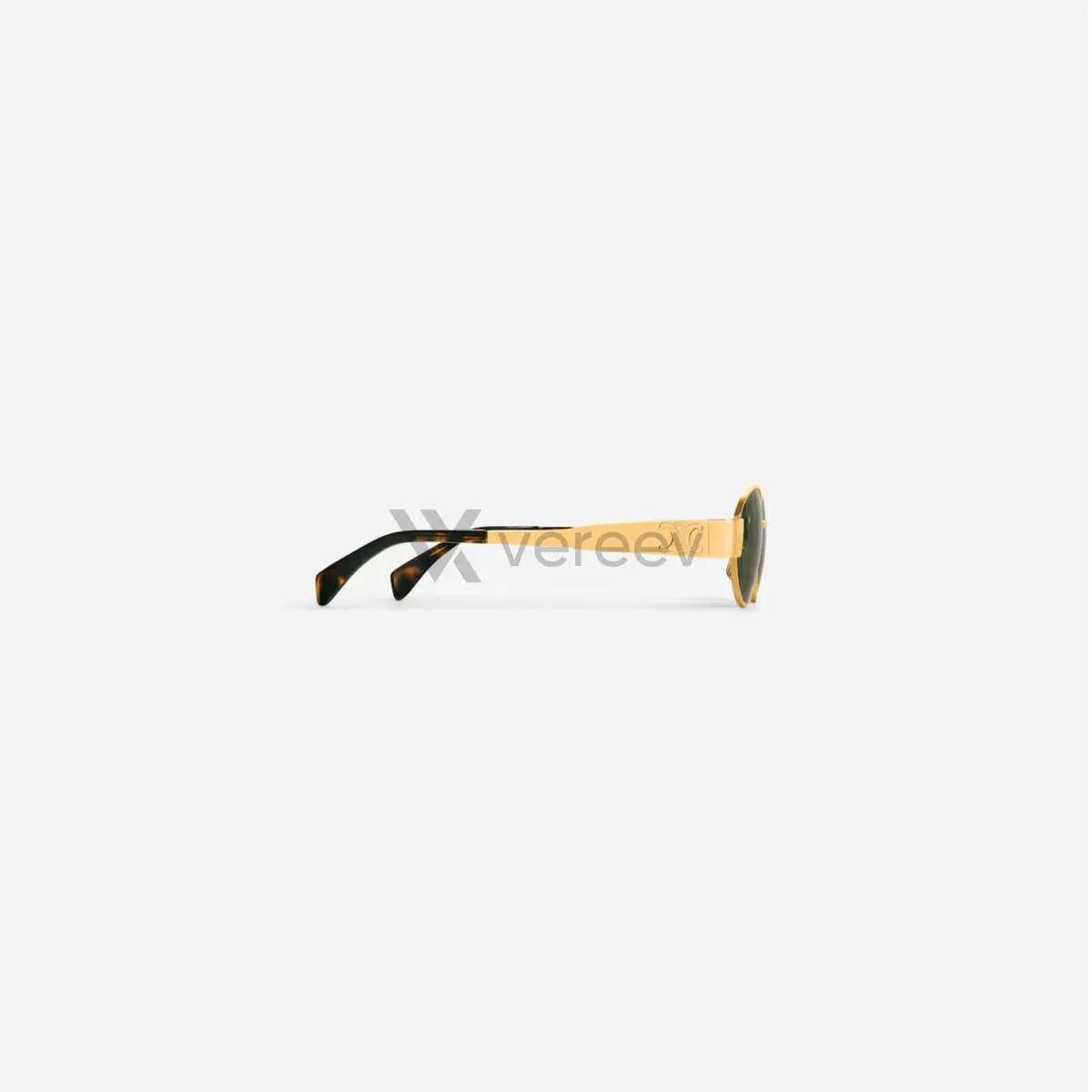
Capture the other side so both hinges, arms, logos, and alignment can be compared.
Temple Interior
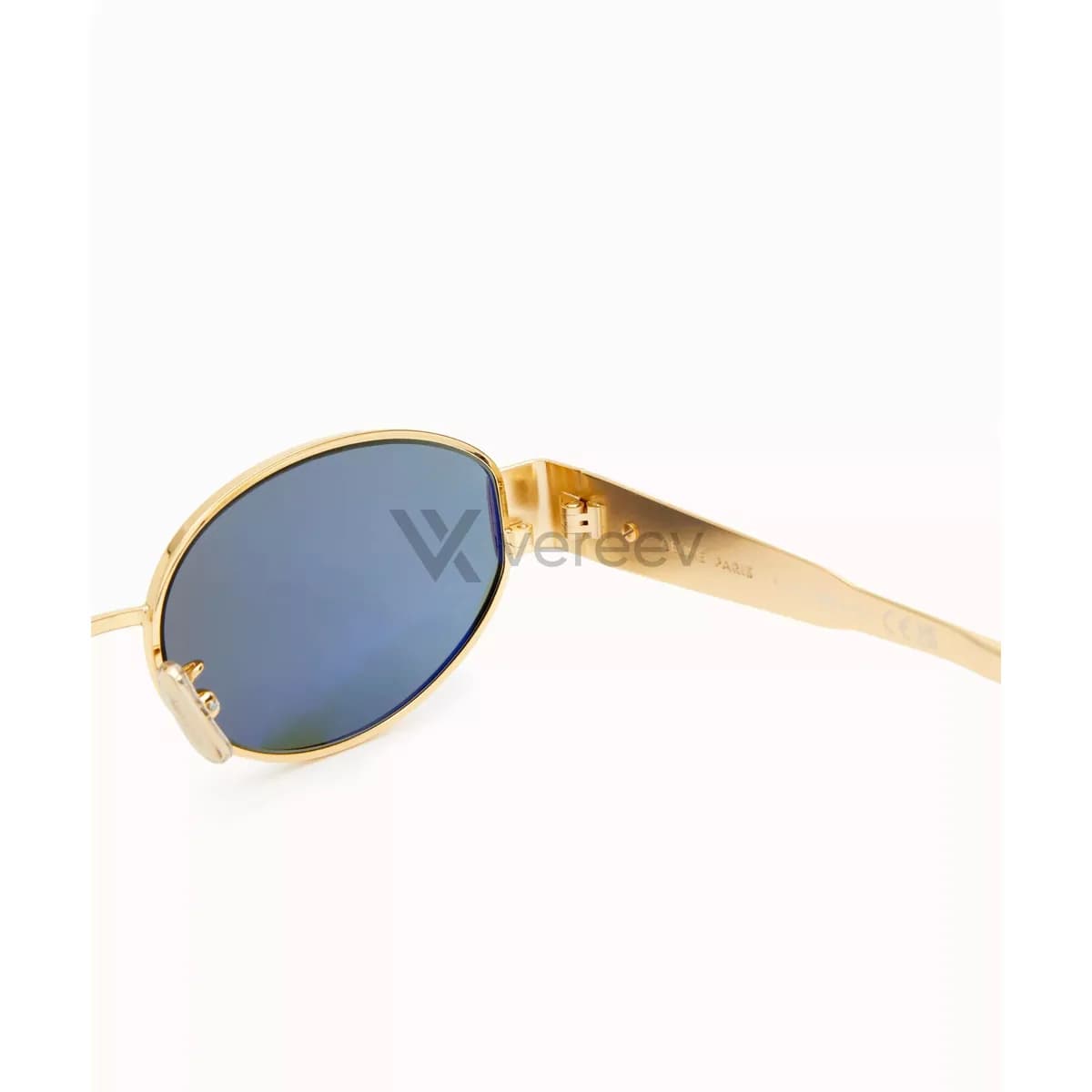
Photograph the inside-arm text, model code, size, color code, origin marks, and typography clearly.
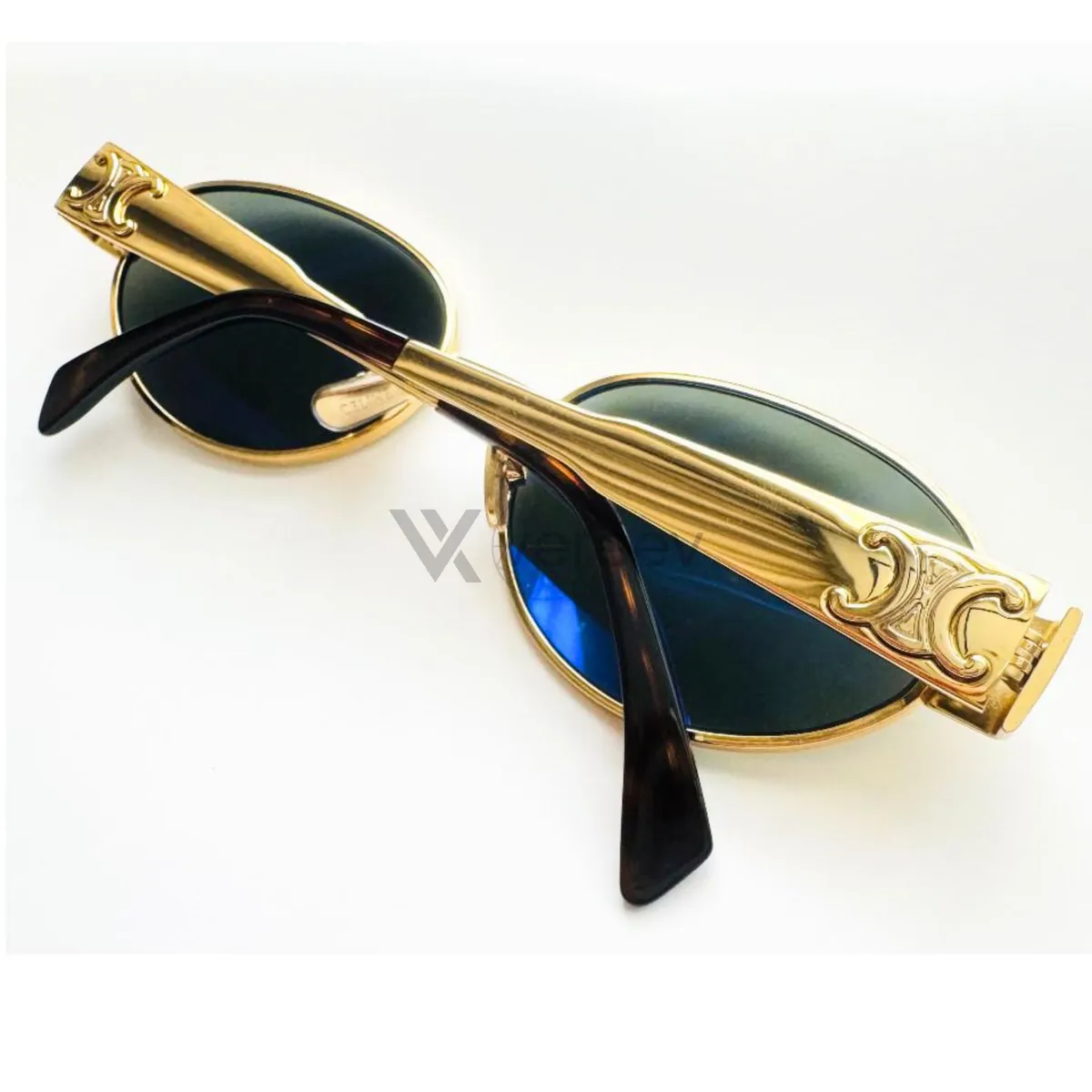
Back View
Show the back side, nose pads, hinges, lens seating, frame alignment, and construction.
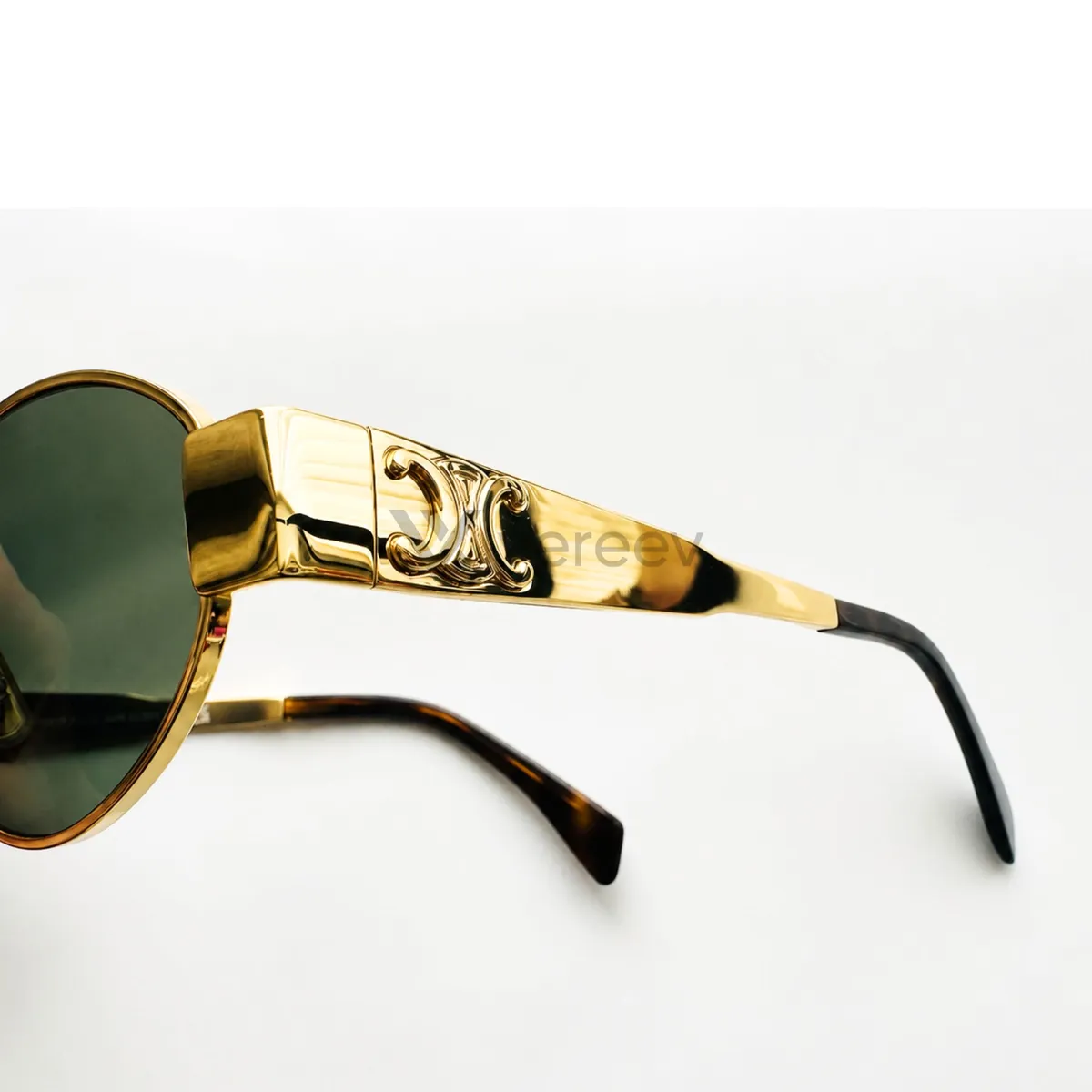
Frame / Material Detail
Add close-ups of acetate, metal finish, screws, engraving, nose pads, lenses, or frame texture.
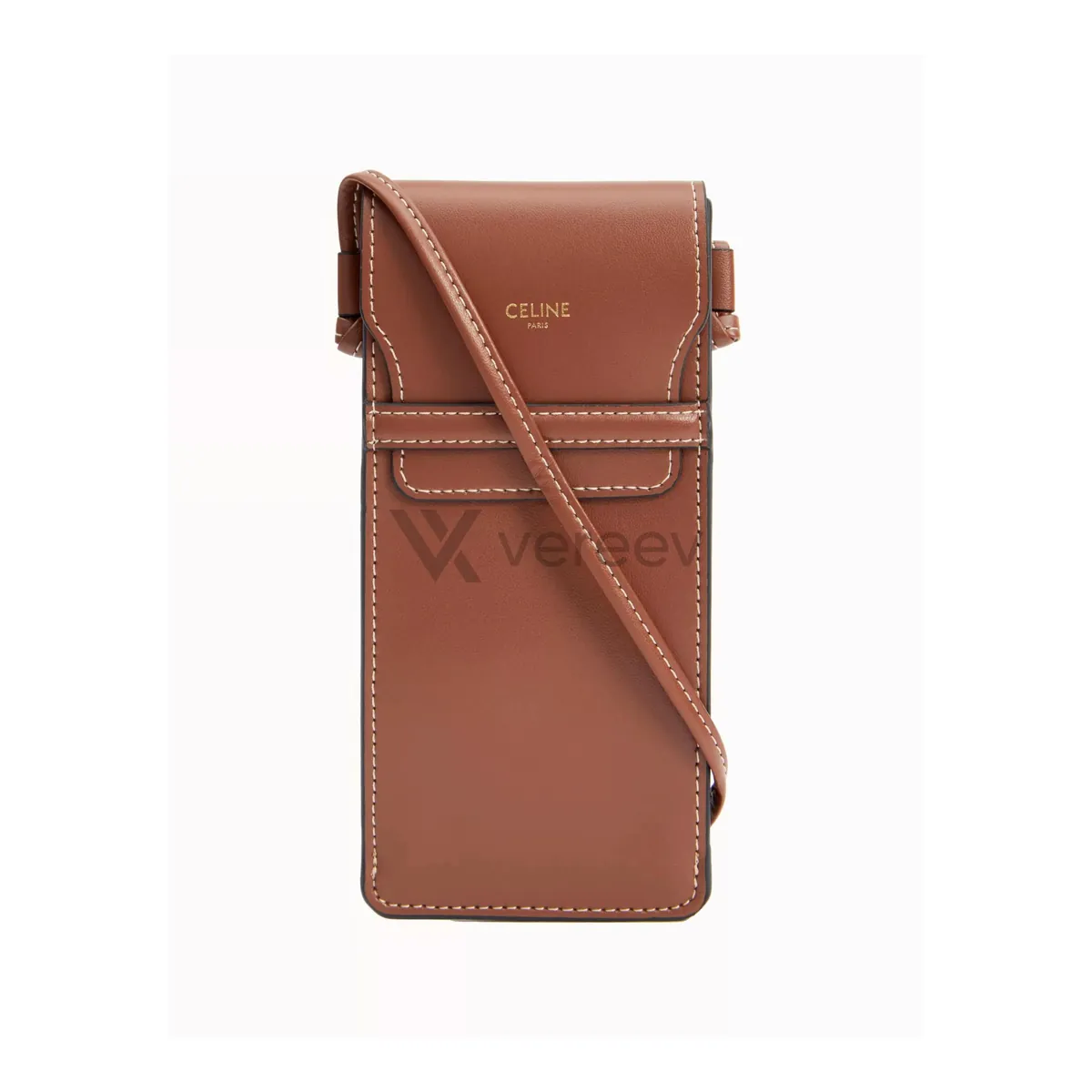
Packaging
Include the case, box, cloth, papers, receipt, barcode, authenticity card, or included accessories.
Better evidence
Tips for eyewear
- Fold out the temples and photograph the text inside each arm in sharp focus. It holds codes such as the model, color and size.
- Clean the lenses, and shoot at a slight angle to the light to avoid reflections.
- Use a plain background, so the shape and symmetry of the frame are easy to compare.
Take these photos in the Vereev app
The Vereev app shows a sample photo for each angle when you submit eyewear. Follow the guide, submit the photos for review, and receive your result and digital certificate in Vereev.
FAQ
How many photos do I need to authenticate sunglasses?
The Vereev app's eyewear guide lists 7 angles: the front, both sides, the inside of the temple, the back, a frame or material detail, and the case or packaging.
Where is the model number on sunglasses?
On many frames it is printed inside a temple arm, with the color and size codes. The app's guide asks for a clear photo of that text.
Does this guide work for optical frames?
Yes. The app uses it for sunglasses and optical frames.
Continue your research