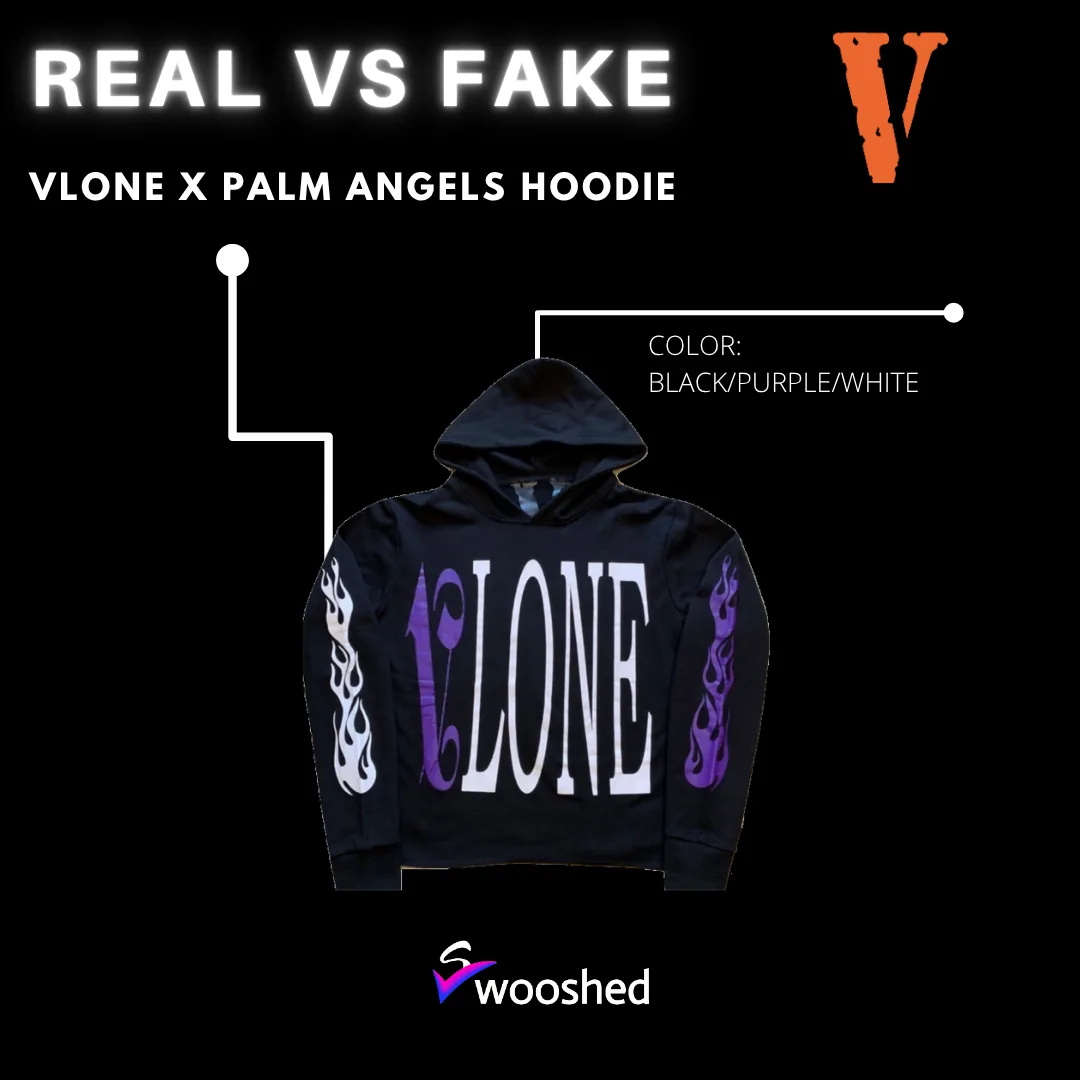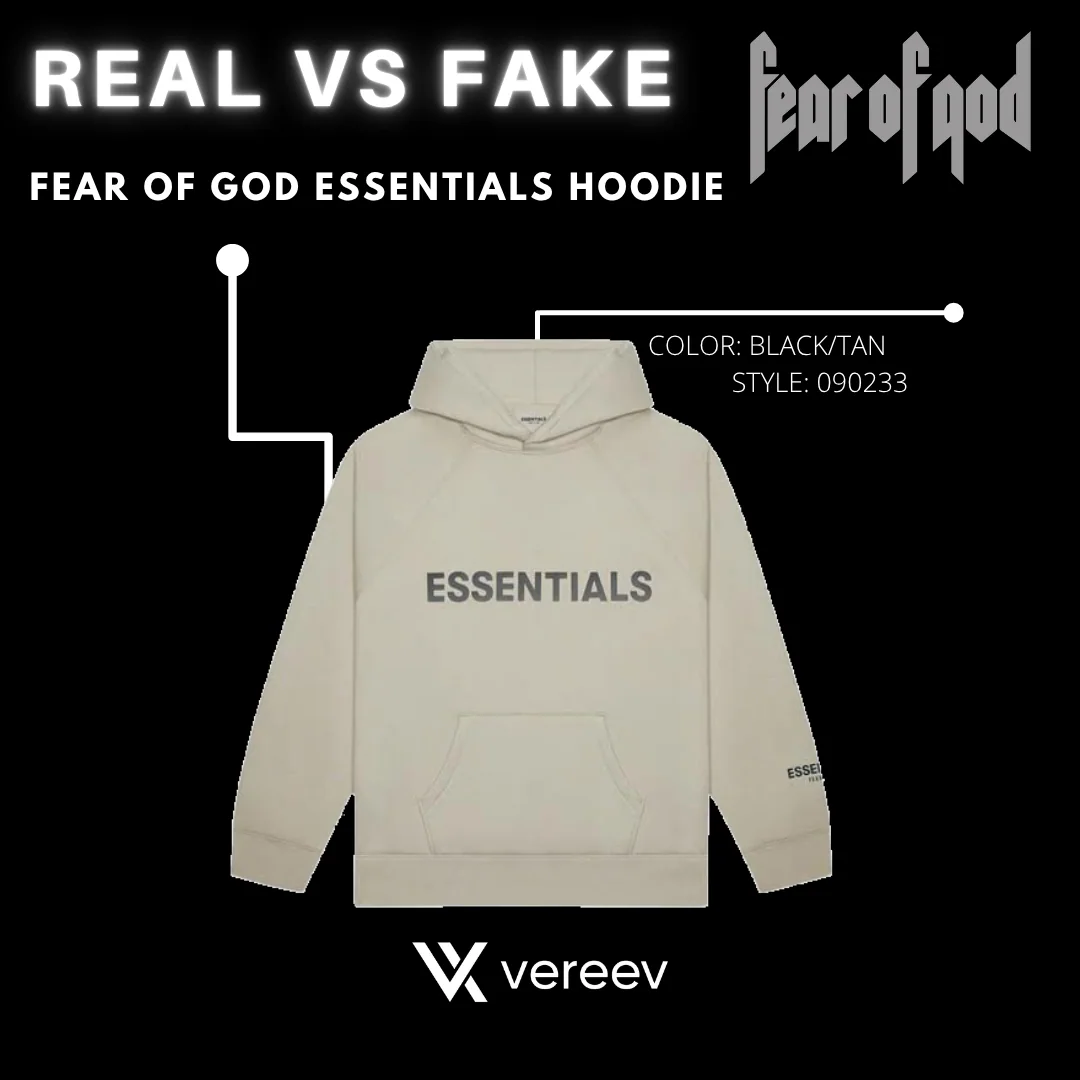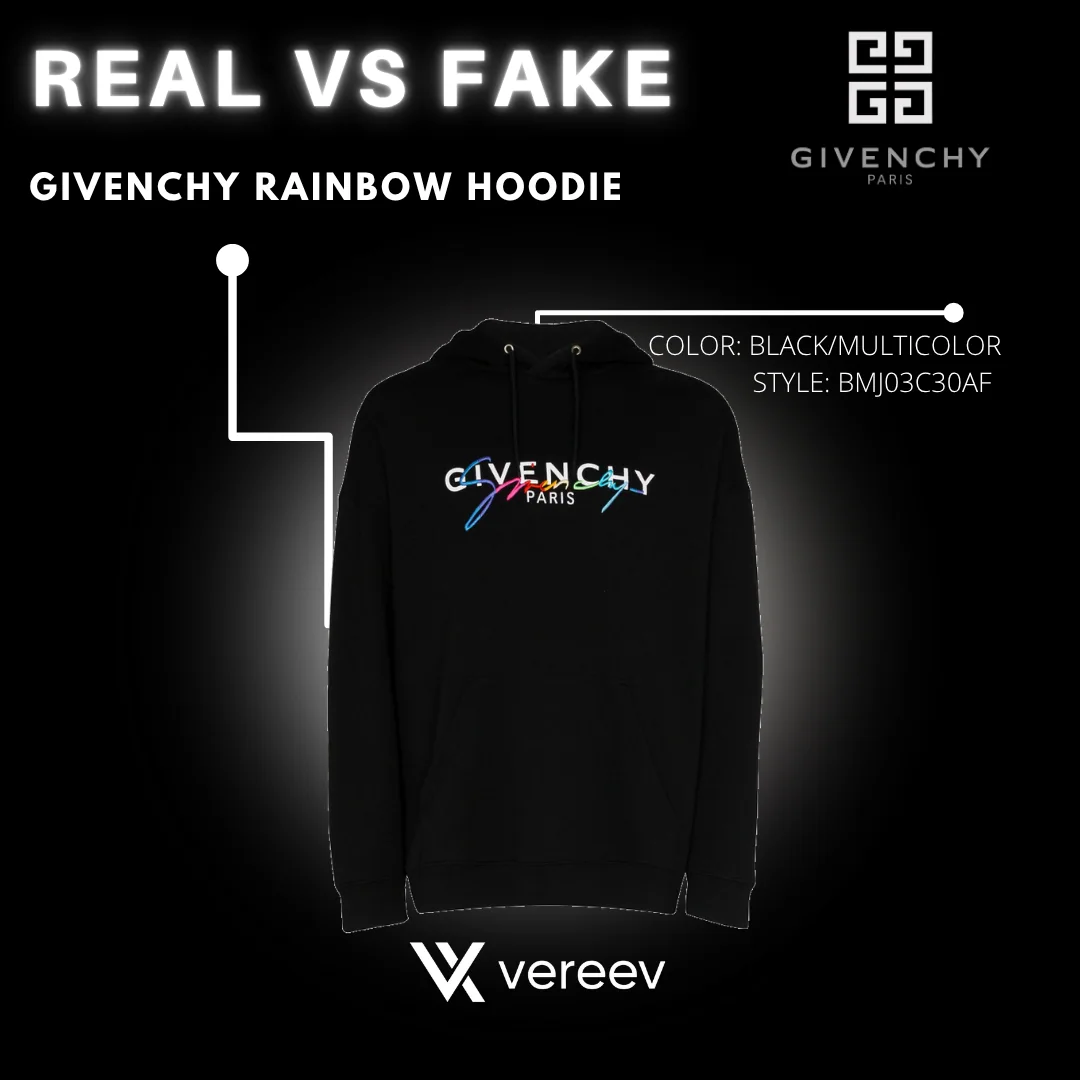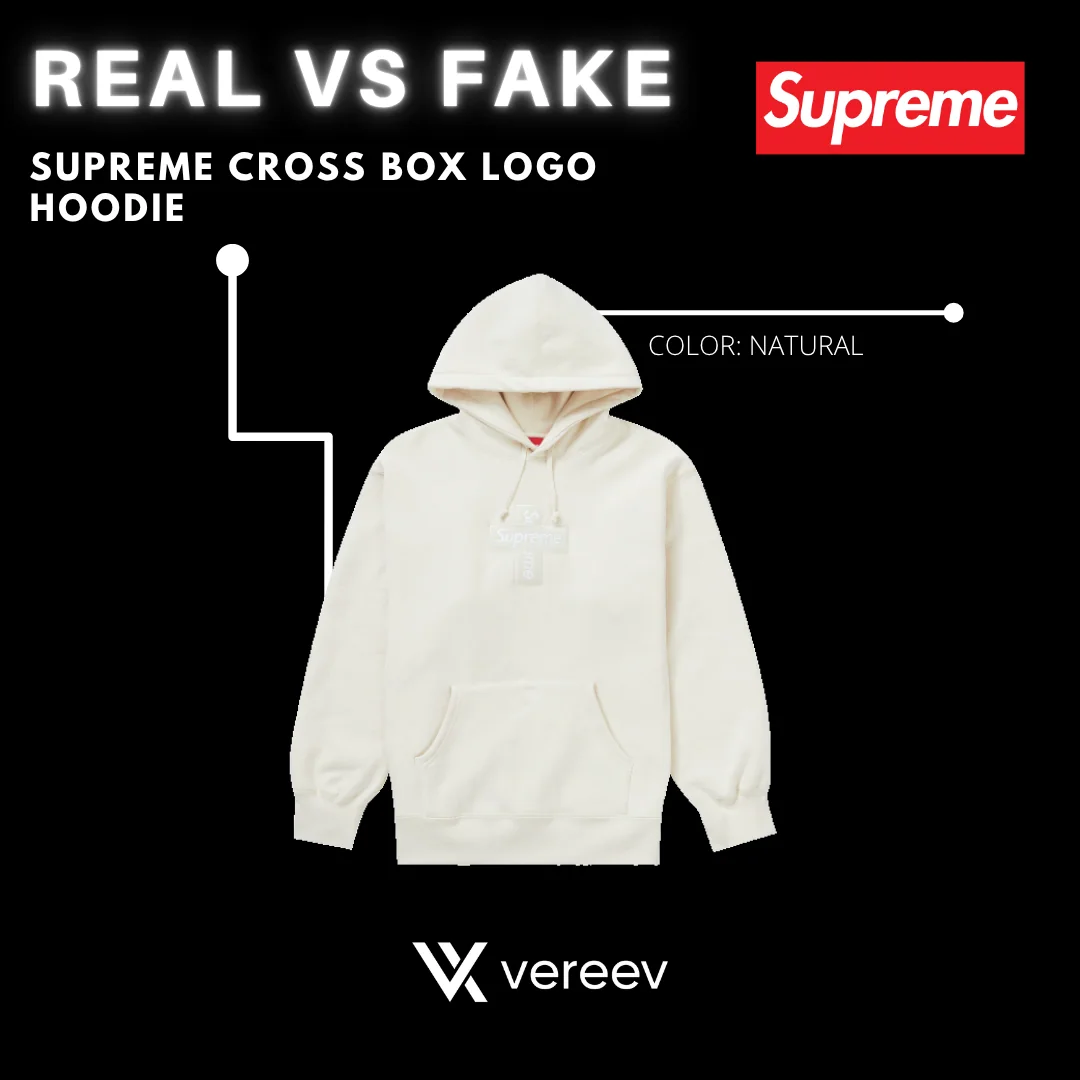
How to Photograph Clothing for Authentication
Lay the garment flat and photograph all of it, then take a close-up of the fabric, print, embroidery or hardware. Add the main brand tag in sharp focus, the care labels and inner tags, and any size, code or season tag. Finish with packaging, barcodes, spare tags or a receipt if you have them. The Vereev app shows a sample photo for each of these 6 angles.
Step by step
The 6 photos to take
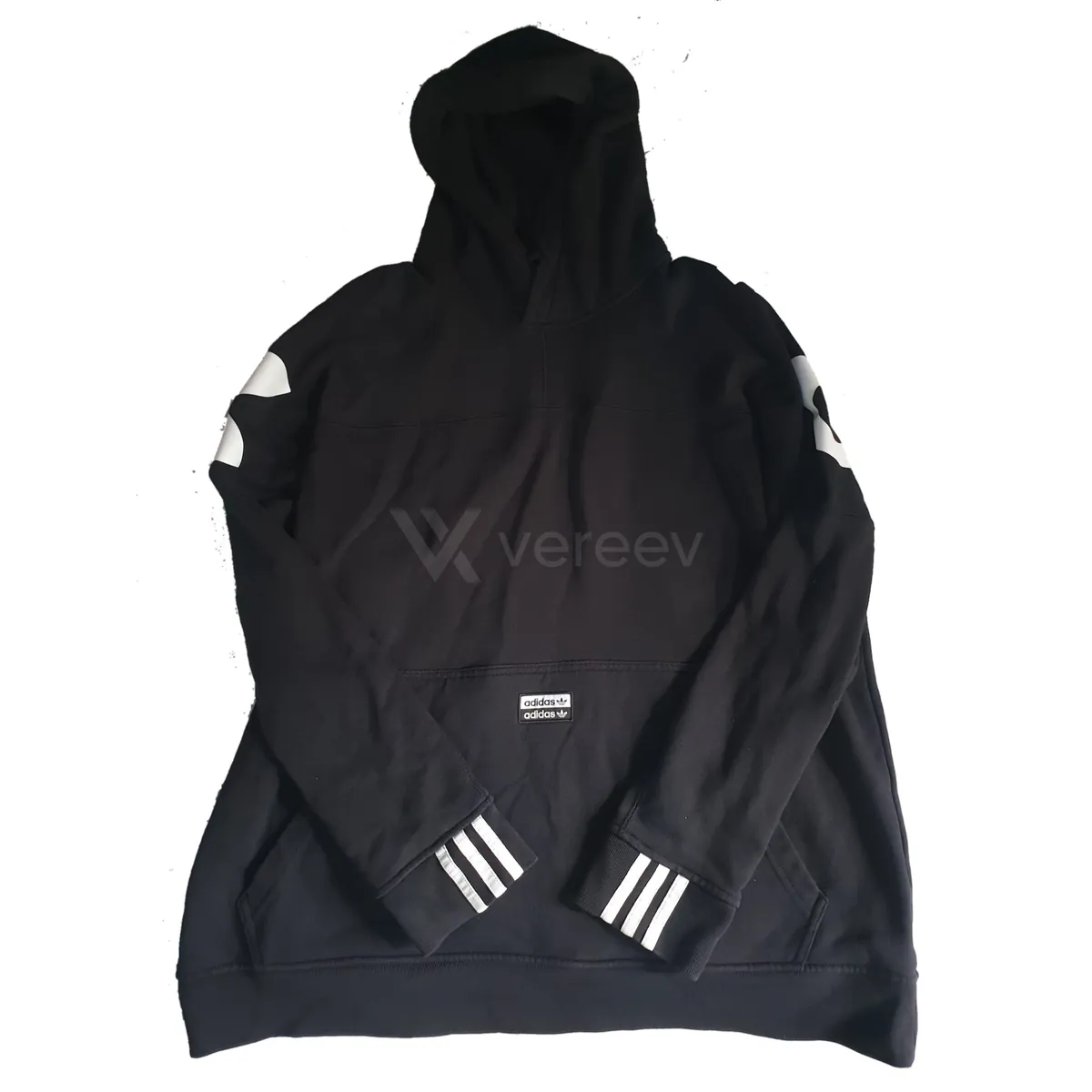
The app uses this guide for clothing, hoodies, shirts, jackets and similar textile items. Its sample photos show a black adidas hoodie. Use the same angles for any brand, and keep the same item in every photo.
Full Appearance
Capture the full item clearly so a reviewer can see shape, proportions, color, and overall construction.
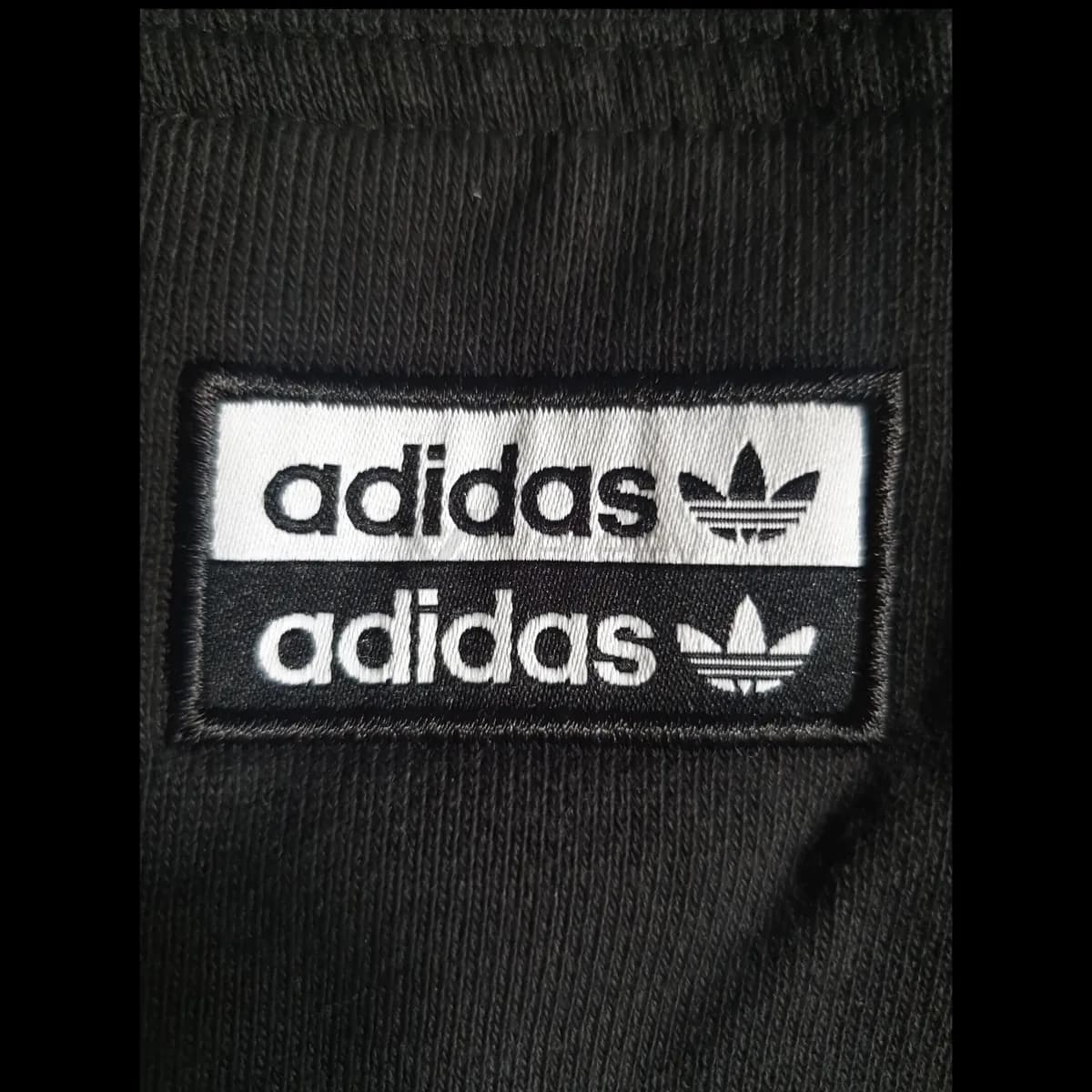
Material & Detail
Take a close-up of fabric texture, stitching, print quality, embroidery, zipper, buttons, or other key details.
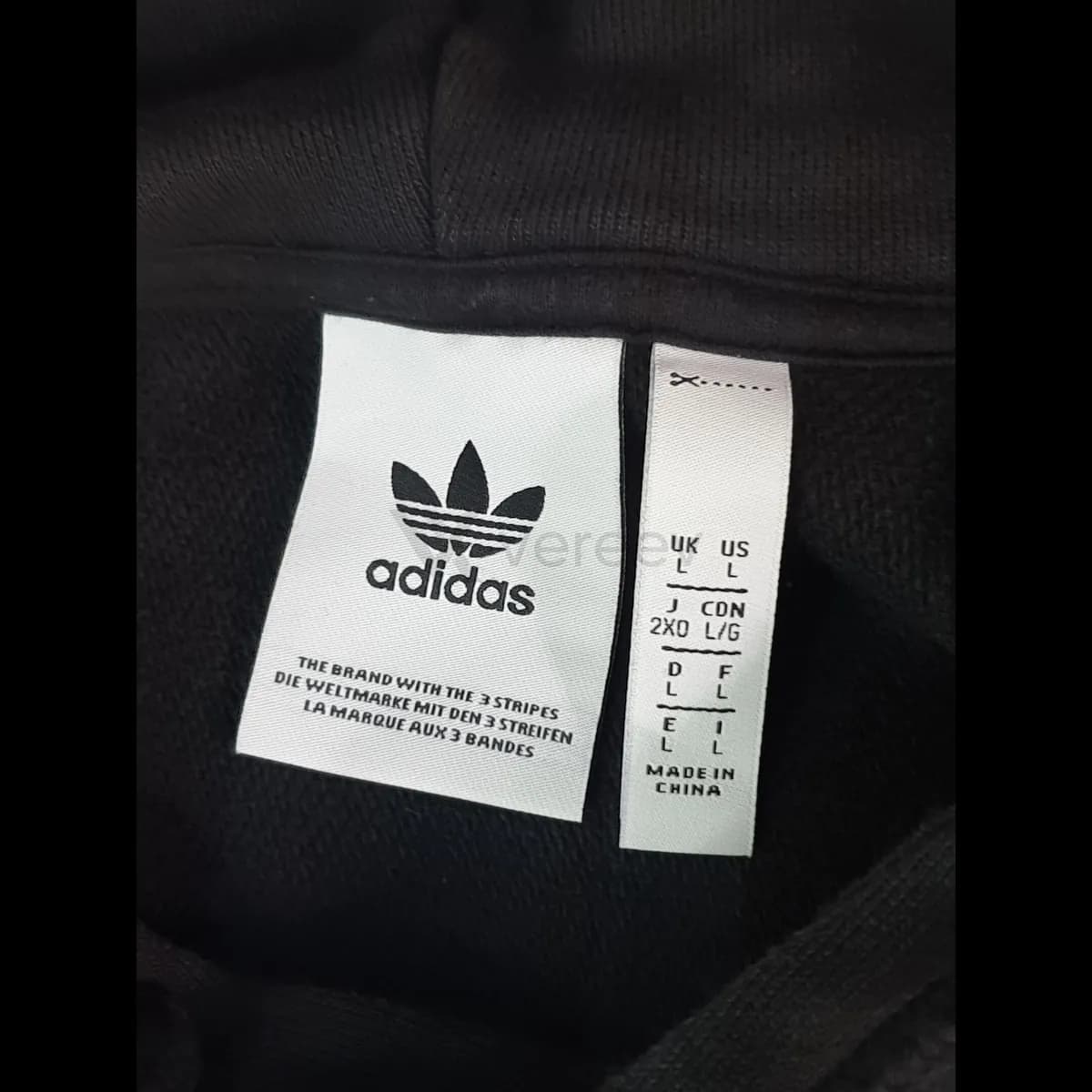
Brand Tag
Show the main brand tag in sharp focus so typography, spacing, and stitching can be checked.
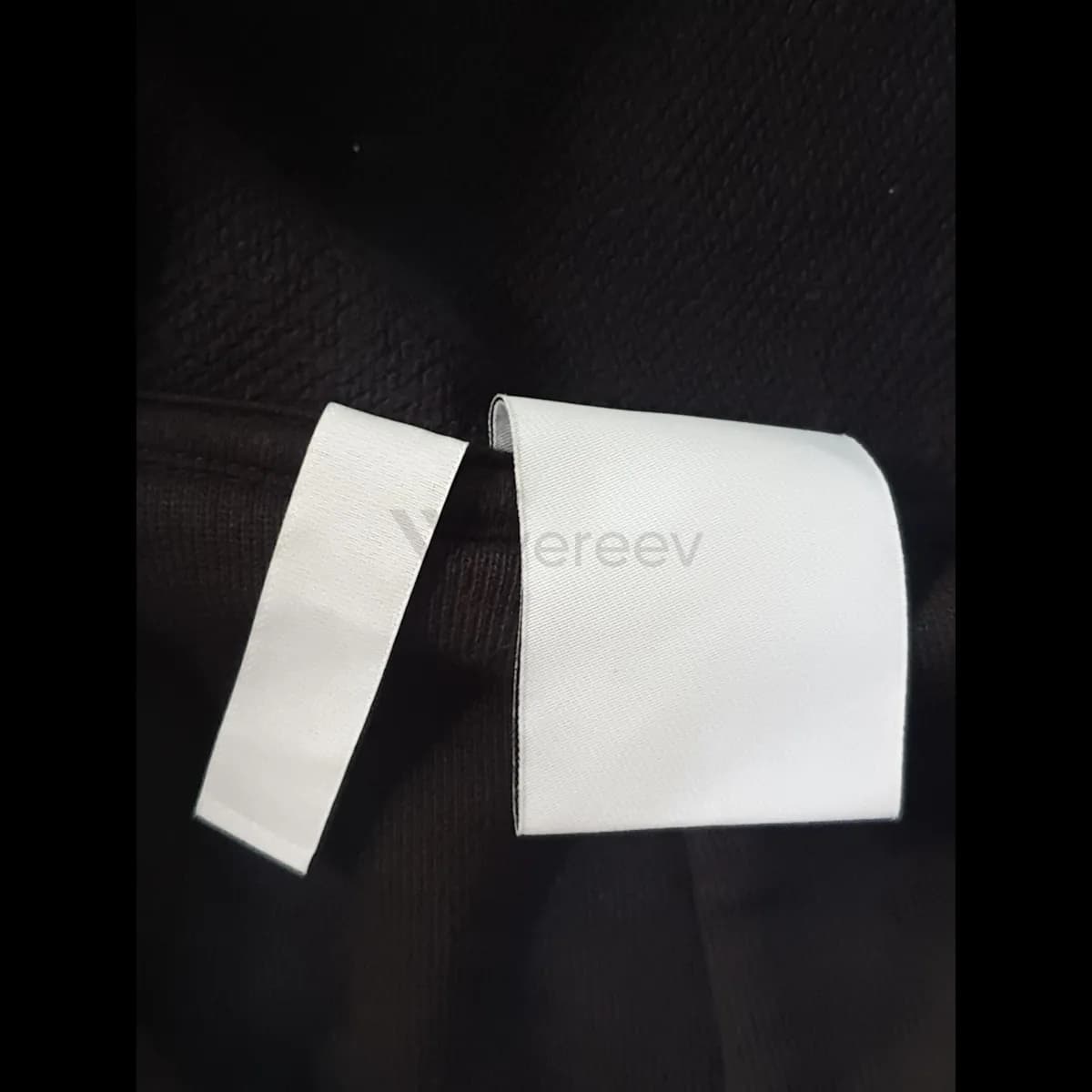
Care Label
Photograph care labels and inner tags, because material text, wash symbols, and label quality are important references.
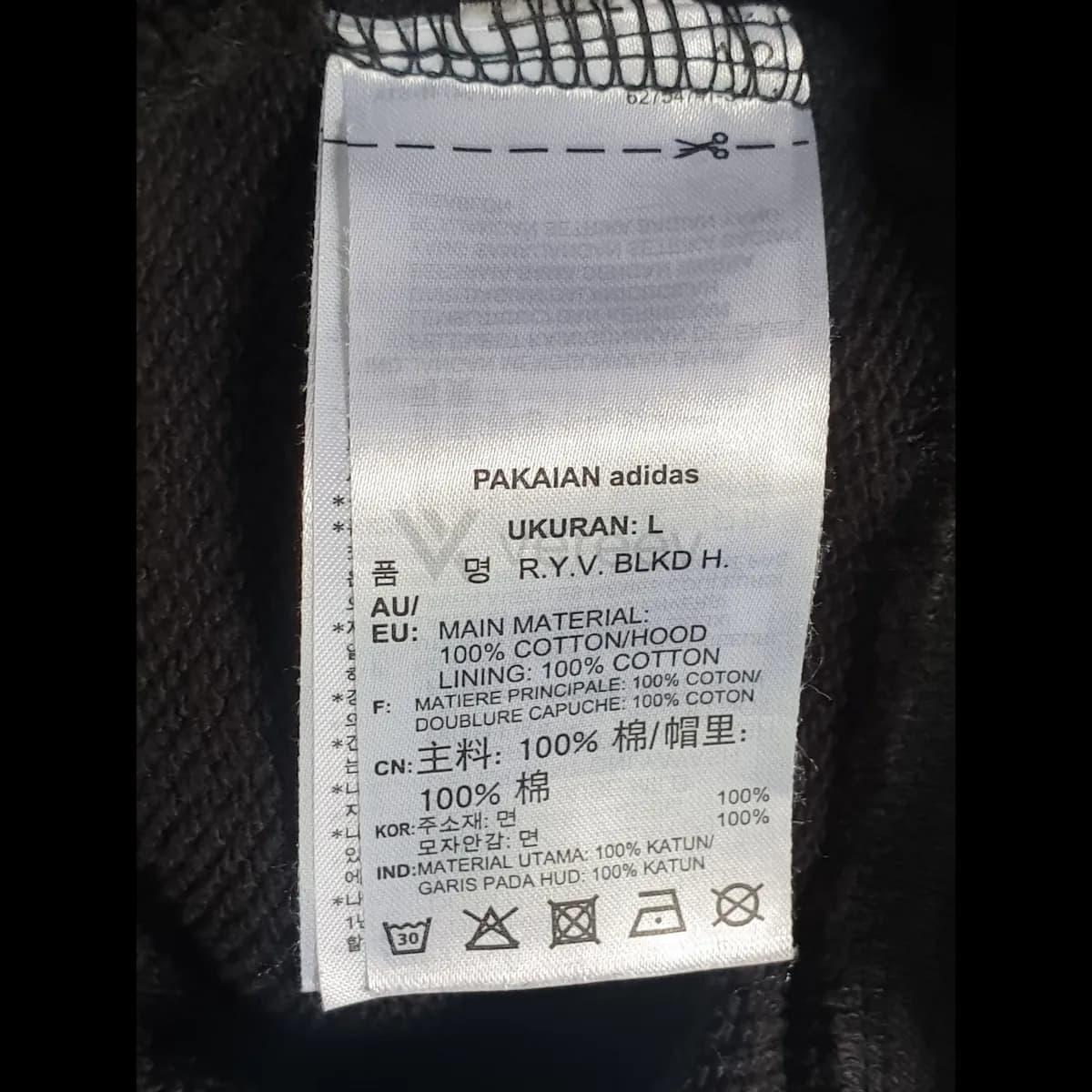
Size / Code Tag
Include size tags, product codes, serial labels, or season information when available.
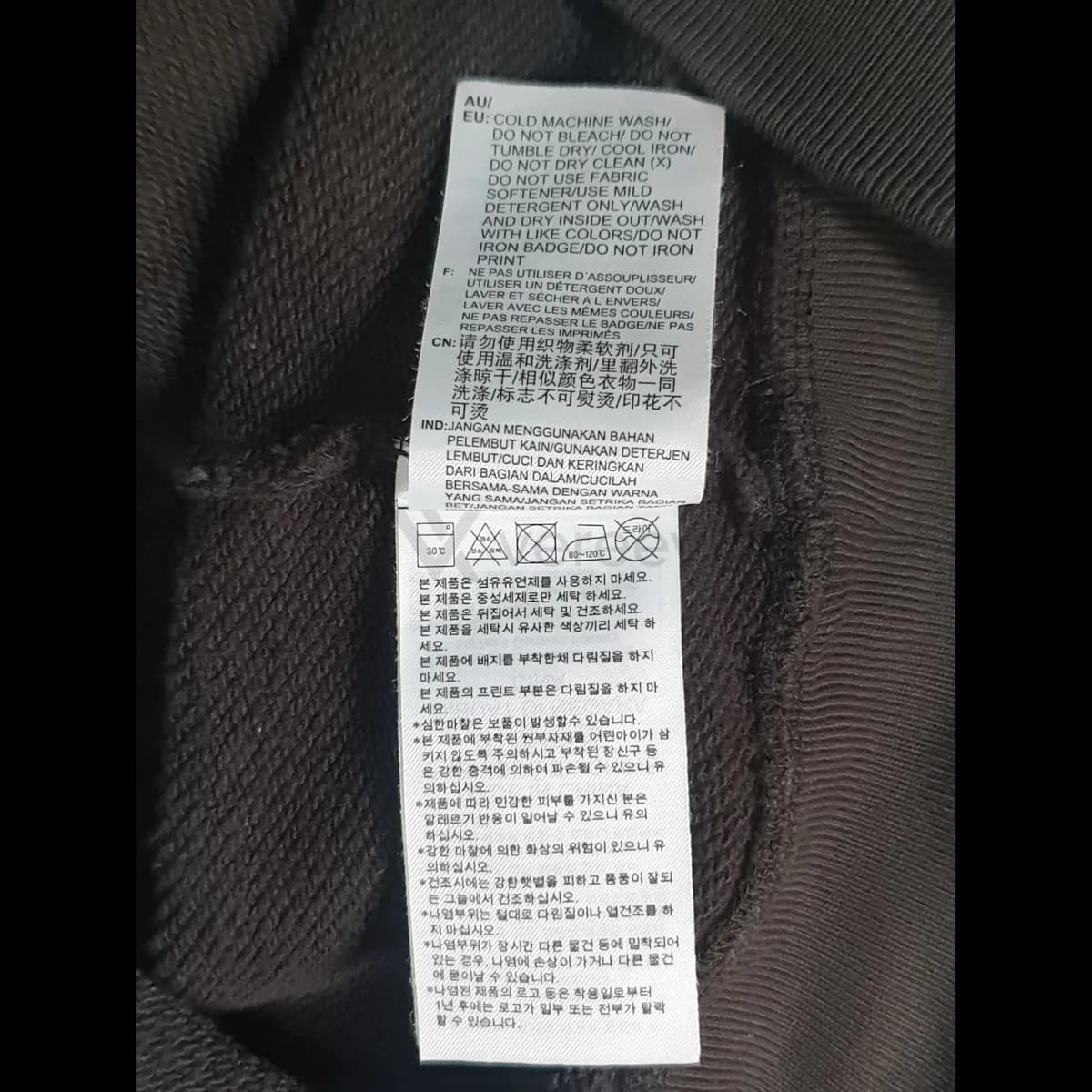
Packaging or Extra Label
Add packaging, barcodes, receipts, spare tags, or any extra proof that supports the item history.
Better evidence
Tips for clothing
- Lay the garment flat in even light, so prints and embroidery are not distorted by folds.
- Photograph every page of the care labels, including the backs.
- Fill the frame with each label and keep it in focus, so typography and stitching can be compared.
Take these photos in the Vereev app
The Vereev app shows a sample photo for each angle when you submit clothing. Follow the guide, submit the photos for review, and receive your result and digital certificate in Vereev.
FAQ
How many photos do I need to authenticate clothing?
The Vereev app's clothing guide lists 6 angles: the full item, a material or print detail, the brand tag, the care labels, size or code tags, and packaging or extra labels when available.
Which label matters most?
No single label decides a result. The brand tag, care labels and size or code tags are compared with the print, fabric and construction, because labels can be copied or moved between garments.
Does this guide work for hoodies, T-shirts and jackets?
Yes. The app uses it for clothing, hoodies, shirts, jackets and similar textile items. Some outerwear brands add QR or NFC labels, so check your brand's guide for extra photos to take.
Continue your research