
How to Photograph a Book for Authentication
Photograph the front cover so its print, color, typography and condition show, then a close-up of any foil, embossing or texture. Add the page edges and binding, the ISBN, barcode, publisher marks or edition label, and the inner pages, including the copyright page, inserts or signatures if relevant. The Vereev app shows a sample photo for each of these 5 angles.
Step by step
The 5 photos to take
The app uses this guide for books, printed collectibles, labels, pages and edition details. Its sample photos show a KAWS book published by Phaidon. Use the same angles for any brand, and keep the same item in every photo.
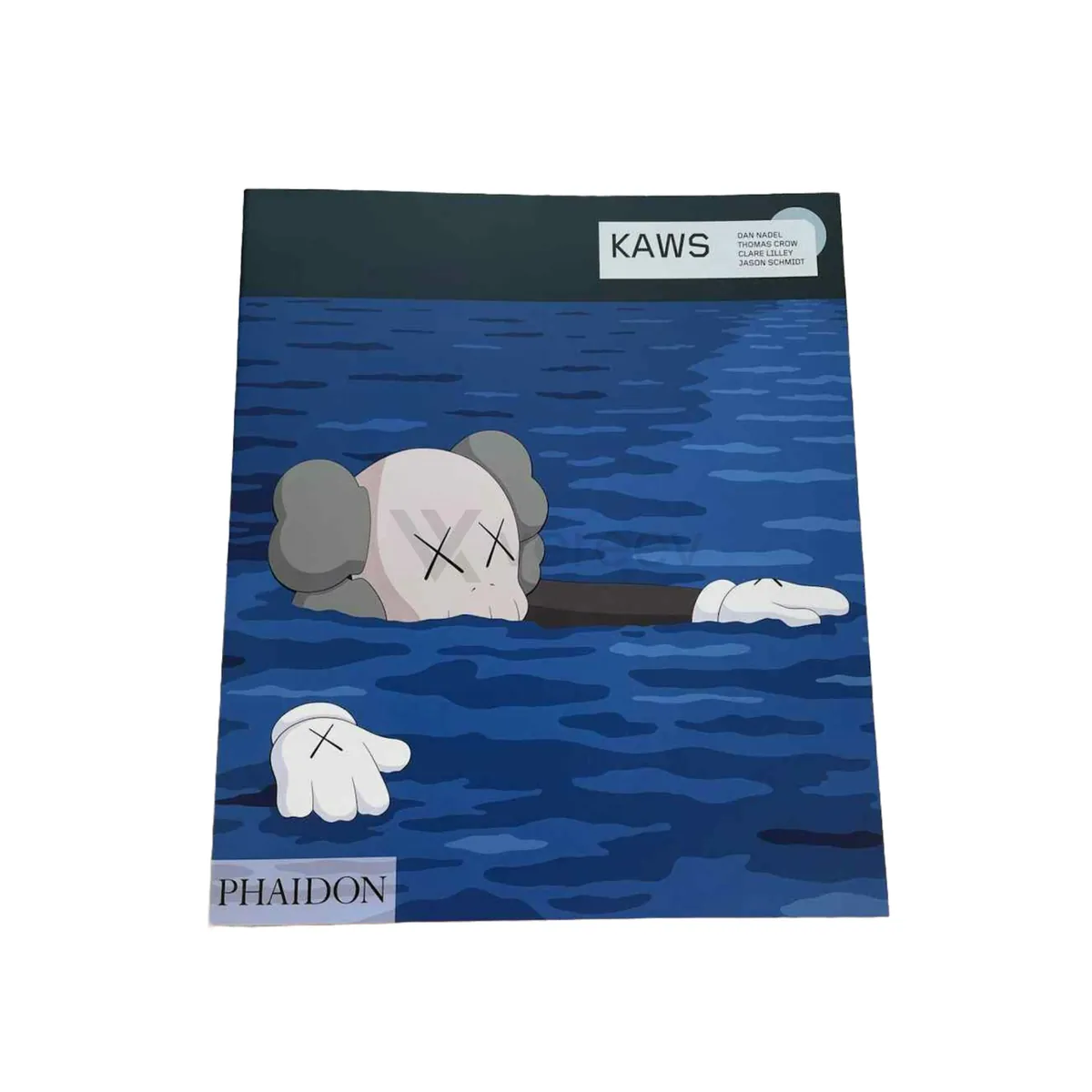
Cover
Capture the front cover, print quality, color, typography, and condition.
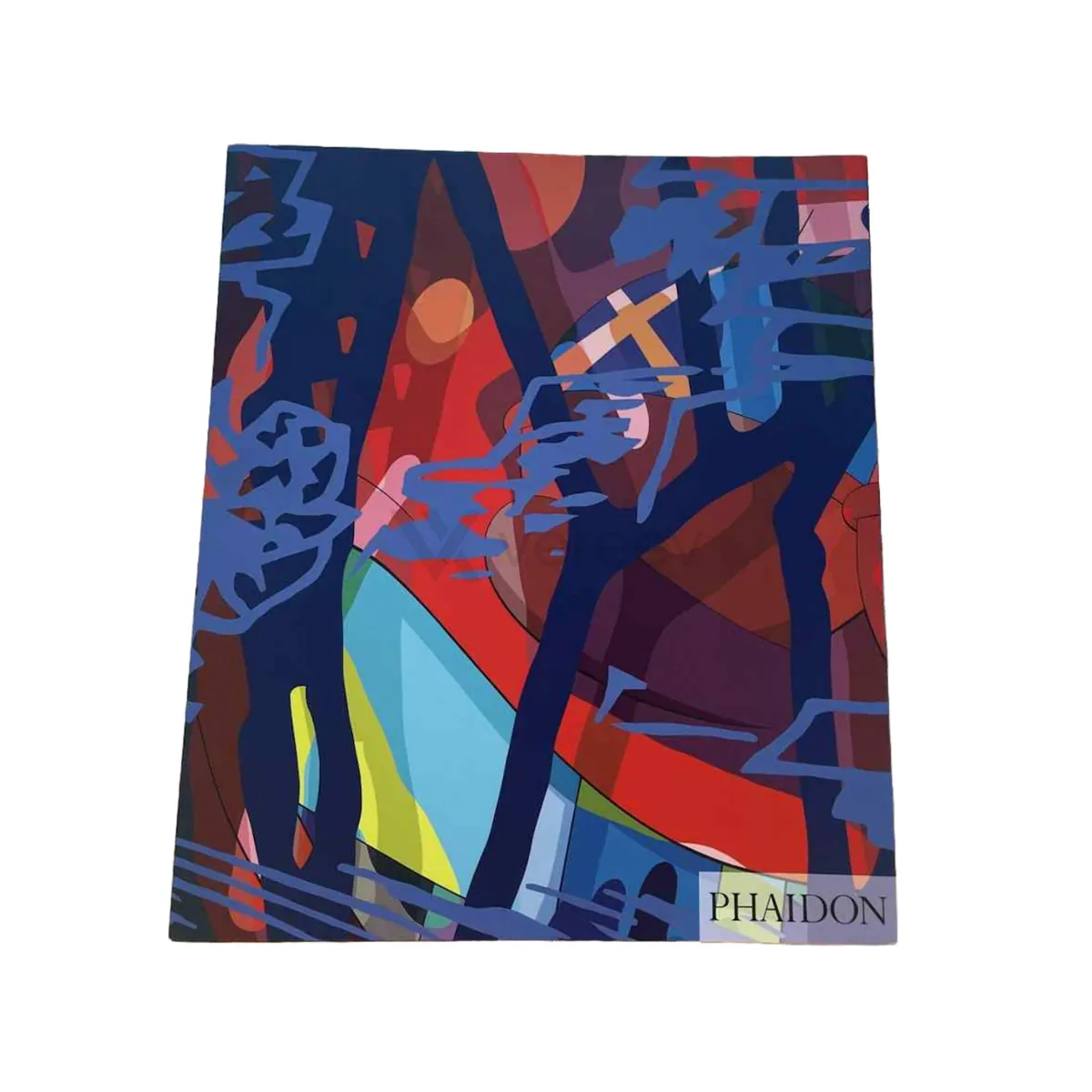
Cover Detail
Show close-up printing, foil, embossing, texture, or any authenticity detail.

Pages
Photograph page edges, binding, paper quality, and page condition.
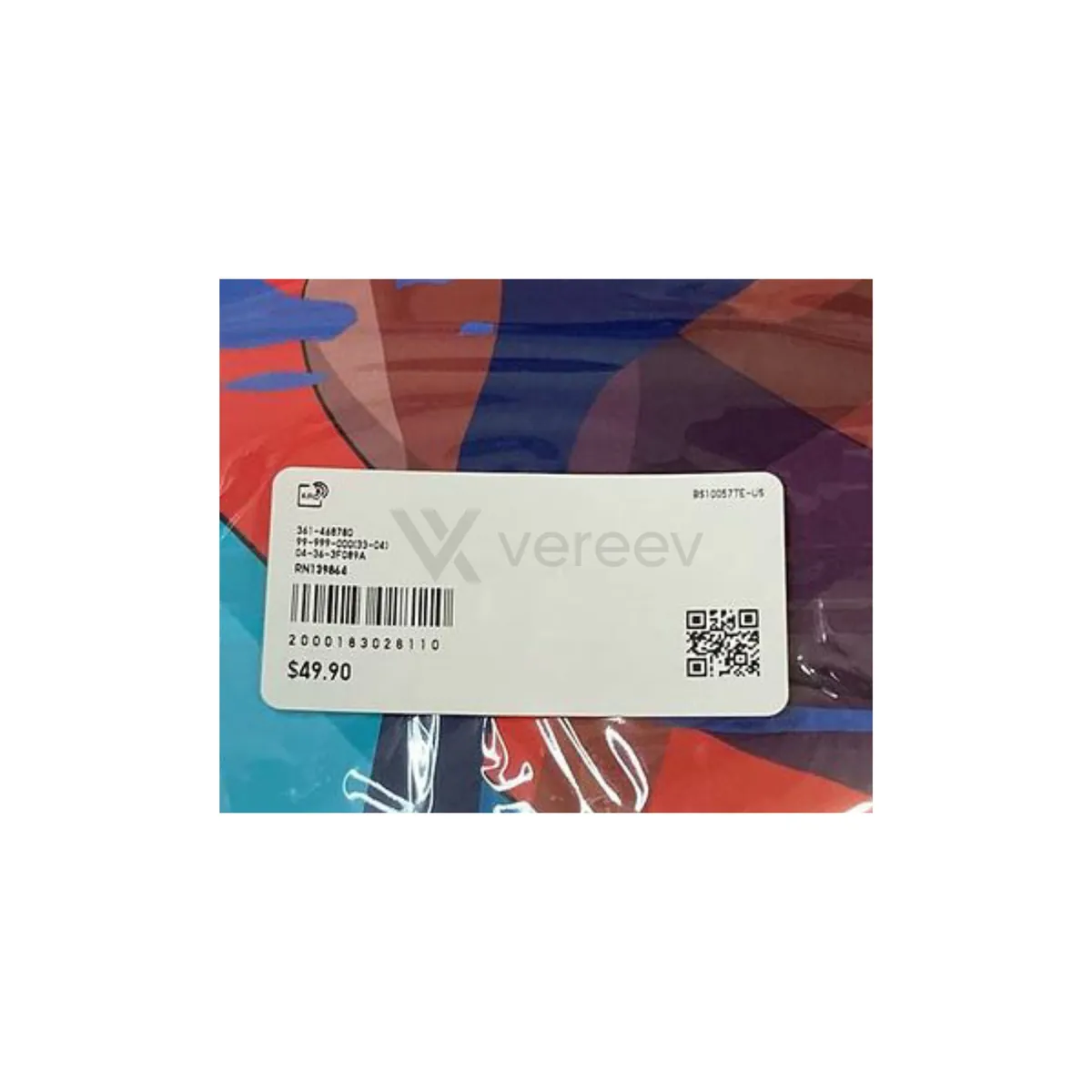
Label
Include the ISBN, barcode, publisher marks, edition label, or limitation number.
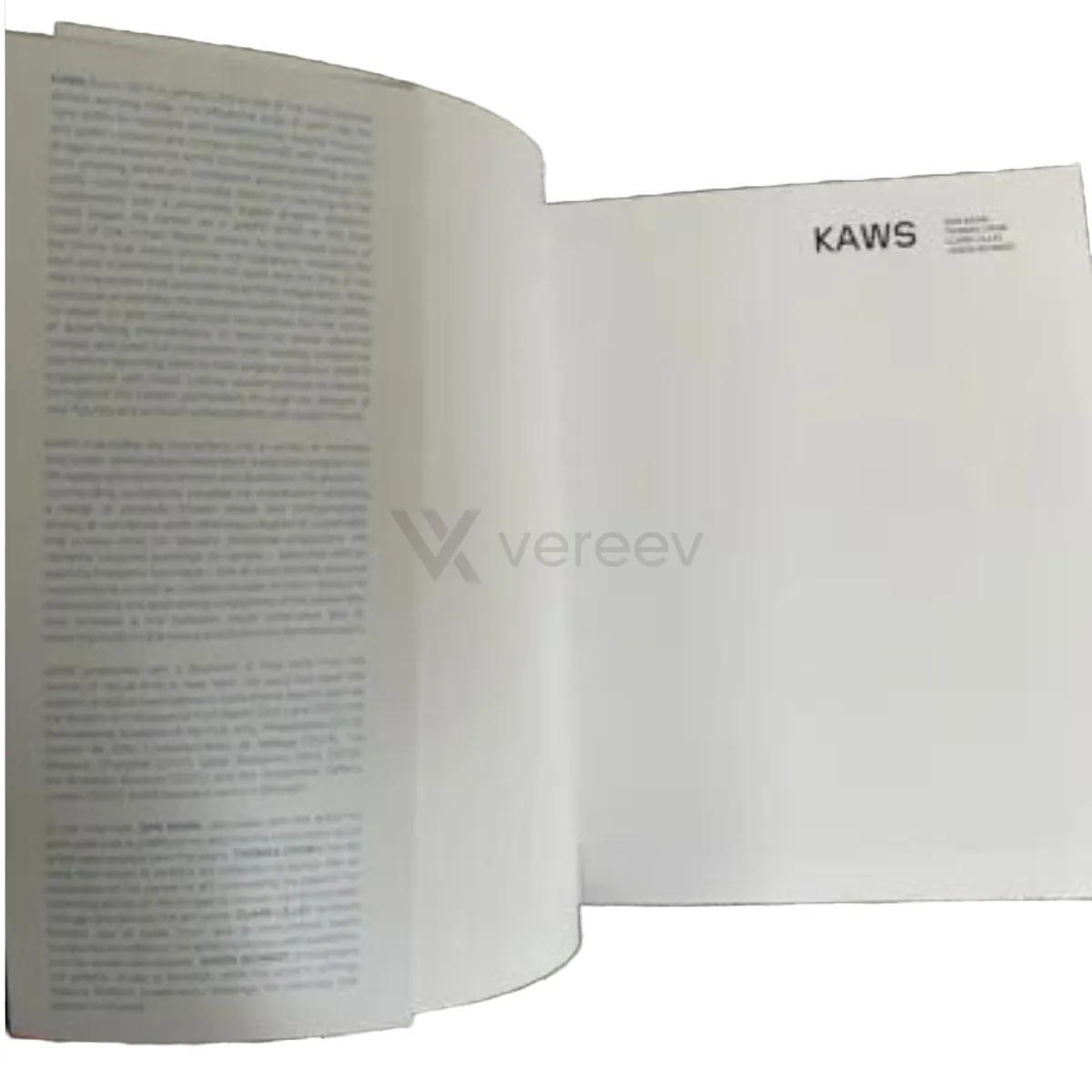
Inner Pages
Show interior pages, the copyright page, inserts, or signatures if relevant.
Better evidence
Tips for books
- Photograph the copyright page straight on, because edition and printing details are usually printed there.
- Show signatures, numbering or inserts in sharp focus, with enough of the page around them for context.
- Use soft, even light to avoid glare on glossy covers and foil.
Take these photos in the Vereev app
The Vereev app shows a sample photo for each angle when you submit books. Follow the guide, submit the photos for review, and receive your result and digital certificate in Vereev.
FAQ
How many photos do I need to authenticate a book?
The Vereev app's book guide lists 5 angles: the cover, a cover detail, the pages, the label and the inner pages.
Does this guide work for signed or limited editions?
Yes. Include the signature, the numbering or limitation label, and the copyright page, which the inner pages step covers.
Which printed items does this guide cover?
The app uses it for books, printed collectibles, labels, pages and edition details.
Continue your research