How to Photograph a Watch for Authentication
Photograph the dial straight on, then a close-up of the dial, the case, the crown side, the case back, the bracelet or strap and the clasp. Add the serial and reference markings and close-ups of engravings and finishing, plus the movement or inner case when photos of it are available. The Vereev app shows a sample photo for each of these 10 angles.
Step by step
The 10 photos to take
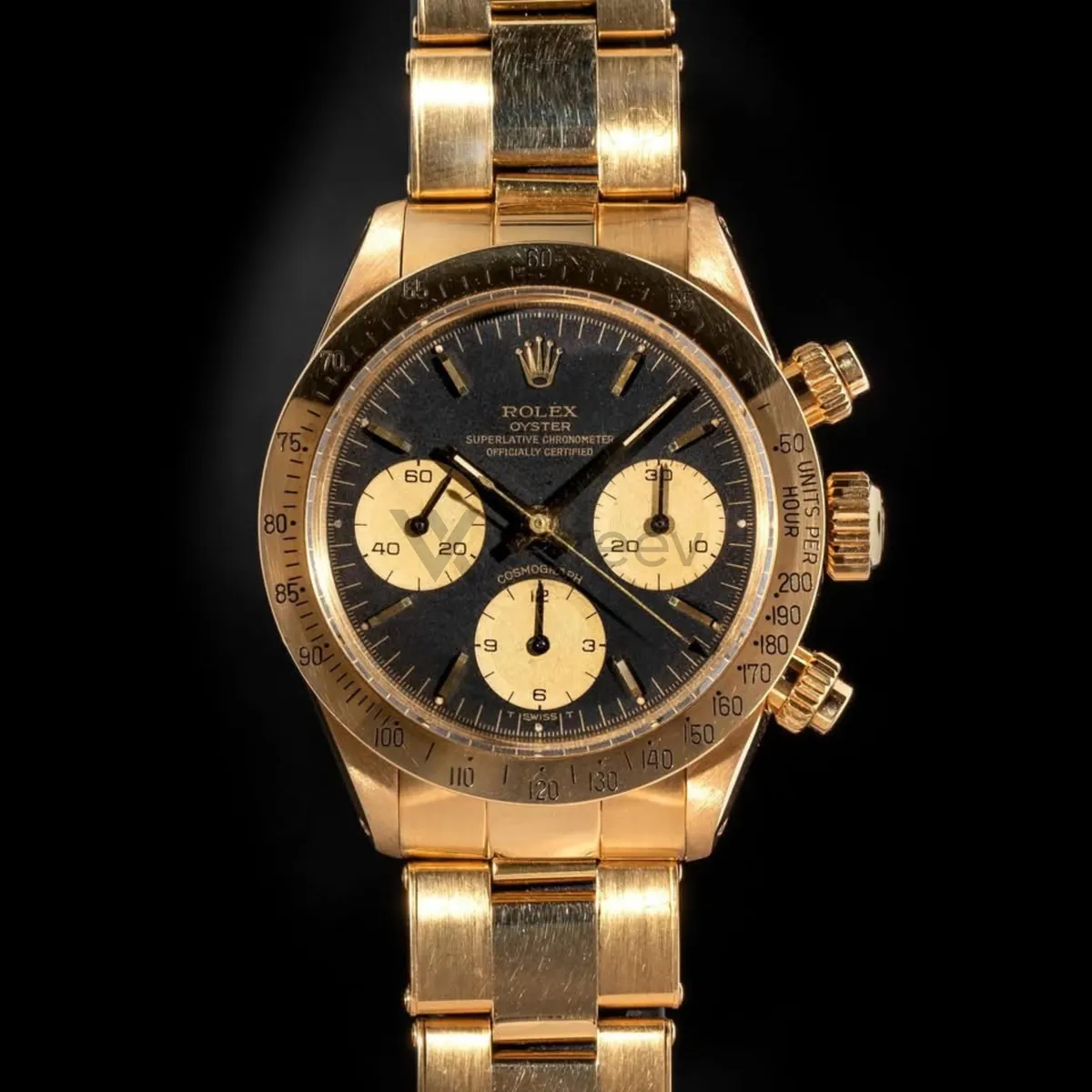
The app uses this guide for luxury watches: dials, case backs, crowns, bracelets, clasp details and papers. Its sample photos show a gold Rolex Daytona with a black dial. Use the same angles for any brand, and keep the same item in every photo.
Dial Front
Capture the watch face straight on so dial printing, logo placement, markers, hands, bezel, and crystal condition are visible.
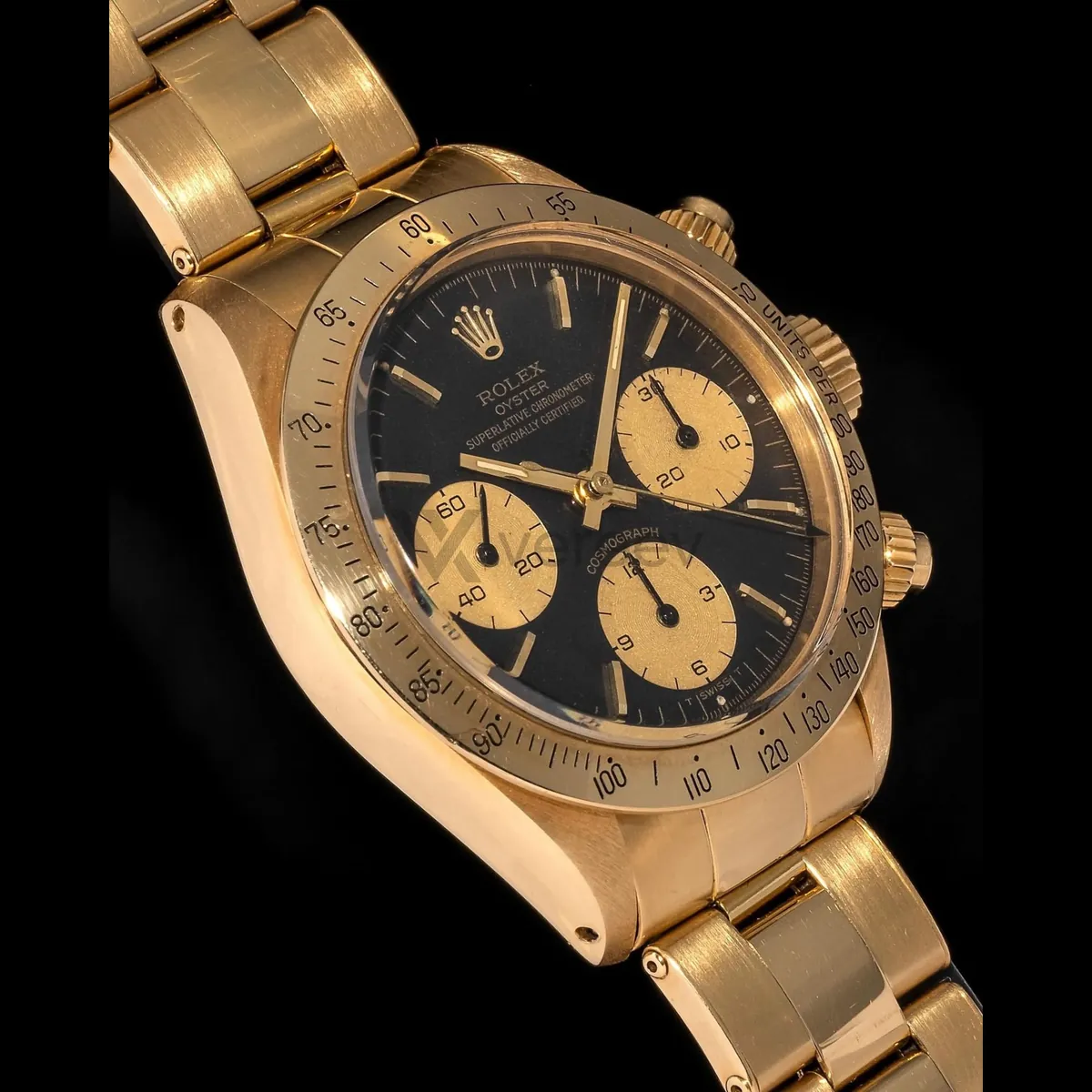
Dial Close-up
Show fine dial details such as typography, indices, date window, texture, lume, hands, and crystal clarity.
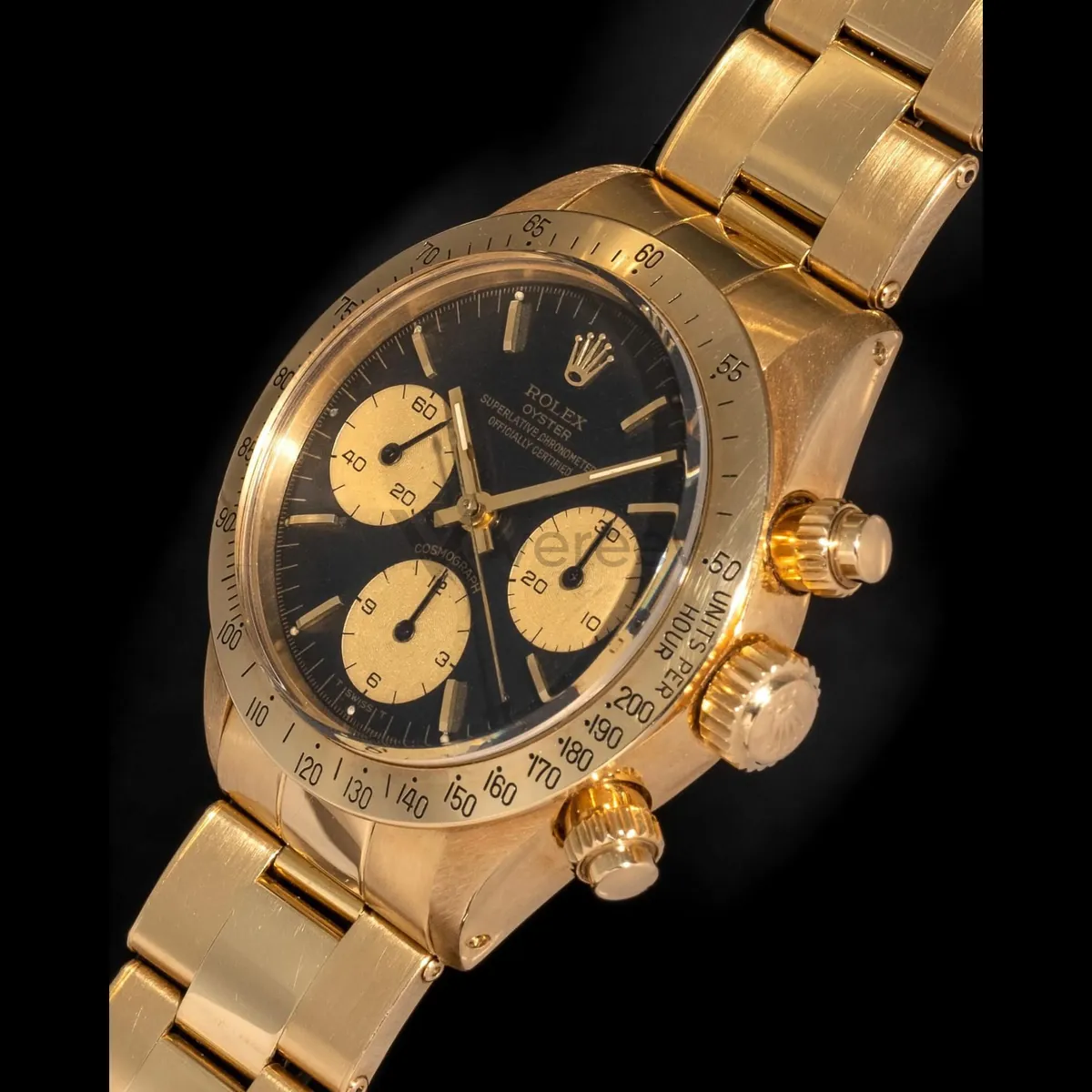
Case Detail
Photograph case finishing, lug shape, bezel edge, brushing, polishing, engraving, and wear condition close up.
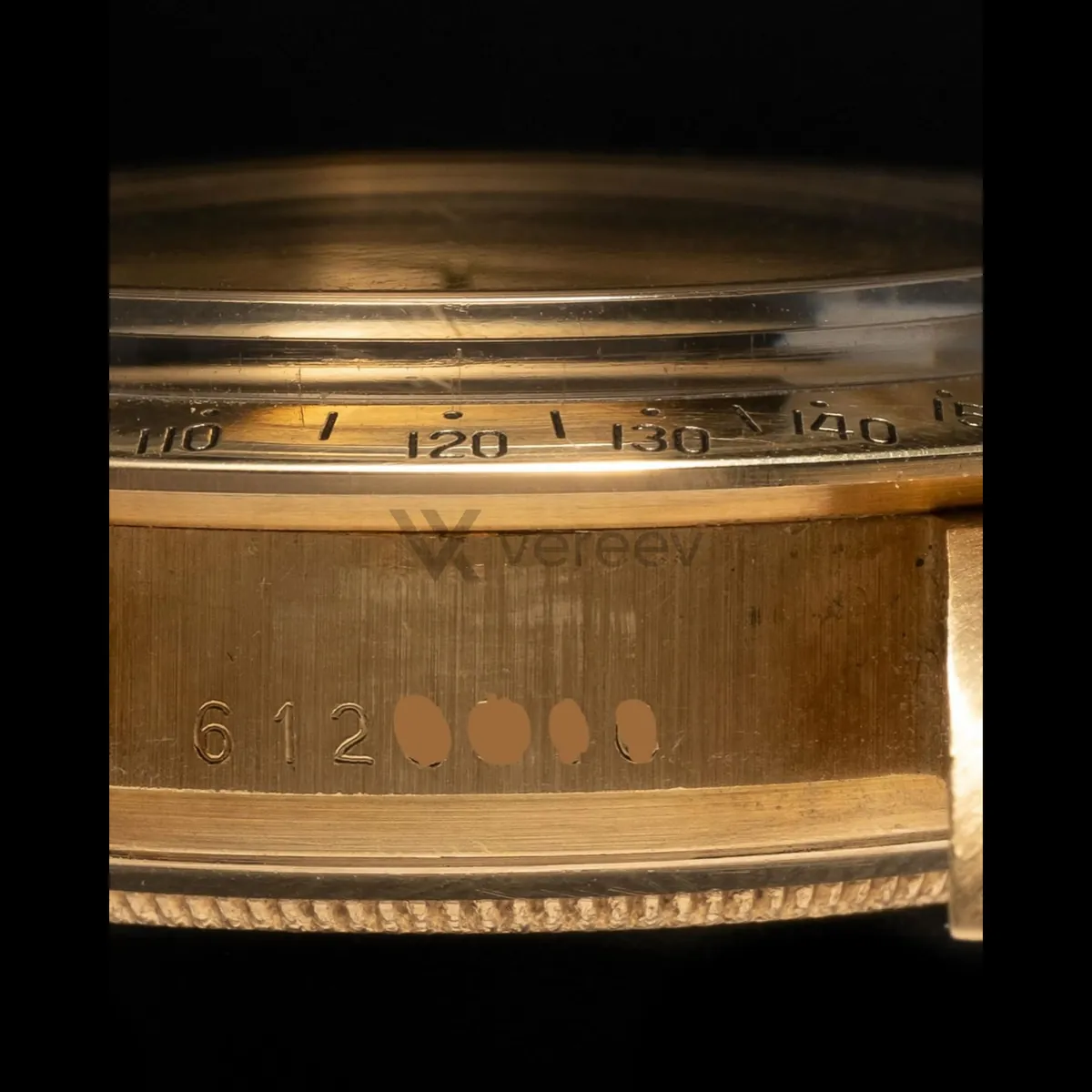
Crown / Side Profile
Capture the crown, pushers, case thickness, side profile, bezel height, and side finishing clearly.
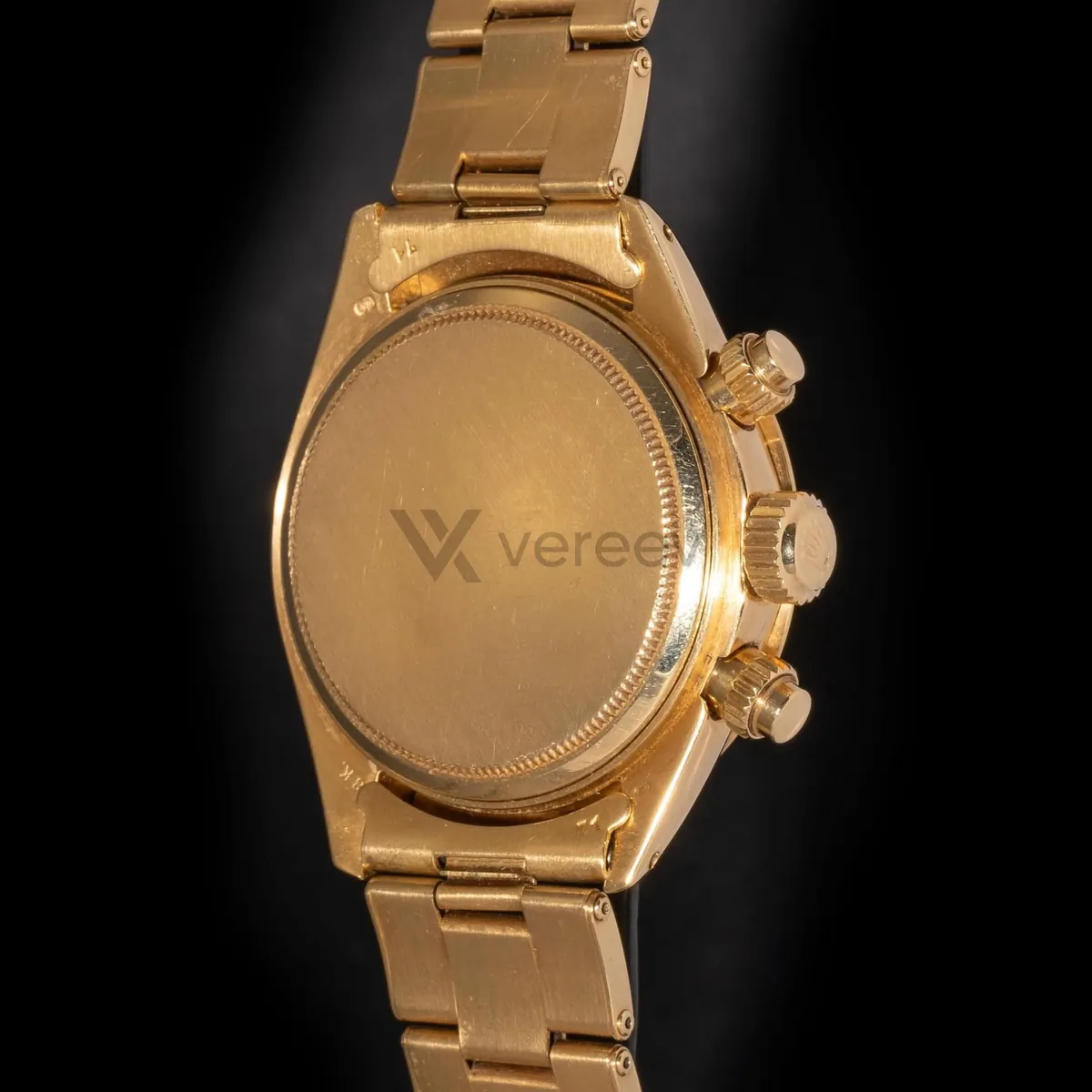
Case Back
Show the case back, engravings, reference numbers, serial marks, screws, and overall back-side construction.
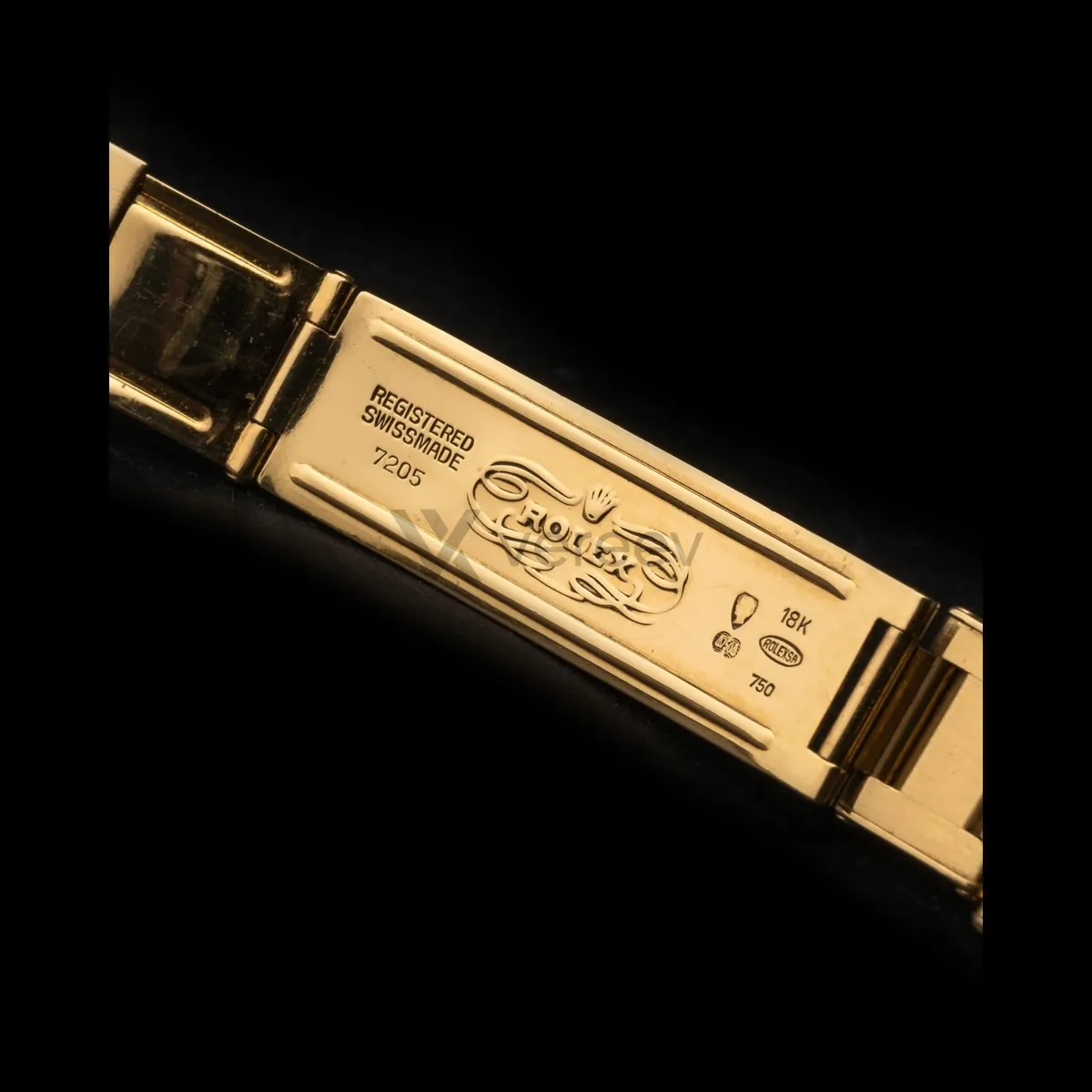
Bracelet / Strap
Show bracelet links, end links, leather texture, stitching, taper, fit, and material wear.
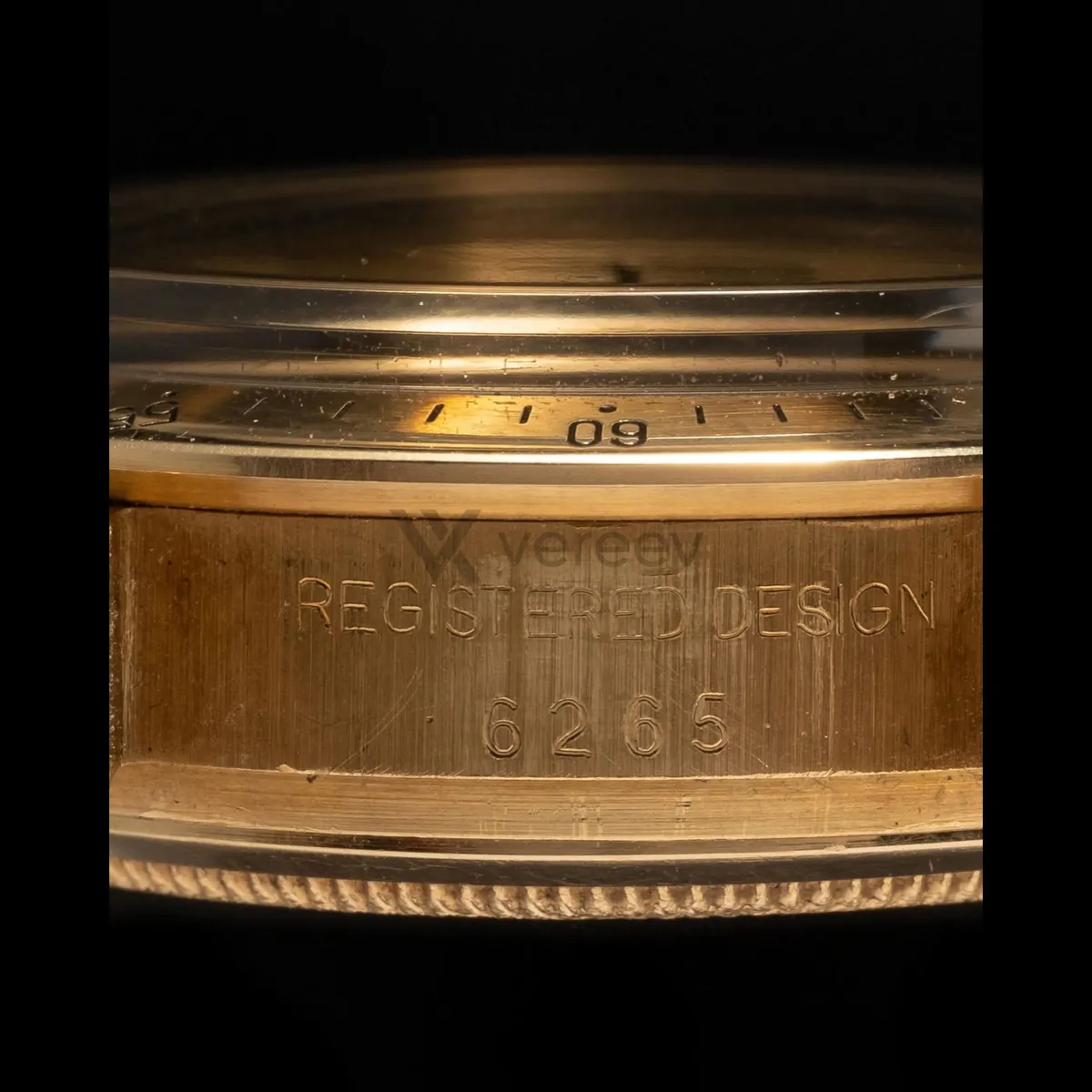
Clasp / Buckle
Capture clasp shape, engravings, buckle hardware, screws, stamps, and metal finishing in sharp focus.
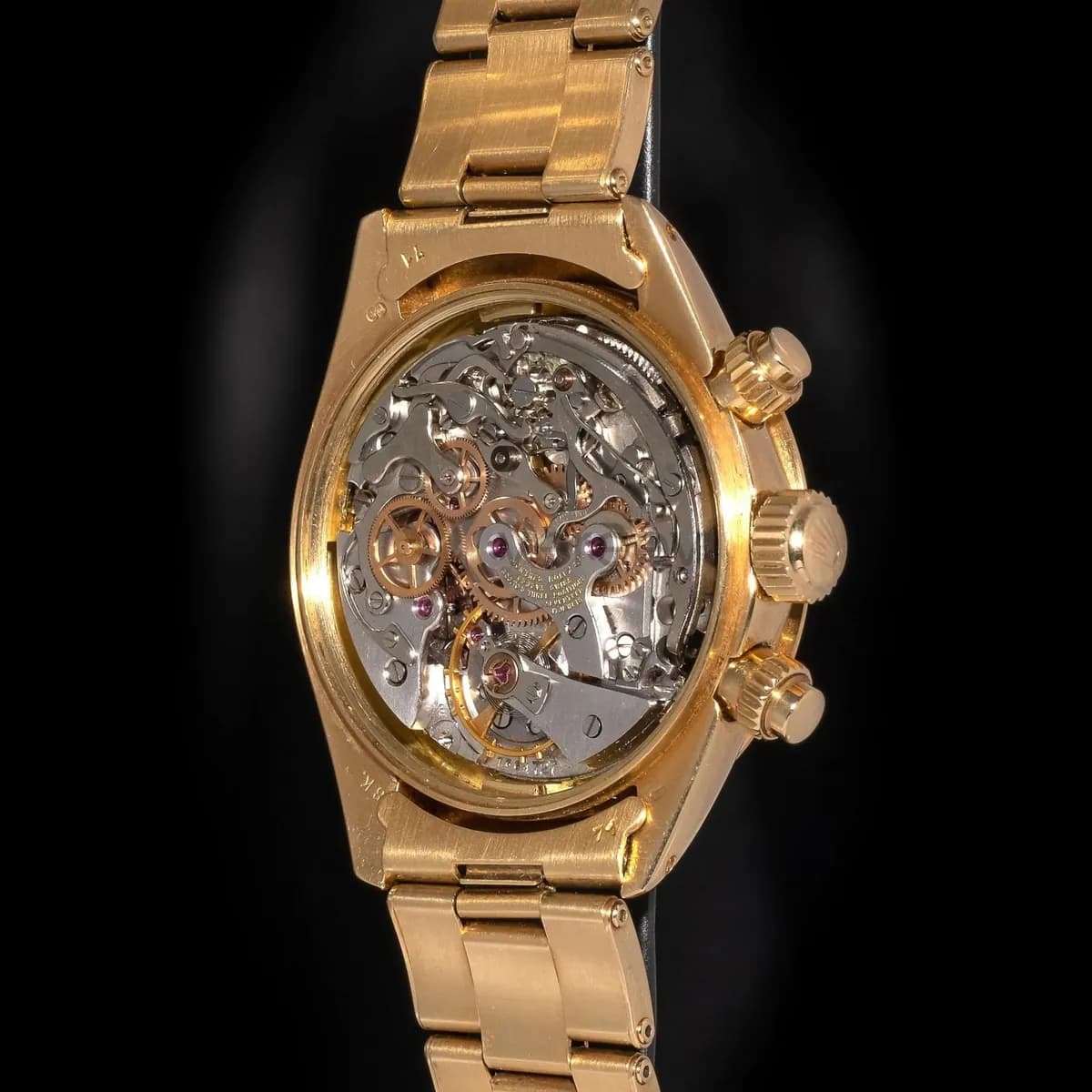
Inner Construction
Include the movement, inner case, open case back, bracelet interior, or construction details when available.
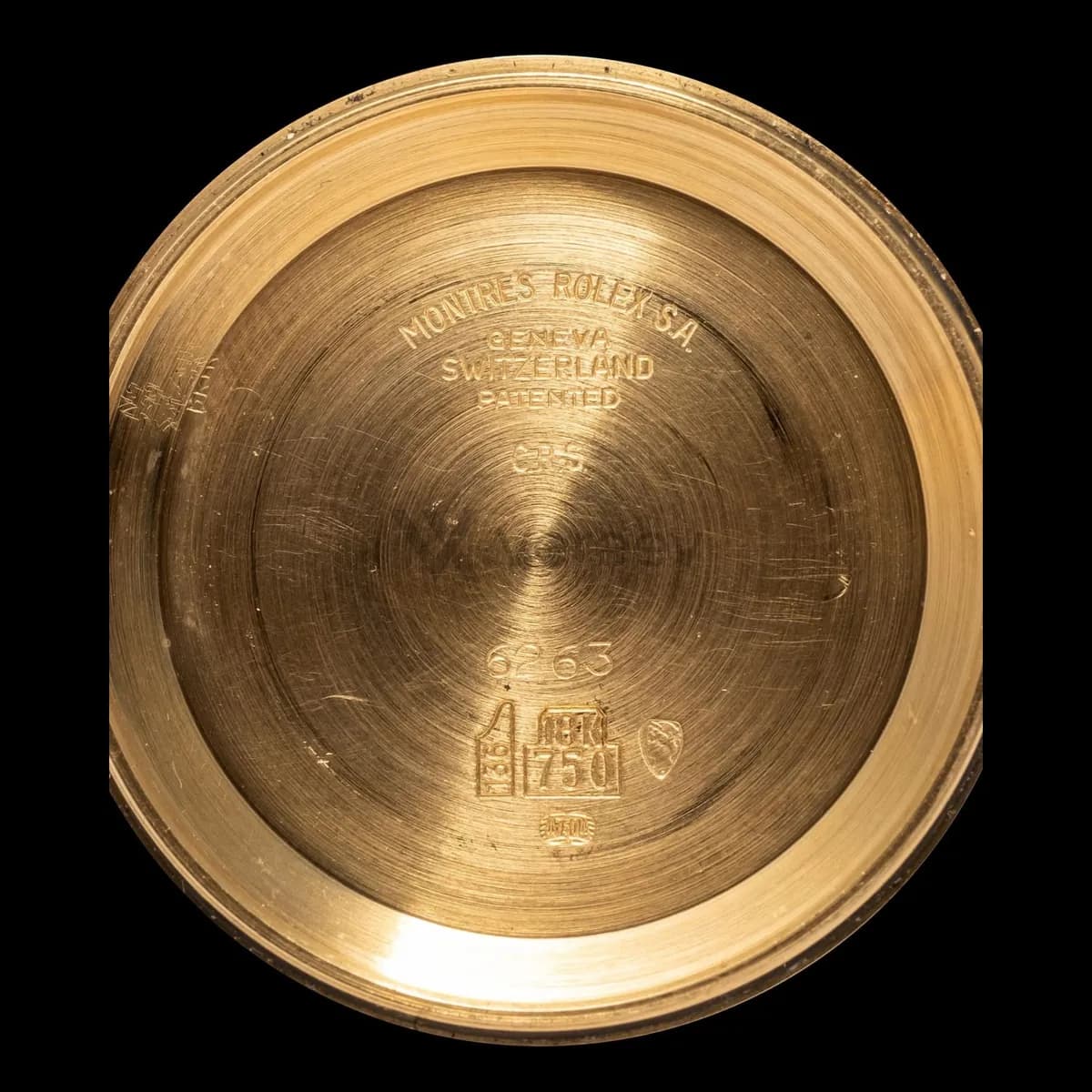
Serial / Reference Detail
Photograph serial numbers, reference marks, clasp codes, hallmarks, or production markings clearly.
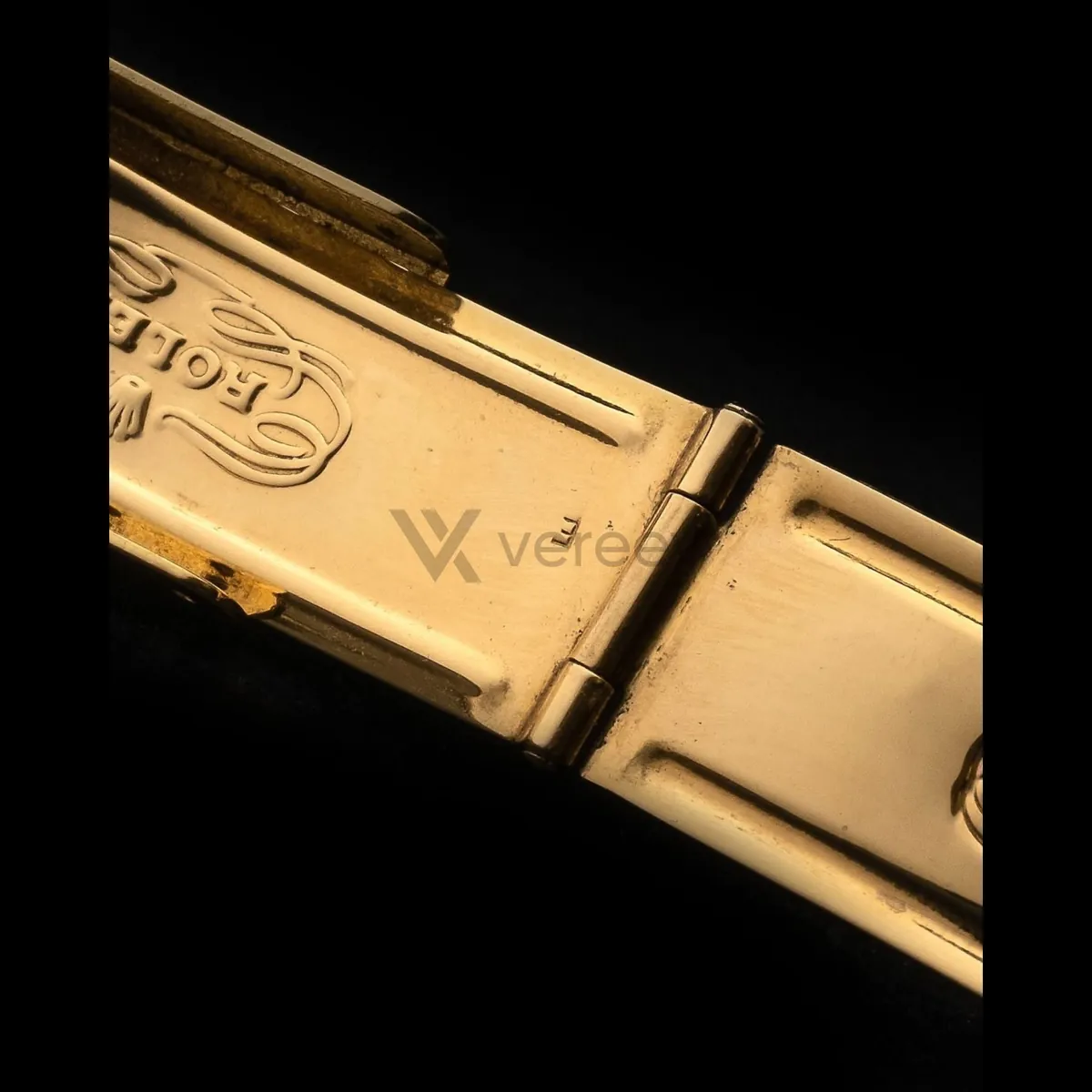
Watch Detail
Show hallmarks, engravings, screws, hinge joints, end links, finishing, or wear marks in sharp close-up.
Better evidence
Tips for watches
- Clean the crystal and case first, and tilt the watch slightly so the dial is free of reflections.
- Light engravings, serial and reference numbers from the side, so their depth and edges show.
- Do not open the case back yourself. Add movement photos only when they are available, for example from a service.
Take these photos in the Vereev app
The Vereev app shows a sample photo for each angle when you submit watches. Follow the guide, submit the photos for review, and receive your result and digital certificate in Vereev.
FAQ
How many photos do I need to authenticate a watch?
The Vereev app's watch guide lists 10 angles, from the dial front and case back to the bracelet, clasp and serial markings. Movement photos are included when they are available.
Do I need the box and papers?
They are useful extras. The 10 angles in the guide cover the watch itself, and papers and boxes can be copied or paired with a different watch, so a reviewer weighs them alongside the case, dial and markings.
My watch is not a Rolex. Do the same photos apply?
Yes. The sample photos show a Rolex Daytona, but the angles apply to any watch. See your brand's guide for the markings and documents that matter for that maker.
Continue your research