
How to Photograph a Belt for Authentication
Photograph the full belt so its length, holes and leather show, then take close-ups of the stitching and edges, the buckle and its engraving, and the pin or prong. Add the serial, date or size stamps in sharp focus, and the dust bag and box if you have them. The Vereev app shows a sample photo for each of these 7 angles.
Step by step
The 7 photos to take
The app uses this guide for belts, buckles, leather straps, dust bags and box labels. Its sample photos show a Louis Vuitton belt with an LV buckle in Damier Graphite canvas. Use the same angles for any brand, and keep the same item in every photo.
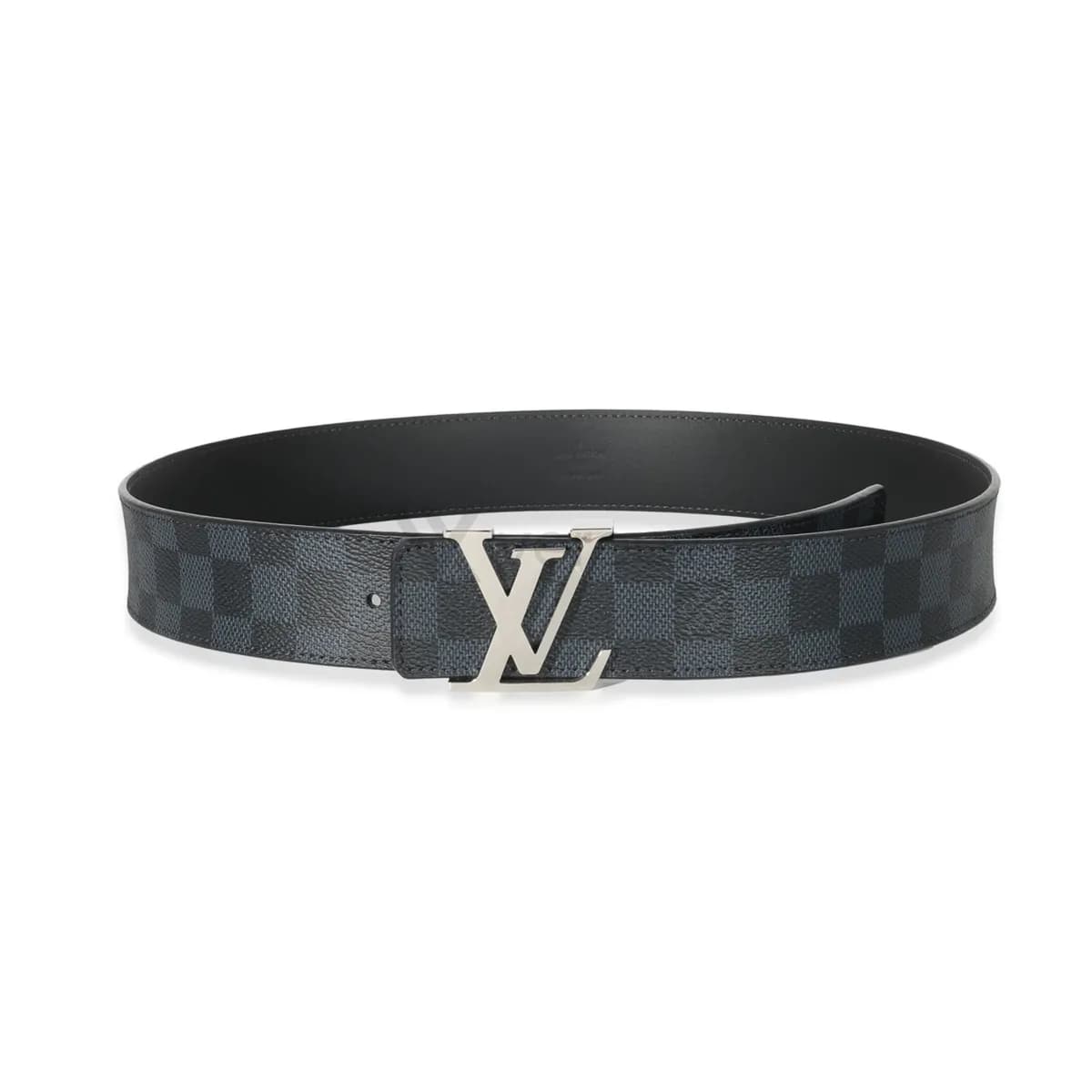
Full Belt
Photograph the full belt so length, leather texture, holes, and shape are visible.
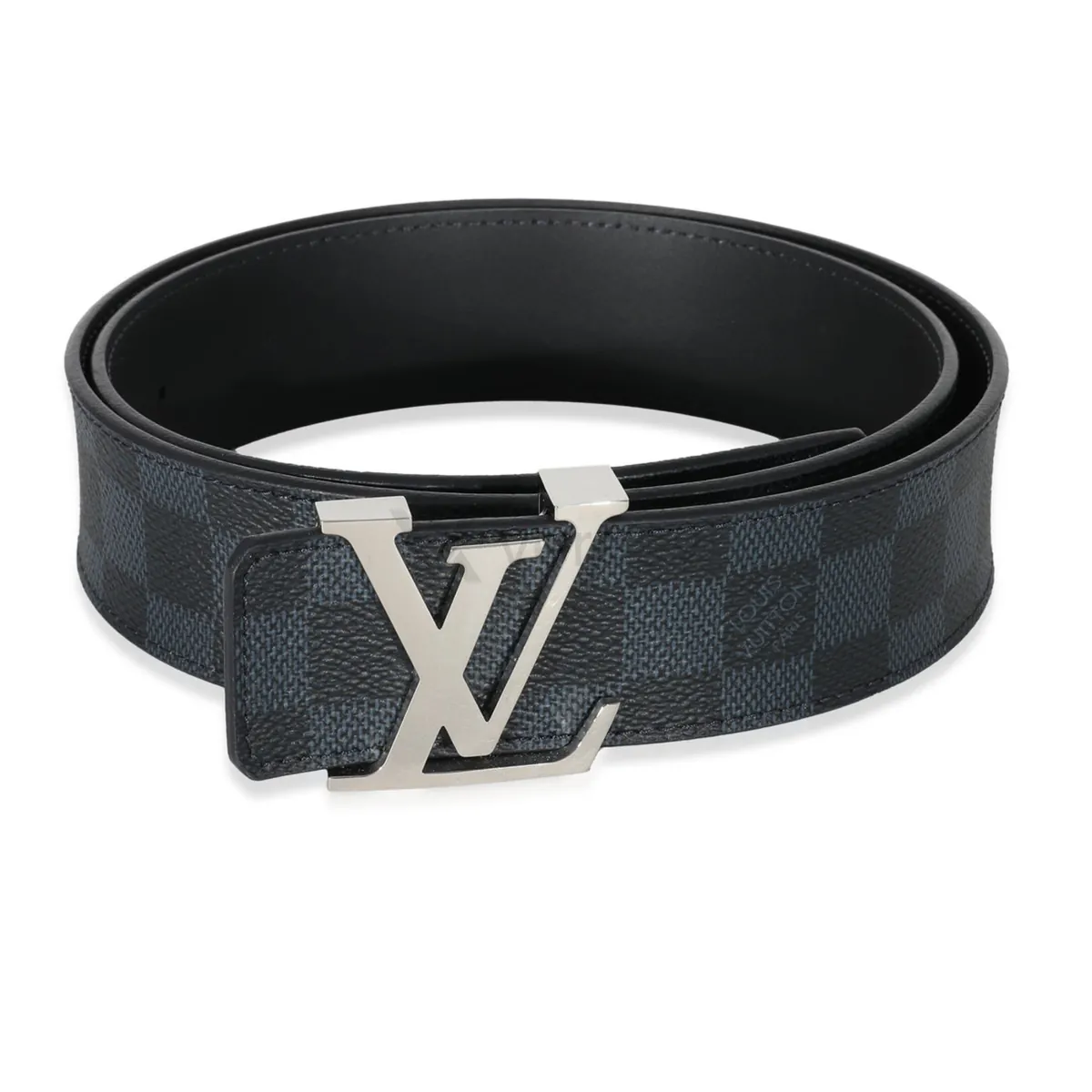
Leather Details
Show stitching, edge finishing, embossing, and strap material close up.
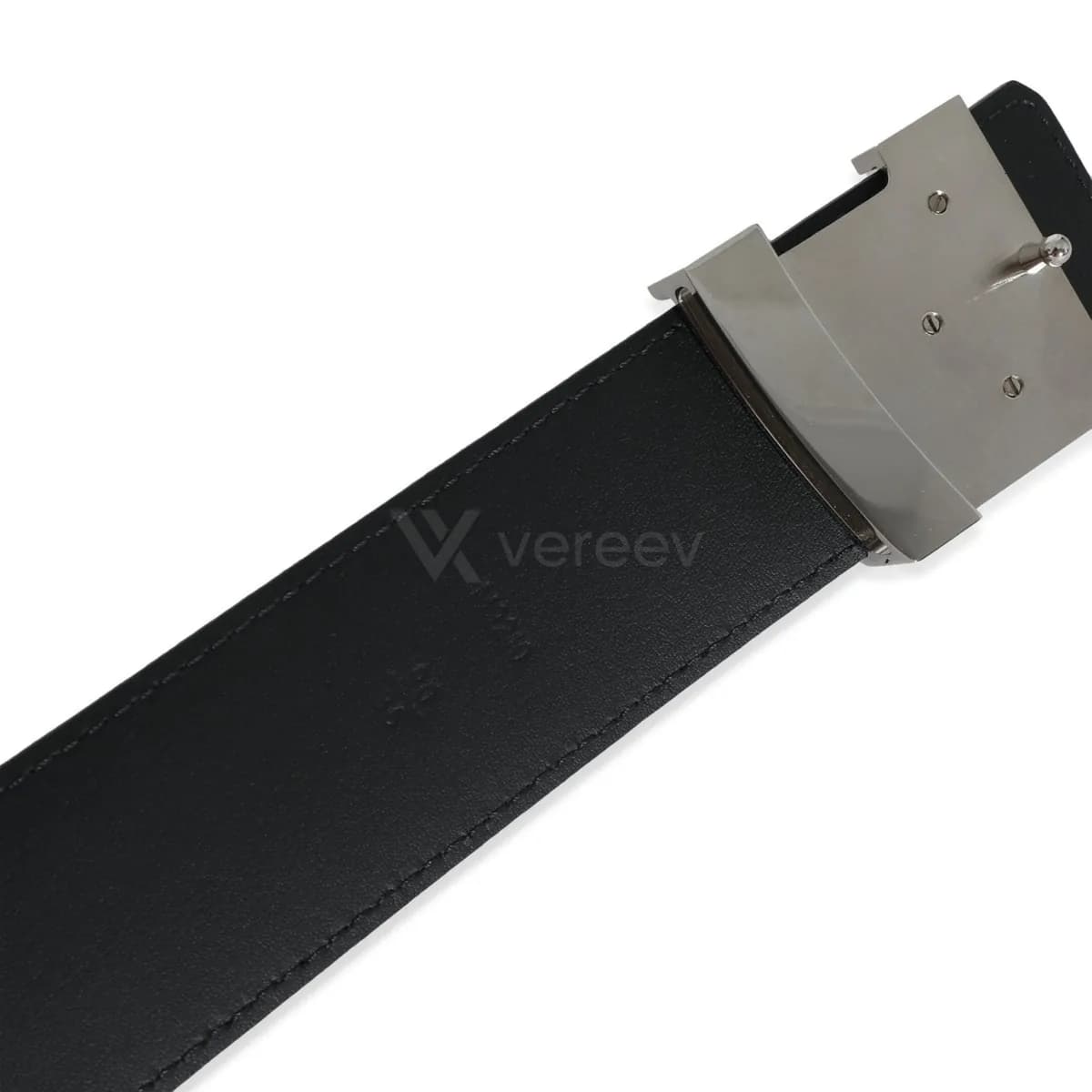
Hardware
Capture the buckle, engraving, screws, finish, and hardware alignment.
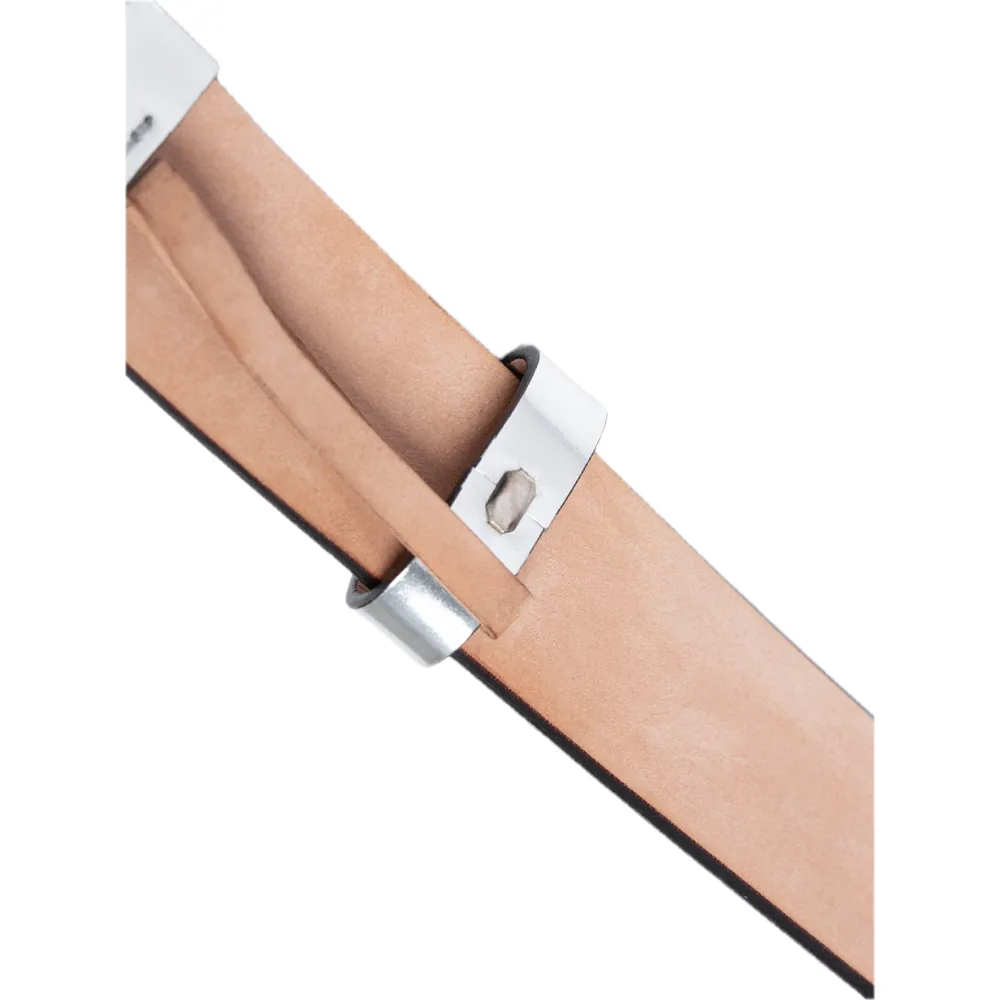
Metal Pin Front
Capture the front pin, prong, hole, and metal contact points in sharp focus.
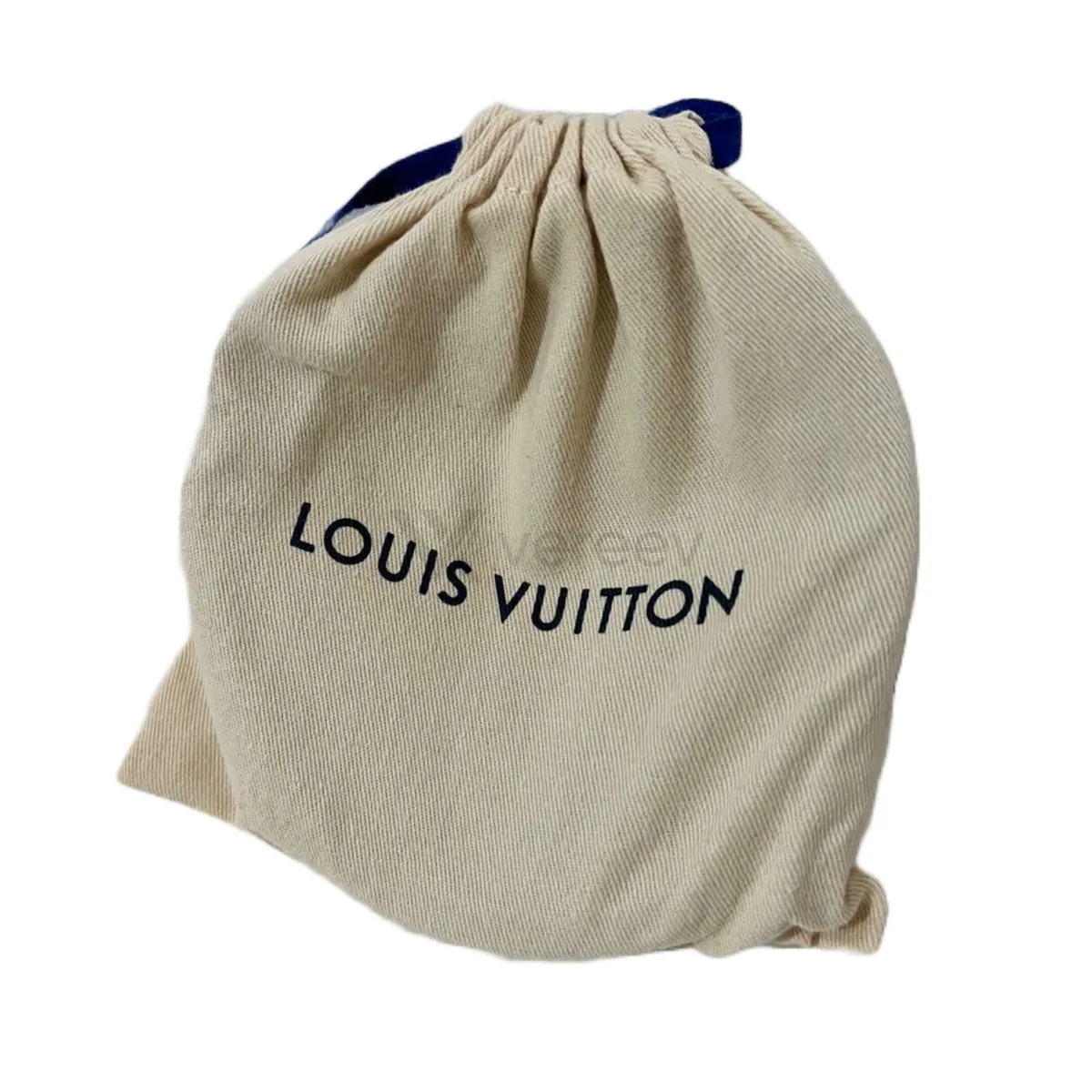
Dust Bag
Include the dust bag, pouch, or included accessories if available.
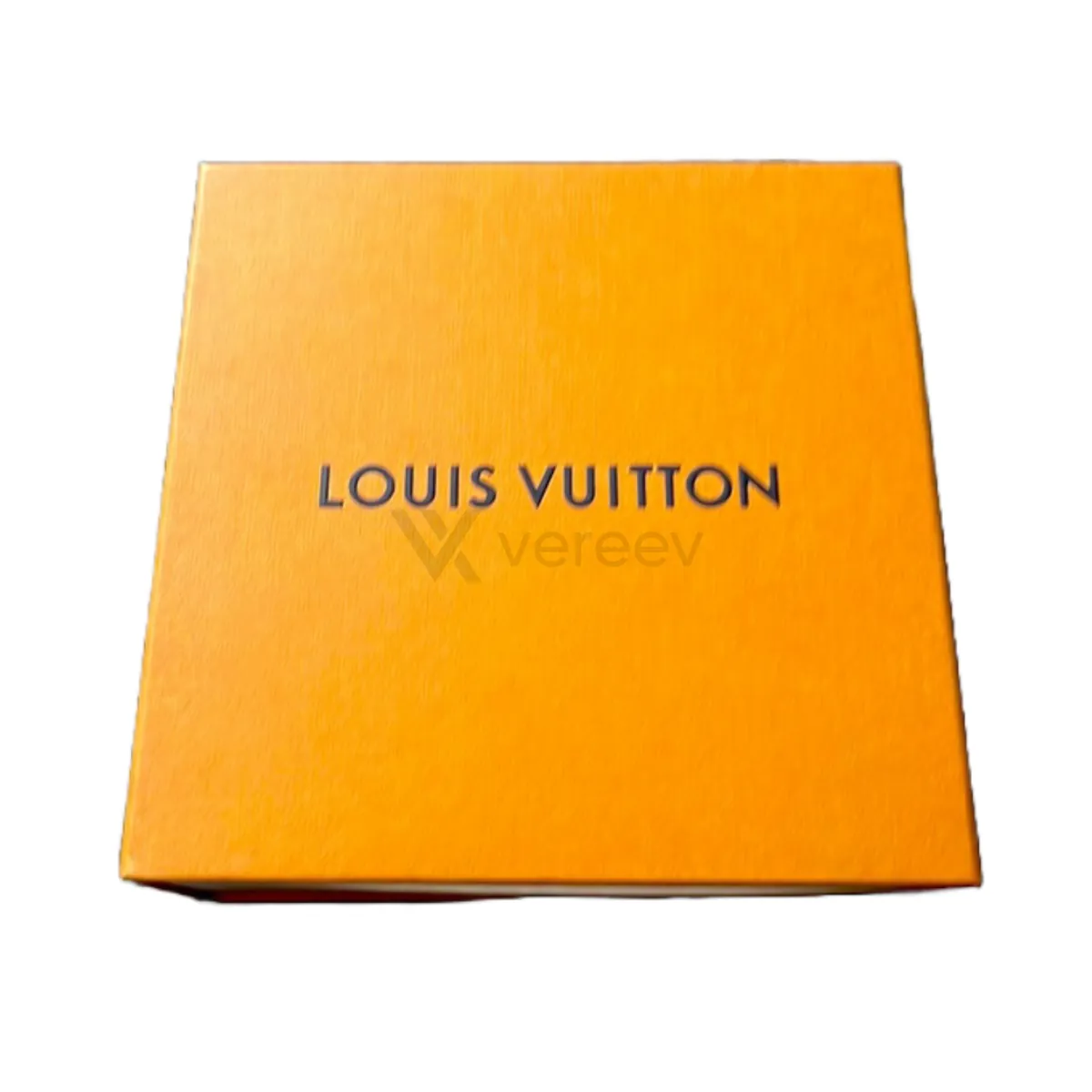
Box
Photograph the box, barcode, sticker, or purchase packaging.
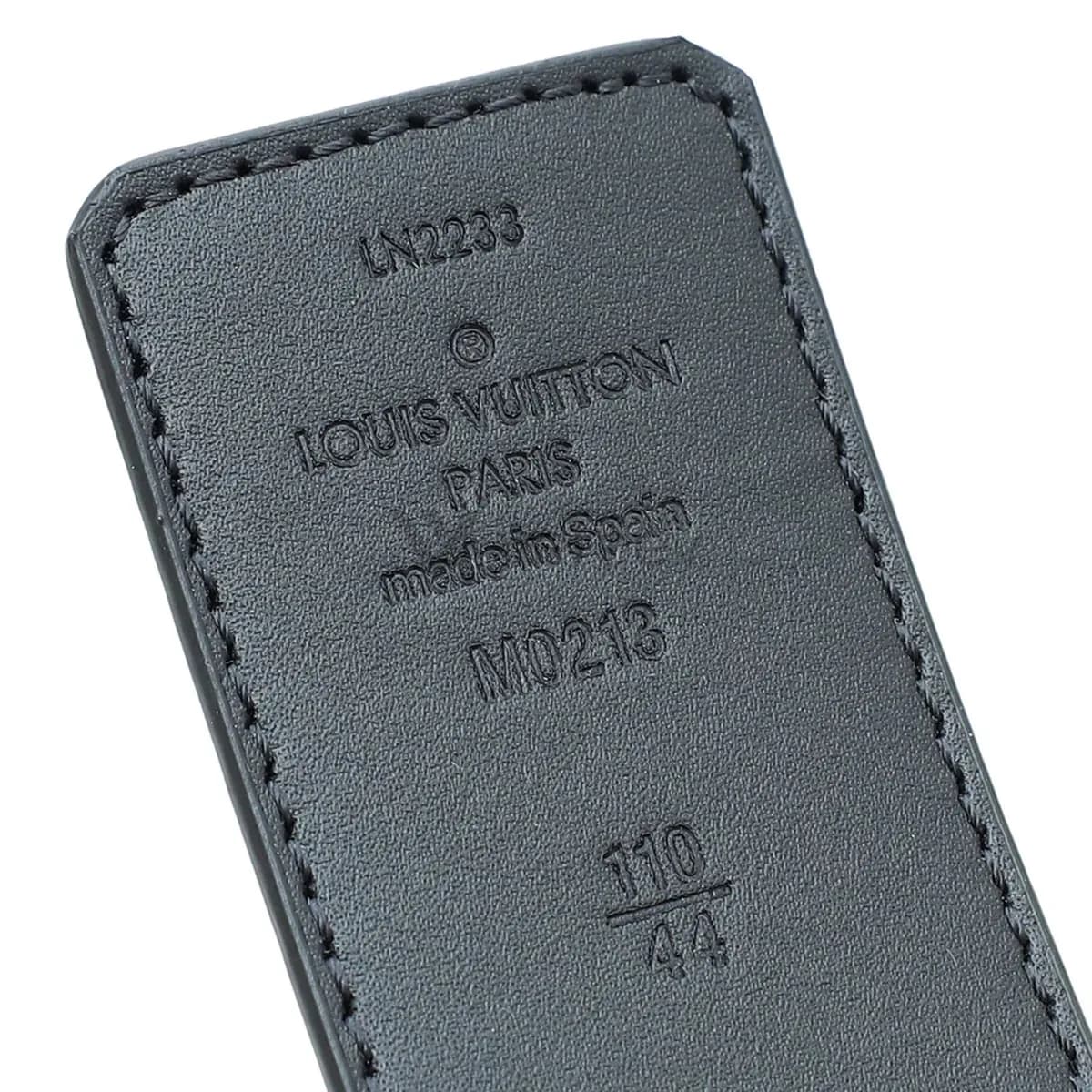
Serial / Stamp
Capture serial stamps, date codes, size stamps, heat stamps, and production marks in sharp focus.
Better evidence
Tips for belts
- Lay the belt flat or in a loose coil, so the full length and the holes are visible.
- Photograph both sides of a reversible belt and the inside of the strap, including any stamps.
- Take the buckle photos straight on and in focus, so engraving and screws can be compared.
Take these photos in the Vereev app
The Vereev app shows a sample photo for each angle when you submit belts. Follow the guide, submit the photos for review, and receive your result and digital certificate in Vereev.
FAQ
How many photos do I need to authenticate a belt?
The Vereev app's belt guide lists 7 angles: the full belt, leather details, the buckle hardware, the metal pin, the dust bag, the box, and the serial or other stamps.
Do I need the box and dust bag?
No. The guide asks for them if they are available. They add context, but the belt, the buckle and the stamps carry most of the evidence.
Does a valid date code prove a Louis Vuitton belt is real?
No. A date code follows a format, and copies can carry codes that look valid. The code is one detail to compare with the leather, buckle, stitching and stamps.
Continue your research